
Free guide ยท from the reel

Animate anything with Claude.

Show Claude a style you love, give it a rough idea, and it draws every frame in code, makes the music and hands you an MP4. Here's the skill and the exact steps from the reel.

๐ŸŽจ Any style๐Ÿงฉ 1 free skill๐ŸŽฌ MP4 out

One idea, three styles

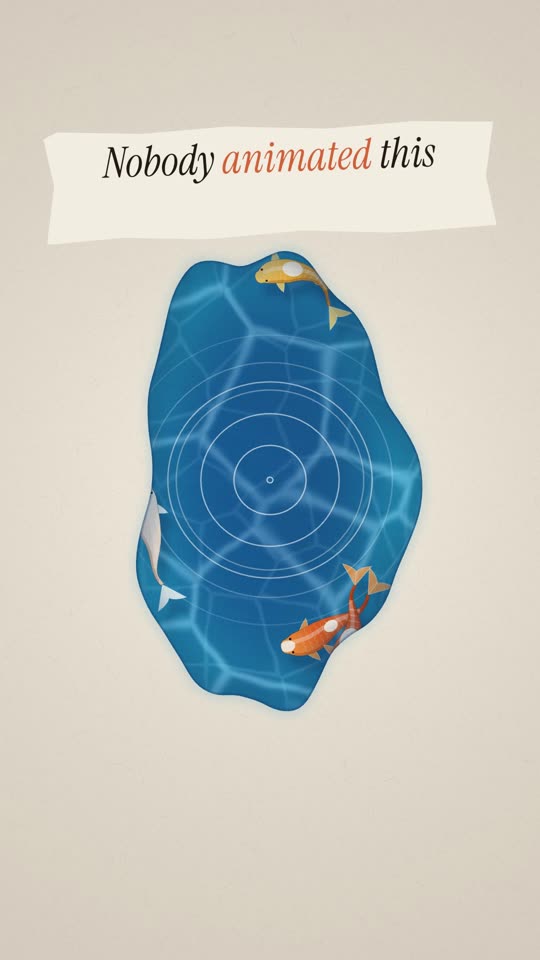
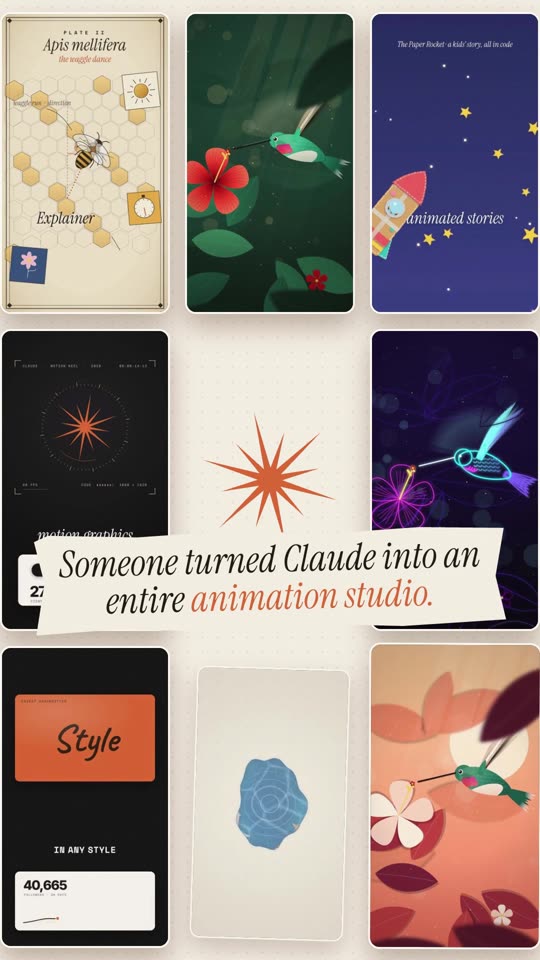
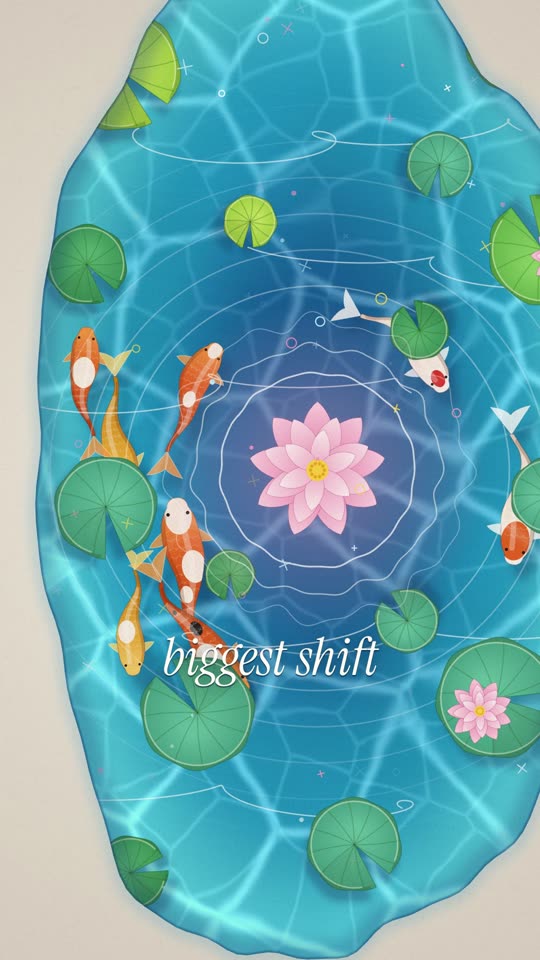
Same brief, "a hummingbird hovering at a flower", with three different style references. No video model and no stock footage. Claude drew every frame in code.

jungle gouache
paper-cut sunset
neon night

What you need

๐Ÿ’ปClaude CodeIn the Claude app (Code tab) or the terminal. It comes with a paid Claude plan (Pro or Max).
๐ŸŸขNode.js 22+ and FFmpegHyperFrames needs both to render the video. The setup prompt below checks them for you.
๐Ÿ–ผ๏ธ1โ€“3 images of a style you loveAn illustration, a frame from a film, a Pinterest pin.

The steps

Same order as the reel. The first time takes about 10 minutes of setup.

1

Find a style you love

Pinterest, a film, an illustration

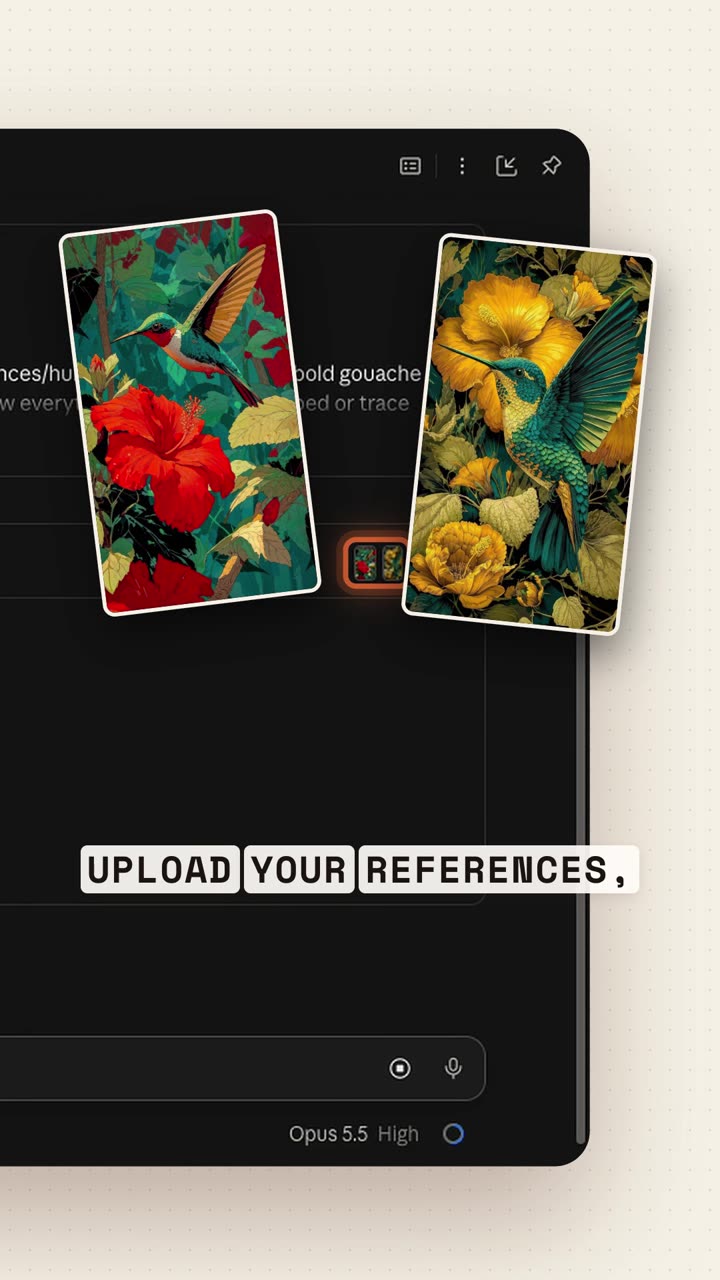
Search for a look you like and save 1โ€“3 images. In the reel I searched Pinterest for "hummingbird gouache illustration" and saved one pin.
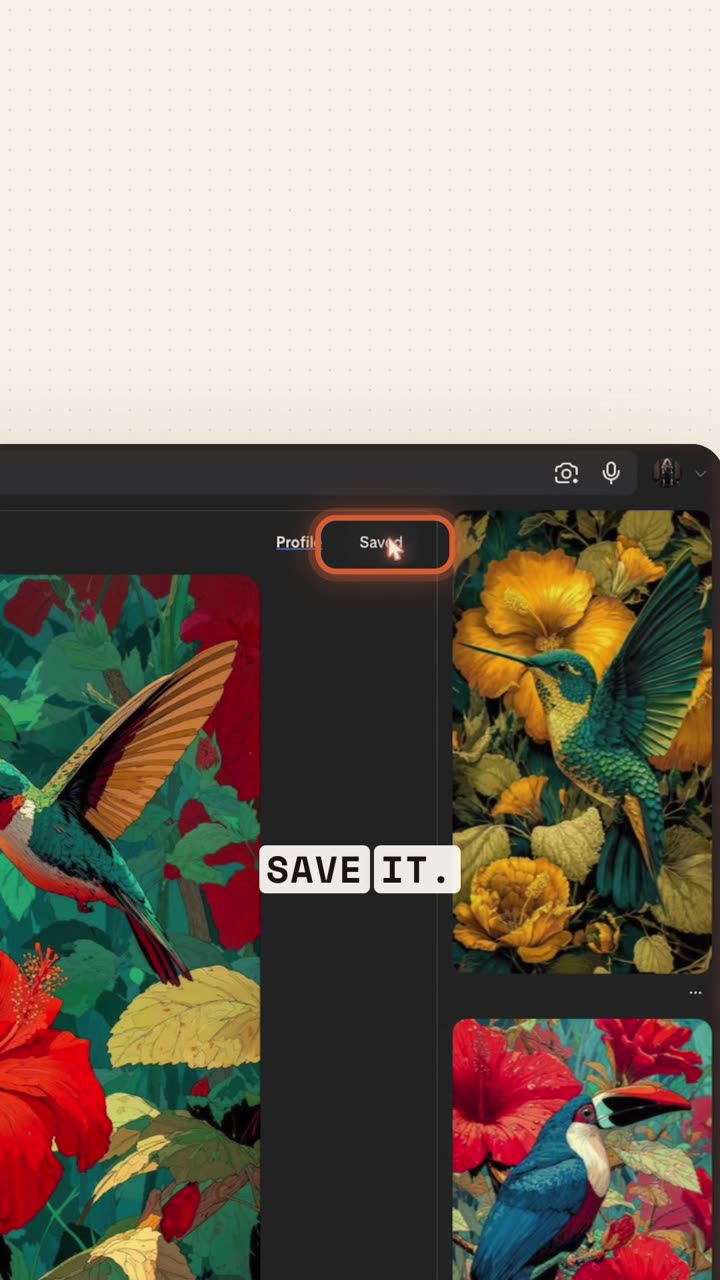
Reel frame: saving the style reference on Pinterest
๐Ÿ’กPick a clear style. Bold shapes, a small palette and visible texture are easy to rebuild in code. Use the images as inspiration: Claude redraws the style, it never copies the image.
2

Install the skill (once)

Download + one setup prompt
โฌ‡animate-skill.zipThe /animate skill: SKILL.md + a README. Save it to your Downloads folder.

Open Claude Code and paste this. Claude checks your tools, installs HyperFrames (the open-source video renderer) and puts the skill in the right place.

Setup promptSet up the /animate skill for me: 1. Check that Node.js 22 or newer and FFmpeg are installed. If not, install them. 2. Install HyperFrames: run `claude plugin marketplace add heygen-com/hyperframes` and then `claude plugin install hyperframes@hyperframes`. 3. Unzip ~/Downloads/animate-skill.zip into ~/.claude/skills/ so that ~/.claude/skills/animate/SKILL.md exists. Then tell me when to restart Claude Code.

Prefer doing it yourself? These are the same steps:

Terminalclaude plugin marketplace add heygen-com/hyperframes claude plugin install hyperframes@hyperframes mkdir -p ~/.claude/skills && unzip ~/Downloads/animate-skill.zip -d ~/.claude/skills/
3

Set up the session

Opus 5.5 ยท your references ยท effort high
  • Start a new Claude Code session in an empty folder.
  • Pick Opus 5.5 in the model picker.
  • Attach your style images (drag them into the chat or use +).
  • Set effort to High or above.
Reel frame: the references attached in Claude Code
4

Load the skill and give it a brief

Topic + length + format

Type /animate, pick the skill, then add your topic or story, the length and the aspect ratio. A rough idea is enough.

The brief from the reel/animate Story/Topic: a cool explainer video on how a hummingbird hovers 15 sec, 9:16
5

Let it work

Our run took about 16 minutes
ResearchesChecks the facts and keeps the sources
Builds every shotStyle guide + shot list, then code
Renders the framesHyperFrames turns the code into video
Makes the soundMusic written in code
Checks its own workLooks at stills and fixes what's off
Exports an MP4Ready to post, in your folder
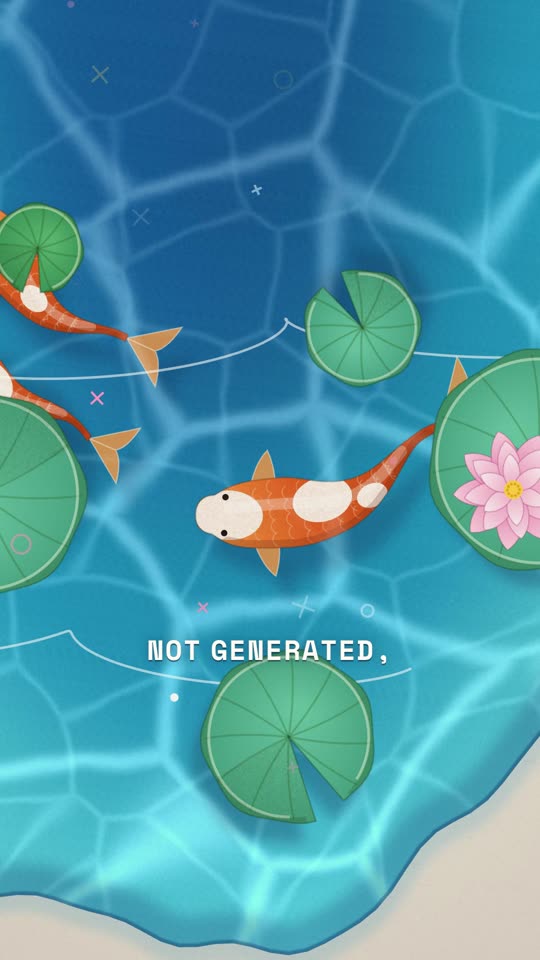
๐Ÿ’กGive feedback like you would to an editor. "Slower when the pond opens", "follow one fish with the camera", "no text cards". Claude changes the code and re-renders. You never start over.

More briefs to try

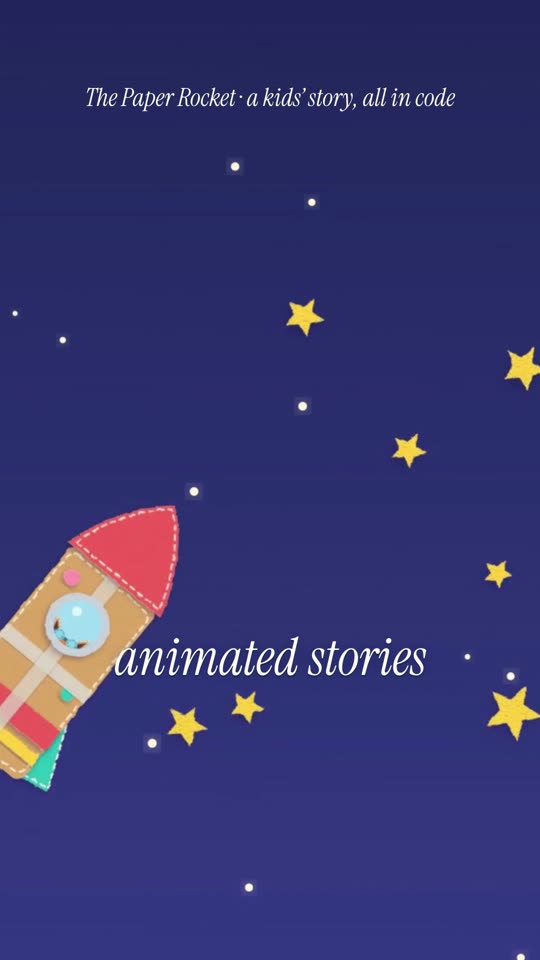
Kids' story/animate Story: a tiny paper rocket that dreams of touching the moon, told in 6 shots with a happy ending 30 sec, 16:9, warm felt-and-paper style like my reference
Product ad/animate Topic: a launch ad for my app [name + one line about what it does]. Show the problem, the app solving it, and end on the logo 20 sec, 9:16, clean and premium, in the style of my reference
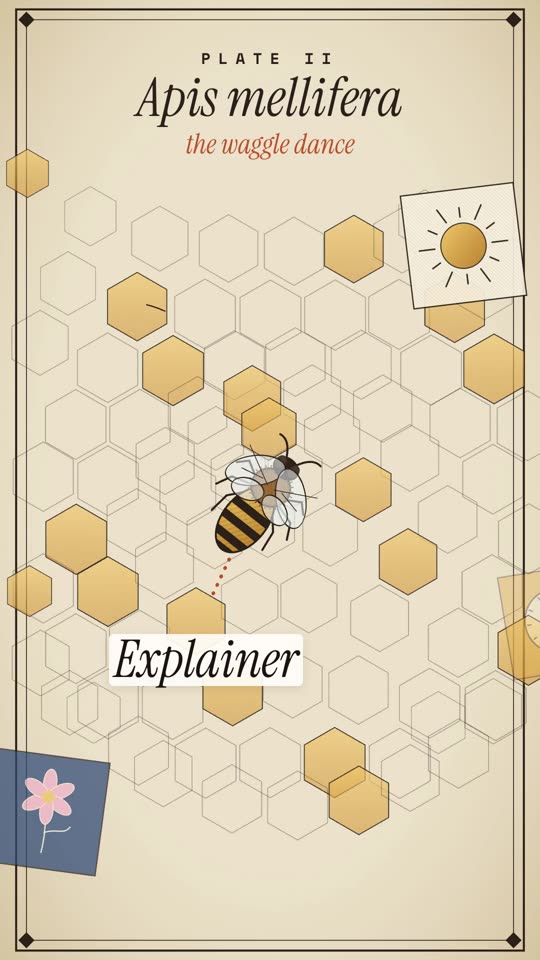
Explainer/animate Topic: how bees tell each other where the flowers are (the waggle dance). Verify the facts and keep the sources 15 sec, 9:16, vintage science-plate style
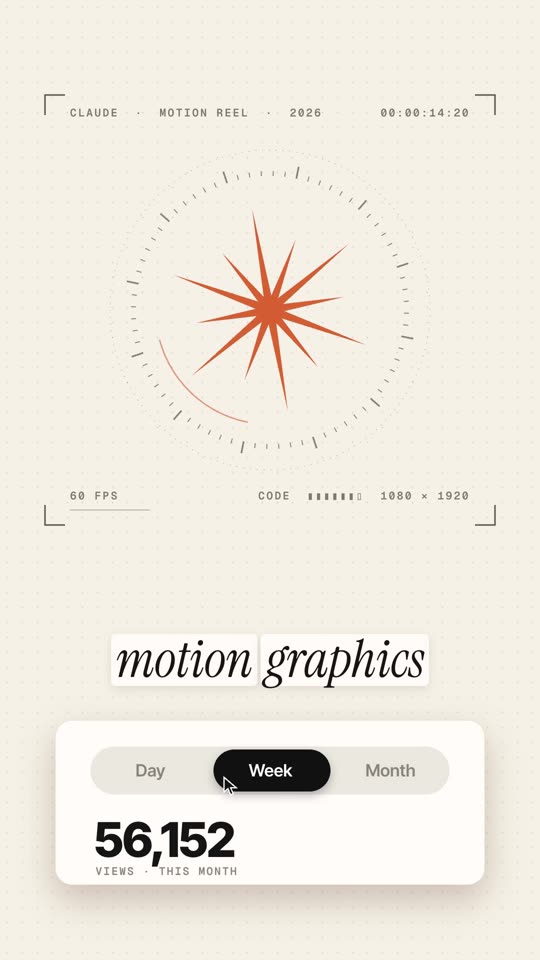
Motion graphic/animate Topic: my channel hit 10,000 followers. Big number count-up, my brand colours, a confetti burst 8 sec, 1:1

Good to know

๐ŸŽจInspired by, not copiedYour references guide the look. Don't ask Claude to trace someone's artwork, and credit the artist when you share.
โœ…Check the factsFor explainers, the skill keeps its sources in RESEARCH.md. Read them before you post.
โณLonger = slowerStart with 10โ€“15 seconds. Renders of rich, textured styles take longer.
๐Ÿ”Everything is editableThe video is a project folder of code. Any change is one instruction and a re-render.

If something looks off

/animate doesn't show upCheck that ~/.claude/skills/animate/SKILL.md exists, then restart Claude Code.
"node" or "ffmpeg" not foundInstall Node.js 22+ (nodejs.org) and FFmpeg, or ask Claude to install them for you.
HyperFrames commands failUpdate Claude Code, then run the two claude plugin commands again in a terminal.
The style doesn't matchAttach 2โ€“3 clearer references and say what to keep: "the flat leaves, the red flower, the grain".
๐Ÿ™ŒCredit: HyperFrames by HeyGen (open source, Apache 2.0). Style reference in the reel: a Pinterest pin by YASMIN, used as inspiration only. Claude by Anthropic.

This is what I do. Check out my work.

I make content, websites and AI tools for brands, with the same kind of AI tools you just saw.

See my portfolio โ†’
Got a project in mind? paulino@trigonagency.com