Make an Apple-style launch ad with Claude, all in code.
A 44-second launch film for Grok Bot. Claude researched the product, wrote the story, built every screen, click and transition in code, and timed the music, sound effects and voice to the picture. Here's the workflow, the exact prompts, the script and what it cost.
⏱ About a day💸 About $1.30 in credits🎬 44-second 16:9 film
A spec ad I made for my portfolio. Not affiliated with or endorsed by xAI.
💻Claude CodeIn the Claude desktop app (Code tab) or in a terminal: npm install -g @anthropic-ai/claude-code
🎞HyperFramesTurns an HTML page with a GSAP timeline into an MP4, frame by frame. Claude sets it up with npx hyperframes init my-ad. Needs Node.js and FFmpeg.
🎧Something to make audioI used Pika connected to Claude for the music (MiniMax), sound effects and voice (ElevenLabs). An ElevenLabs account on its own works just as well for the voice.
🌐The product's own website and footageEvery claim, UI label and colour comes from the real product page. The B-roll in the final grid is from the company's launch film.
The workflow
The big lesson: an Apple-style ad is one story, not a list of features. Every scene starts with a click in the scene before it. My first version listed features with nice cards, and it felt flat.
1
Research the product
Facts only from the official pages
Claude opens the site in its browser, reads the launch post and the brand guidelines, and gives you a list of real claims you're allowed to show.
PromptOpen [product URL] and its launch post in the browser. List every capability and claim exactly as they say it, the real UI labels and example text on the page (button names, status chips, demo messages), the product's colours and fonts (read the computed styles), and the rules on their brand-guidelines page about using the logo. Flag anything that contradicts itself between pages. Never invent a feature, price or number.
💡Read the brand rules. Grok's say the logo must be used exactly as provided. So the logo only appears in their own end-card animation, and the ad says "Spec ad · not affiliated".
2
Copy the product's real UI
Shapes, colours and words straight from the page
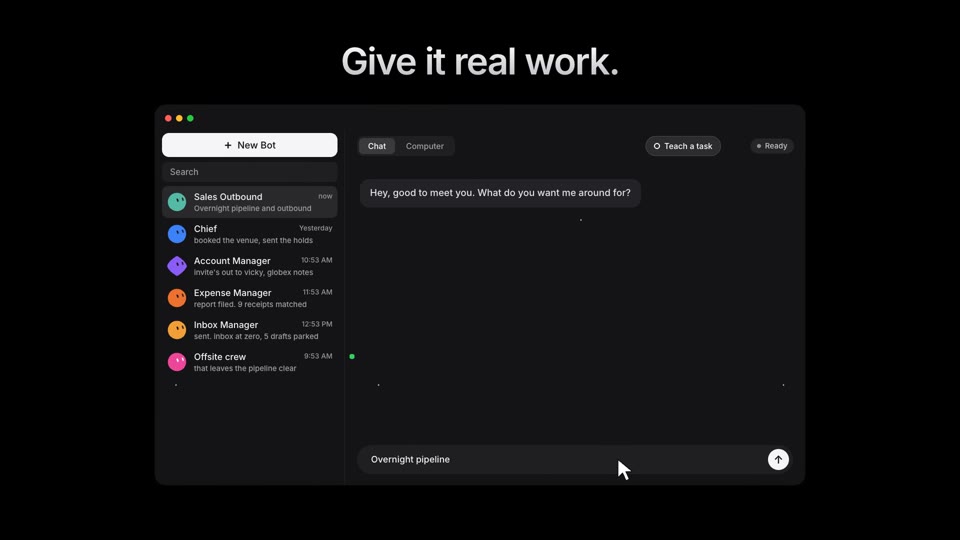
The little Bot faces in the film aren't drawn by hand. Claude copied the exact shapes and colours from the website's code, so the UI looks like the real product.
PromptIn the browser, find the product's avatar/icon SVGs and their computed fill colours on [URL]. Save the paths and colours into assets/kit.js with a helper that draws an avatar in any colour, so I can reuse them in the video. Also note the page's background colour, font weight and letter spacing for headlines.
3
Watch the footage
Frames + transcript + clean shots
If the company has a launch film, Claude watches it frame by frame and lists the shots you can use. Most have captions burned in, so you need the clean moments.
PromptWatch [video.mp4]: pull 1 frame per second into contact sheets, detect the scene cuts, and transcribe it with Whisper. Give me a table of every CLEAN shot (no burned-in text) with exact start and end times and what it shows. Also find where the company's own logo animation is, so I can end on it. Then cut those shots into assets/clips/.
4
Write a story, not a feature list
A beat table before any code
Mine is: you give the Bot real work, it does it on its own computer, you teach it once, you add more Bots, they work overnight, it comes back for your OK, and it gets sharper. Approve the beat table before Claude builds anything.
PromptWrite a 40-second beat table for an Apple-style launch ad for [product]. One continuous story where the viewer hands the product a real task and watches it finish. For every beat give: the time, what the cursor clicks, how that button changes (pressed → loading → done ✓), what pops up, the 3–6 word headline, and HOW it transitions into the next beat. The thing you click must BECOME the next scene (a tab grows into a full screen, a button grows into a big hero button, a card flies into the sidebar). No cuts to black in the middle. Only use claims from my research list.
💡The test: if you could shuffle your scenes and nothing breaks, it's a feature list. In a story, each scene only makes sense after the one before it.
5
Build it with a motion kit
The main build prompt
This is where it starts to feel like After Effects. The same handful of moves, used everywhere, is what makes it look expensive.
Build promptBuild my beat table as a 1920×1080 HyperFrames composition (one paused GSAP timeline, black background, Inter 600 headlines with a white-to-grey gradient that blur in word by word).
Make these helpers and use them for every interaction:
• cursor: moves on an ease, shrinks on click, white ripple where it clicks
• press: the button scales to 0.93 and springs back
• state change: label fades → spinner → green "Done ✓" with a small pop
• typing: dots bounce, then the chat bubble pops in with a spring
• morph: an element grows from its exact on-screen size and position into the next scene (measure with getBoundingClientRect first, then tween x, y, width and height; never left/top)
• reveal: rounded clip-path masks instead of plain fades, motion blur on fast moves, a slow push on any held frame
Build the real UI from my research (sidebar, chat, buttons, status chips) with the exact labels. Snapshot a still at every transition and look at each one before rendering.
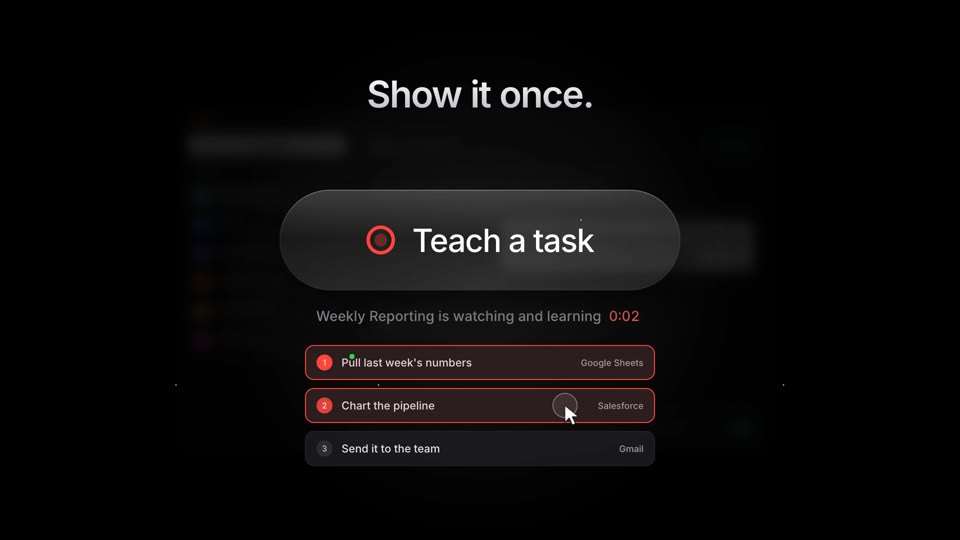
The small "Teach a task" pill in the app grows into this glass button. That's a morph.
6
The opening reveal
A glossy object, lit like a product shot
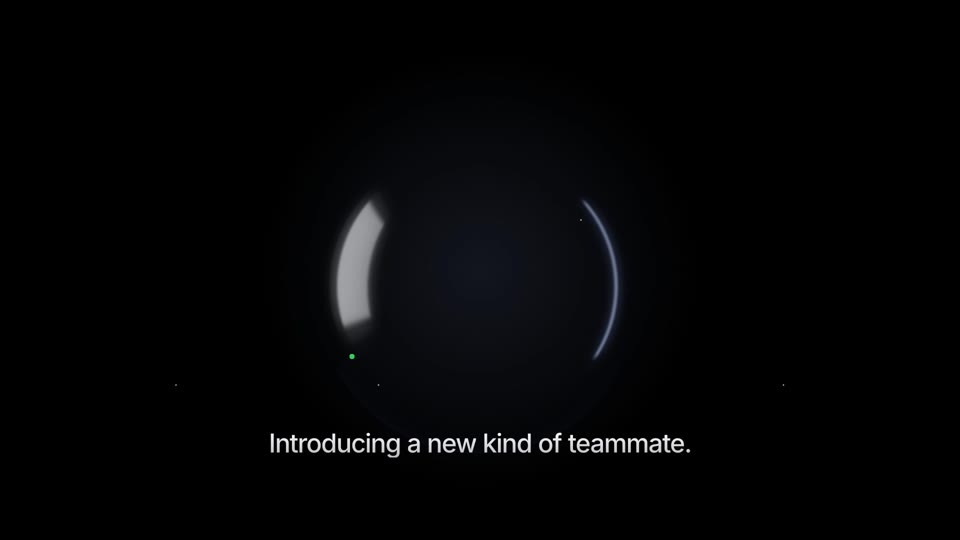
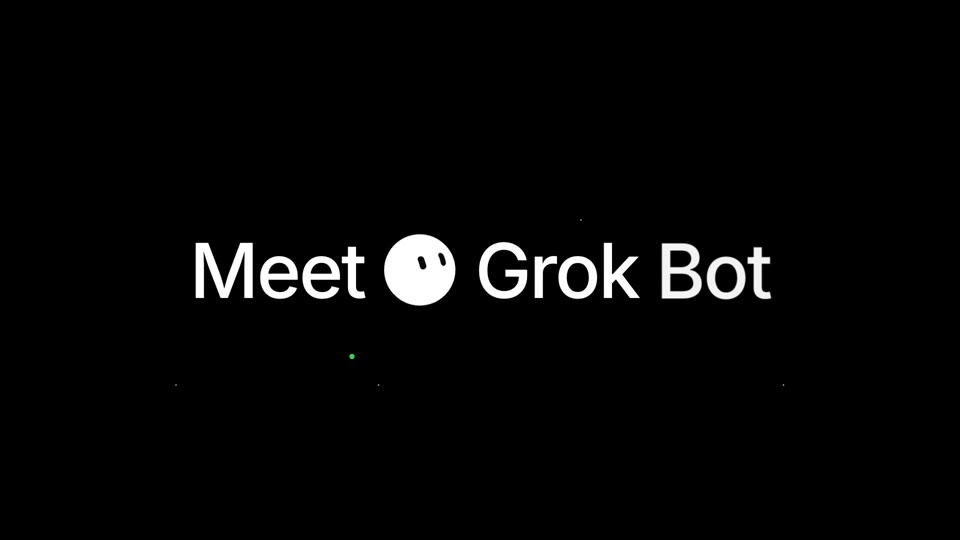
PromptFor the first 4 seconds, add a three.js canvas: a glossy black sphere on black, lit only by a reflection of long strip lights that sweeps across it, with a slow camera push-in. Render it from HyperFrames time (hf-seek), never from a clock. Then cut to "Meet [logo] [Product]" exactly on the music drop.
7
A recap grid that makes sense
Every tile is built from a scene you saw
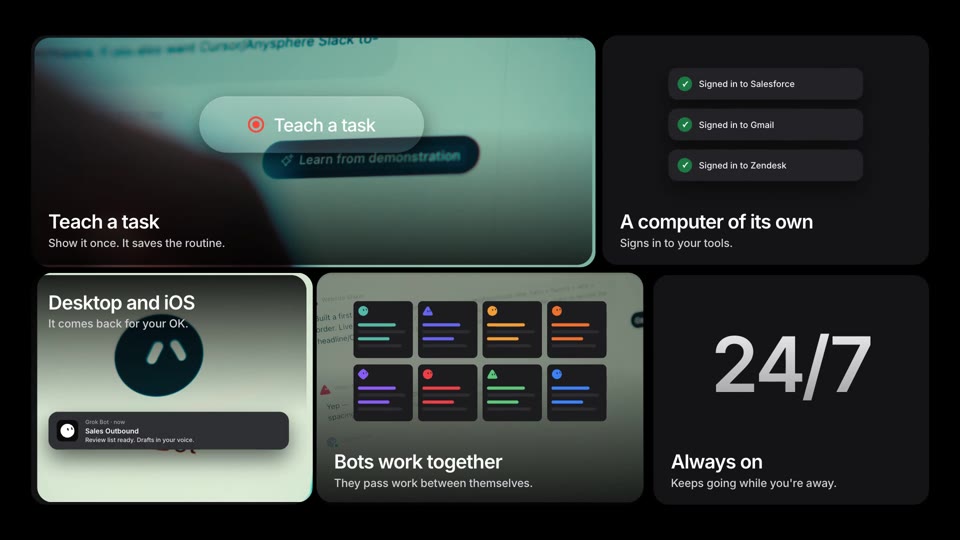
Apple's grids of cards only work if each card means something. Here, each hero element from the film flies back and docks into its tile. The tile then opens out from behind it, and slow-motion footage fades in underneath.
PromptEnd with a 5-tile grid (bento). For each tile, take the hero element of one beat (the glass button, the "Signed in" notices, the window grid, the notification, the clock), show it big in the centre, then fly it into its tile and reveal the tile with a rounded mask growing from the element. Fade slowed-down footage (playback rate 0.3–0.6) in underneath, add a label, and stagger the tiles 0.5 s apart. The clock flips to "24/7". Then collapse the grid into a white circle wipe into the logo.
8
Music, clicks and voice
Every click has a sound
PromptMake the sound for the film (show me the cost before generating anything): 2 instrumental music takes in an Apple-keynote style with a quiet build and a big drop, and 12 short sound effects (UI click, soft whoosh, big whoosh, notification, success chime, glass press, sub hit, typing, riser, tick, sparkle, landing pop). Offset the music so its drop lands on "Meet". Put a sound on every click, state change and morph, then mix to −14 LUFS.
For the voiceover, the narrator says exactly the words on screen. Record one natural take, then let Claude place each sentence on its scene:
PromptTranscribe voice.mp3 with Whisper (word timestamps) and check every word against the script, especially the comment keyword. Place each whole sentence at the start of its scene, cutting only in the silences between sentences (never stretch the voice). Lower the music under the voice with a sidechain and re-render.
9
End on a click too
The call to action is part of the story
Instead of a slide that says "comment", the cursor types the keyword into a comment box, presses Post, and a DM pops up with the guide. It's the last click of the film.
What it cost
Real numbers from this film.
4 music takes (MiniMax + Kling, via Pika)
≈ $0.70
12 sound effects (ElevenLabs, via Pika)
≈ $0.27
Voiceover, 2 takes (ElevenLabs, via Pika)
$0.30
Every screen, click, transition, the 3D sphere, the grid, the render
$0 · code
The script
Paste this into ElevenLabs (Eleven v4 follows the directions in brackets). The voice is "Katherine – Calm Luxury Narrator".
Voiceover[low, calm, confident, unhurried] Introducing a new kind of teammate.
[a beat of anticipation, then warm] Meet Grok Bot.
[relaxed, matter-of-fact] Give it real work.
[low, impressed] It has its own computer. [easy] It signs in to your tools.
[calm, simple] Show it once. [satisfied] It runs on its own.
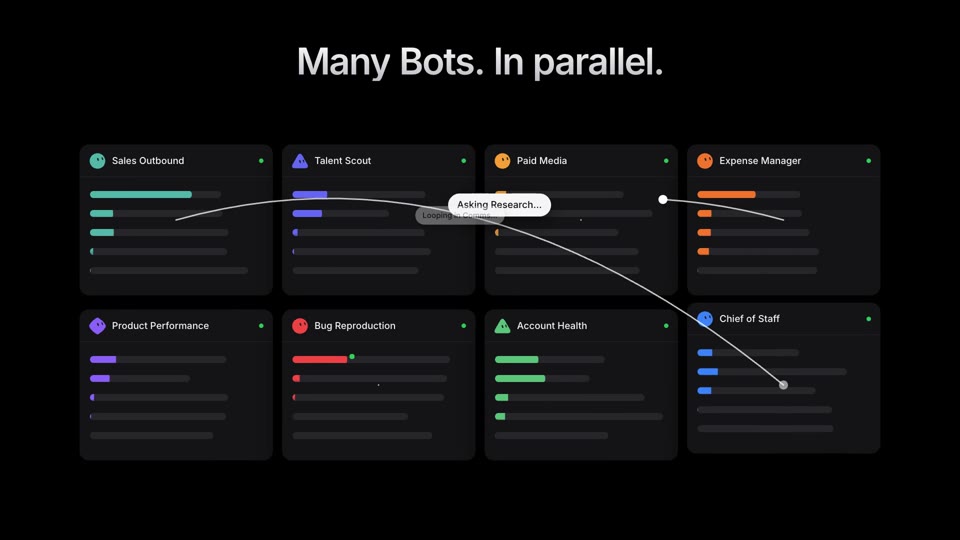
[building] Add another when the work grows. [confident] Many Bots, in parallel.
[softer, almost a whisper] You log off. [warm] They keep going.
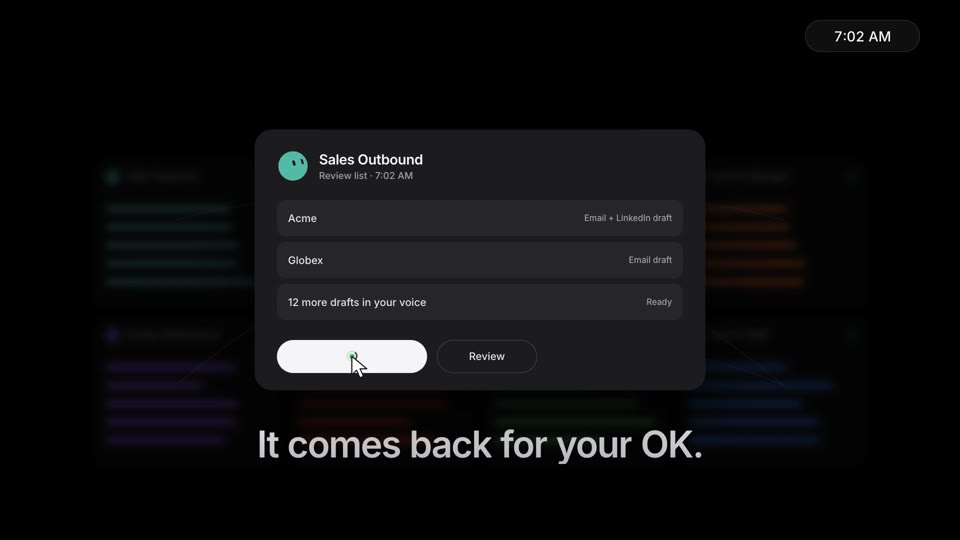
[reassuring] It comes back for your OK.
[quietly proud] And it gets sharper every time.
[friendly, a small smile] Comment "BOT" and I'll send you the guide.
The beats
A glossy sphere, a light sweep · "Introducing a new kind of teammate."
"Meet ● Grok Bot" on the music drop
+ New Bot → the task types itself → Send spins into ✓ → the Bot replies
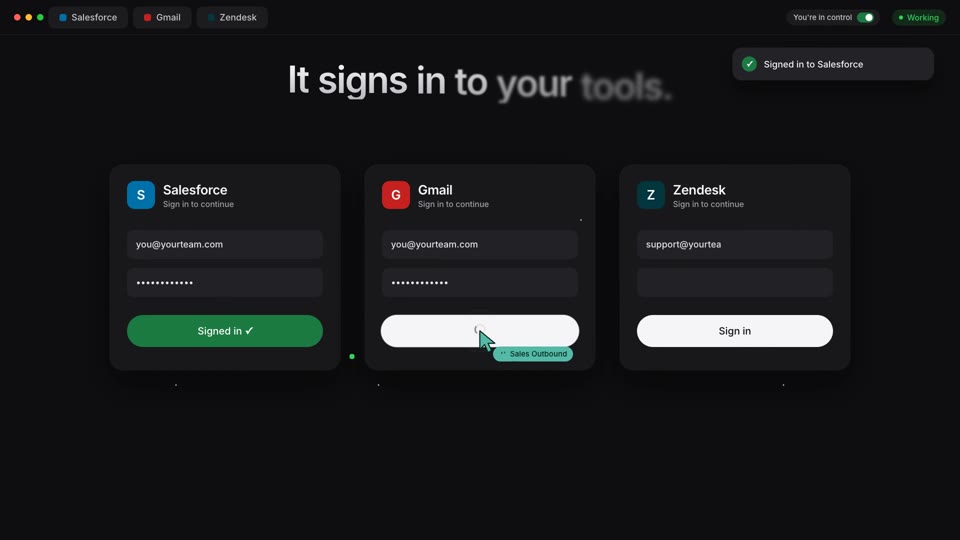
Click "Computer" → its own screen grows out of the tab → it signs in to 3 apps
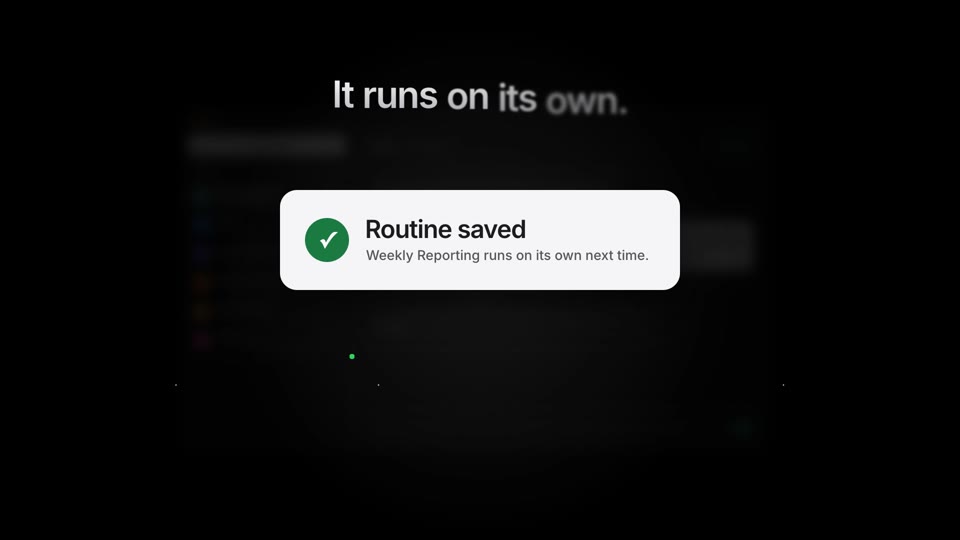
"Teach a task" grows into a glass button → it records 3 steps → "Routine saved" flies into the sidebar
+ New Bot ×3 → the window splits into 8 Bots → chat bubbles hop between them
Night falls, the clock runs → morning notification → Approve all ✓
The green button stretches into a memory card · "Gets sharper every time."
Every hero element docks into the recap grid → white wipe → the logo
The cursor types BOT into a comment box → Post ✓ → the DM arrives
If something looks off
Boxes show up in the first frame before their scene
A fromTo tween applies its start values right away. For anything revealed later, use tl.set(…opacity:1…) at that time, then tl.to.
The click ripple appears in the corner
Put the x/y position in BOTH halves of the ripple tween, not only the "from" part.
Movement stutters
Animate x, y, width and height, never left, top or font-size. Scale an inner wrapper for text.
The grid feels random
Each tile must hold something the viewer already saw. Fly that element in first, then reveal the tile behind it.
The voice drifts off the scenes
Long pauses in text-to-speech get shortened. Record one natural take and place sentence by sentence instead.
The keyword sounds wrong
Check it in the transcript. One of my takes said "beauty" instead of "BOT".
🙌Credit: built with Claude Code by Anthropic and HyperFrames (HTML-to-video), GSAP and three.js. Music by MiniMax and Kling, voice and sound effects by ElevenLabs, all through Pika. Word timings by Whisper. B-roll and logo animation from xAI's Grok Bot launch film, used for a portfolio spec ad. Grok and Grok Bot are trademarks of their owner.
Like what you see? I'll make one for you.
I make launch videos like this one, plus content and AI tools for brands, with the same tools you just saw.