Free guide ยท from the reel

3 free sites for AI camera moves.

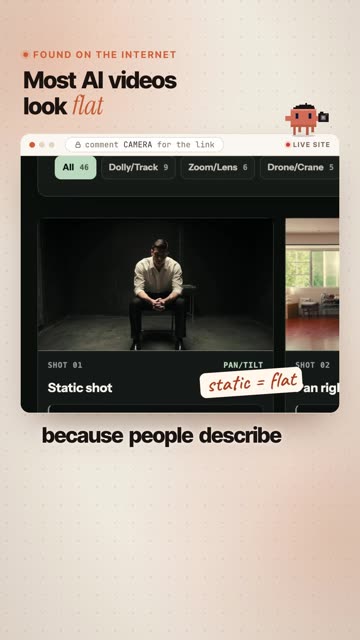
Most AI videos look flat because the prompt describes the scene and forgets the camera. These three sites give you the camera language: what each move looks like, and the exact words to paste.

๐ŸŽฅ 46 moves with live previews๐Ÿ“‹ Copy-ready prompts๐Ÿ’ธ All free

The sites

The one from the reel first, then the two I use alongside it.

1

Camera Movement AI Prompts

aicameramovements.com ยท the one from the reel

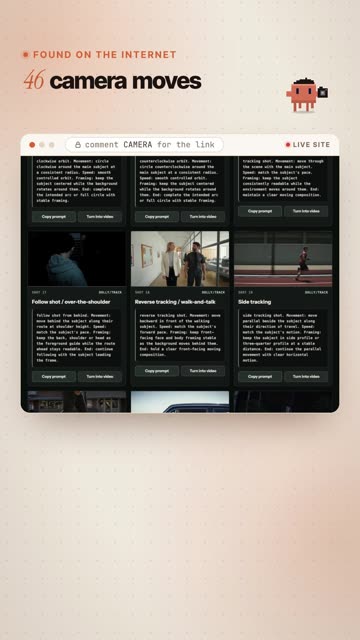
A library of 46 camera moves in 7 categories: dolly and tracking, zoom and lens, drone and crane, pan and tilt, physical moves, handheld, and specials like the earth zoom-out.

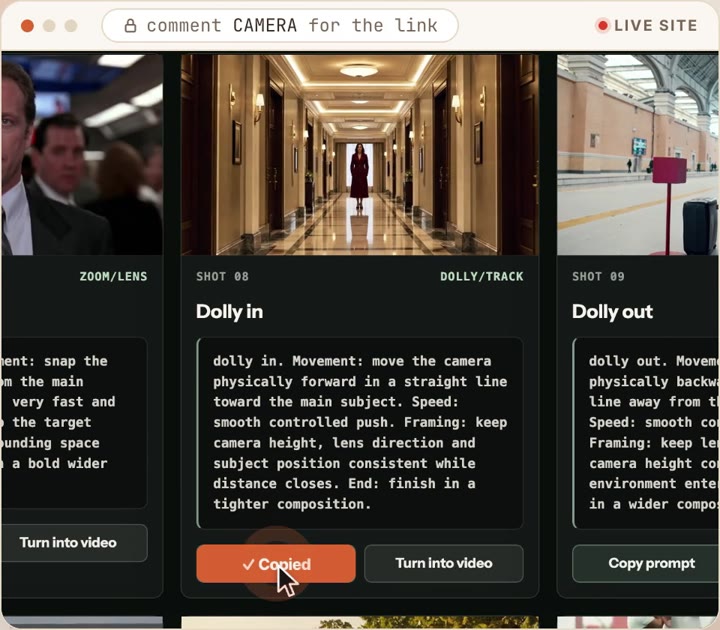
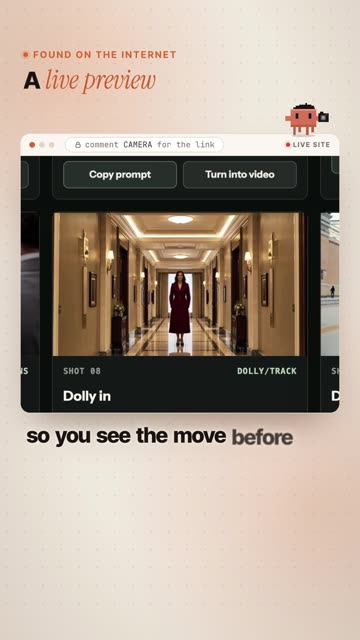
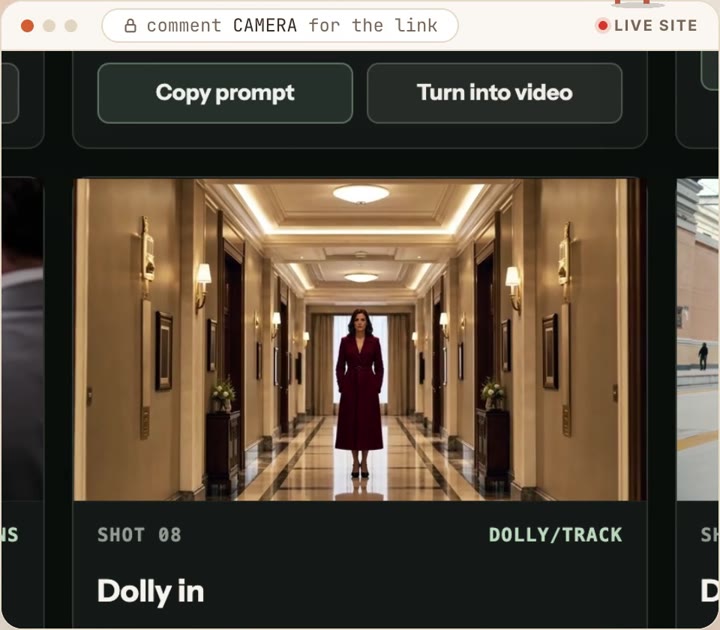
  • Live preview on every card, so you see the move before you use it.
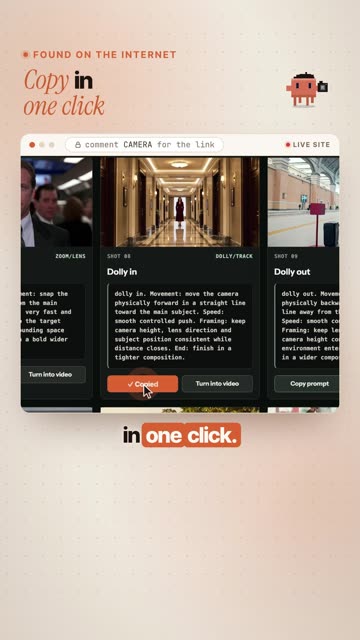
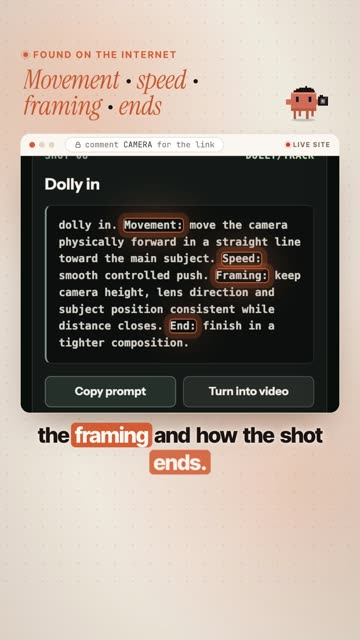
  • One prompt per move, one click to copy. Each prompt spells out the movement, the speed, the framing and how the shot ends.
  • Camera only. The prompt describes the camera, not the scene, so you can reuse it on any shot.
Open aicameramovements.com โ†—
A live preview on the siteCopy prompt under the preview
๐Ÿ™ŒMade by Dan Kieft. The site is the companion to his video All Camera Movement Prompts for AI Filmmaking Explained on YouTube. Worth watching for the full breakdown.
2

FXI Studio ยท Prompt Recipes

fxi.studio ยท 43 camera recipes

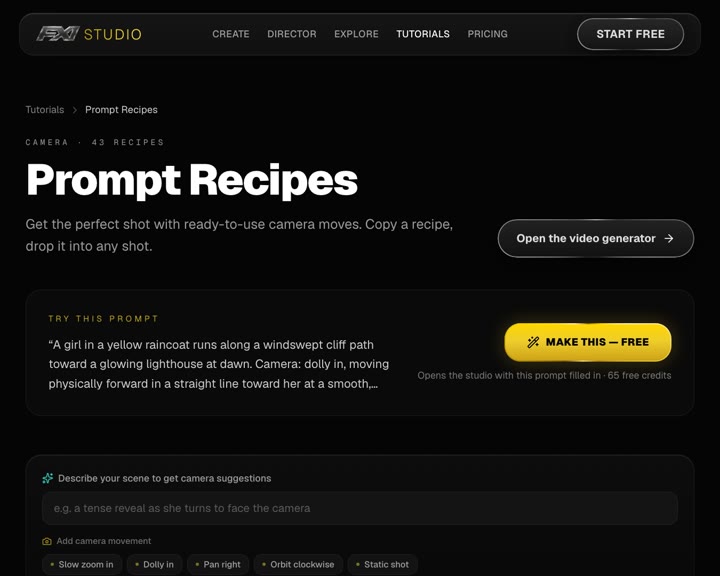
43 camera-move recipes in 7 categories. Each one comes with a short description, when to use it, and a copy-ready prompt written in plain cinematography language, so it works in any text-to-video or image-to-video model.

Open the Prompt Recipes โ†—
FXI Studio Prompt Recipes page
3

Kapwing ยท The Complete AI Camera Prompt Guide

kapwing.com ยท 77 shots and movements

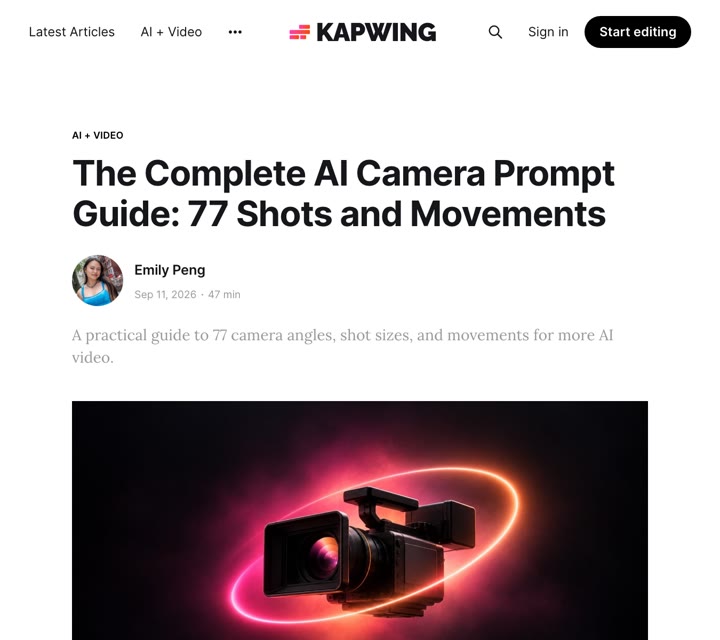
The deep dive: 46 camera movements plus 22 camera angles and 9 shot sizes, each with an example and a copy-paste prompt. Read it when you want to control the angle and framing, not just the movement.

Open the Kapwing guide โ†—
Kapwing camera prompt guide

How to use them

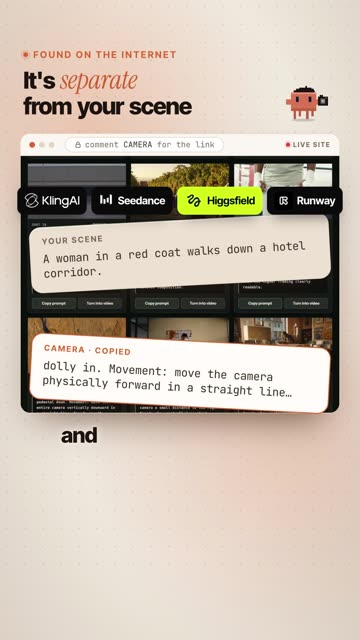
Same idea on all three sites: your scene and the camera are two separate pieces.

1Write your sceneWho or what is in the shot, where, and the light. No camera words yet.
2Paste a camera move after itPick the move on one of the sites, watch the preview, copy its prompt.
3GeneratePaste the whole thing into your video model. Keep the camera part and swap the scene for your next shot.
KlingSeedanceHiggsfieldRunway
Template[Your scene: subject, place, light, mood.] Camera: [paste the camera move you copied]

Write your own camera move

Every good camera prompt answers the same four questions. Use this when the move you want isn't on any list.

1MovementWhat the camera physically does: push in, pull back, circle, rise, follow.
2SpeedHow fast and how smooth: slow and steady, quick snap, handheld wobble.
3FramingWhat stays in frame and where: subject centered, horizon level, face readable.
4EndWhere the shot lands: a tight close-up, a wide reveal, a new subject.
Fill in the blanks[move name]. Movement: [what the camera does]. Speed: [how fast and how smooth]. Framing: [what stays in frame and where]. End: [the final composition].
๐Ÿ’กKeep it to one move per shot. Two moves in one prompt (an orbit and a zoom) usually gets you neither.
๐Ÿ™ŒCredit: aicameramovements.com by Dan Kieft. Prompt Recipes by FXI Studio. The Complete AI Camera Prompt Guide by Emily Peng for Kapwing. Kling, Seedance, Higgsfield and Runway are trademarks of their owners.

This is what I do. Check out my work.

I make content, websites and AI tools for brands, with the same kind of AI tools you just saw.

See my portfolio โ†’
Got a project in mind? paulino@trigonagency.com