Free guide ยท from the reel

Type one code, turn any book into notes, maps & cheat sheets.

Paste one message into ChatGPT once. Then upload any book cover, type a code like /sketchnotes and get a finished study image back. Every code from the reels, with real results, plus all 50 codes below.

๐Ÿ“‹ 1 message, pasted onceโŒจ๏ธ 1 code per bookโœฆ 50 more codes

How it works

Two steps. Step 1 you only do once. After that it's cover โ†’ code โ†’ result.

1

Paste this once

The setup message ยท teaches ChatGPT the codes

Open a new chat in ChatGPT, paste this message and send it. ChatGPT replies "Ready". This version includes every code on this page (55 in total):

Setup message ยท all codesFrom now on, when I send a book cover or a book title with one of these codes, make what the code describes. For visual codes, create an image in a vertical 2:3 format (unless the code says otherwise). For text codes, reply in text. Always base it on that book's real ideas. /sketchnotes = hand-drawn sketchnotes of the book's key ideas, with doodles, arrows and short labels /cheatsheet = a one-page visual cheat sheet with the main ideas, frameworks and takeaways /poster = a minimalist poster of the book's core idea in one striking visual and one short line /roadmap = a step-by-step roadmap that turns the book's method into actions I can follow /mindmap = a mind map of the book's key ideas and how they connect /flashcards = 6 to 8 flashcards, each with a question and its answer, to memorize the key points /educationalcomics = a comic book page that teaches the book's main idea /infographic = a clean vertical infographic of the book's main ideas with icons and short labels /timeline = an image of a timeline of the book's key events or steps in order /flowchart = an image of a flowchart of the book's main method or decision process /comic = a 6-panel comic page that explains the book's main idea /storyboard = a 6-frame storyboard of the book's story or argument /venn = a Venn diagram comparing the book's two or three central ideas /decisiontree = an image of a decision tree that helps me apply the book to a real choice /quotecards = 3 square quote cards with the book's most memorable ideas, paraphrased /wallpaper = a phone wallpaper (9:16) with the book's core idea as a short line and a visual /bookmark = a printable bookmark with the book's 5 key takeaways /moodboard = a moodboard that captures the book's tone, themes and setting /characters = a character map showing the main people in the book and how they relate /chaptermap = a visual map of every chapter with one line each /lifemap = a visual map of how the book's ideas apply to work, health, money and relationships /visualnotes = colourful visual notes with icons for each key idea /blueprint = a blueprint-style diagram of the book's system or framework /recipecard = a recipe-card style image: ingredients = key ideas, steps = how to apply them /bingo = a 5x5 bingo card of habits or actions from the book /summary = a one-page text summary: the big idea, 5 key points and 3 actions /eli5 = explain the book like I'm 5, in plain language with a simple example /keyideas = the 10 most important ideas, one sentence each /quiz = a 10-question multiple-choice quiz, one question at a time, waiting for my answer /examqs = 8 exam-style questions with model answers /cornell = Cornell-style notes: cues, notes and a short summary /mnemonics = memory tricks to remember the book's key lists and frameworks /glossary = a glossary of the book's key terms with short definitions /frameworks = every framework or model in the book, with when to use each /teachback = ask me to explain the book's ideas back to you and correct my gaps /analogies = explain each key idea with an everyday analogy /compare = compare this book with 2 similar books: what each gets right /critique = the strongest criticisms of the book and where its ideas don't hold up /debate = argue against the book's main idea, then let me defend it /mistakes = the most common mistakes people make when applying this book /lessons = 7 practical lessons with a real-life example for each /actionplan = a step-by-step action plan to apply the book this month /7days = a 7-day plan with one small action per day /30days = a 30-day challenge based on the book, one task per day /habitplan = turn the book into 3 daily habits with cues, routines and rewards /checklist = a printable checklist of everything the book tells me to do /journal = 10 journal prompts to reflect on the book's ideas /applytome = ask me 3 questions about my life, then apply the book to my situation /casestudy = a realistic case study showing the book's ideas in action /studyplan = a study plan to learn the book in 5 short sessions /bookclub = 10 discussion questions for a book club /thread = a 7-post social thread summarising the book /carousel = a 7-slide carousel outline with a headline and one line per slide /podcast = a 2-minute podcast script explaining the book to a friend /kidsversion = retell the book's main lesson as a short story for a 10-year-old Reply "Ready" if you got it.

Only want the codes from the reels? This is the message I used in the reels, with the 7 codes they show:

Setup message ยท the reel codesFrom now on, when I send a book cover with one of these codes, create an image: /sketchnotes = hand-drawn sketchnotes of the book's key ideas, with doodles, arrows and short labels /cheatsheet = a one-page visual cheat sheet with the main ideas, frameworks and takeaways /poster = a minimalist poster of the book's core idea in one striking visual and one short line /roadmap = a step-by-step roadmap that turns the book's method into actions I can follow /mindmap = a mind map of the book's key ideas and how they connect /flashcards = 6 to 8 flashcards, each with a question and its answer, to memorize the key points /educationalcomics = a comic book page that teaches the book's main idea Use a vertical 2:3 format. Reply "Ready" if you got it.
๐Ÿง ChatGPT may save this to Memory. In the reels ChatGPT showed "Memory updated" after this message. That's how the codes keep working in new chats. You can see, edit or delete what it saved, or turn Memory off, in ChatGPT's settings (Personalization โ†’ Memory). If Memory is off, paste the message at the start of each new chat.
2

Upload a book, type a code

Cover photo or the title ยท then one code

Tap + in ChatGPT and add a photo of the book cover (a screenshot of it works too), or just type the book's title. Then type one code and send:

Example/sketchnotes

one code = one result. Want more? Send the next code in the same chat.

Reel 1Notes, cheat sheet, poster, roadmap

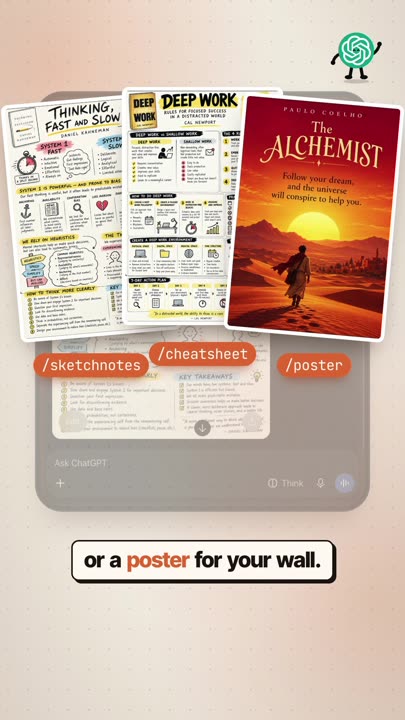
Real results from the reel, made from four different book covers. Tap to zoom.
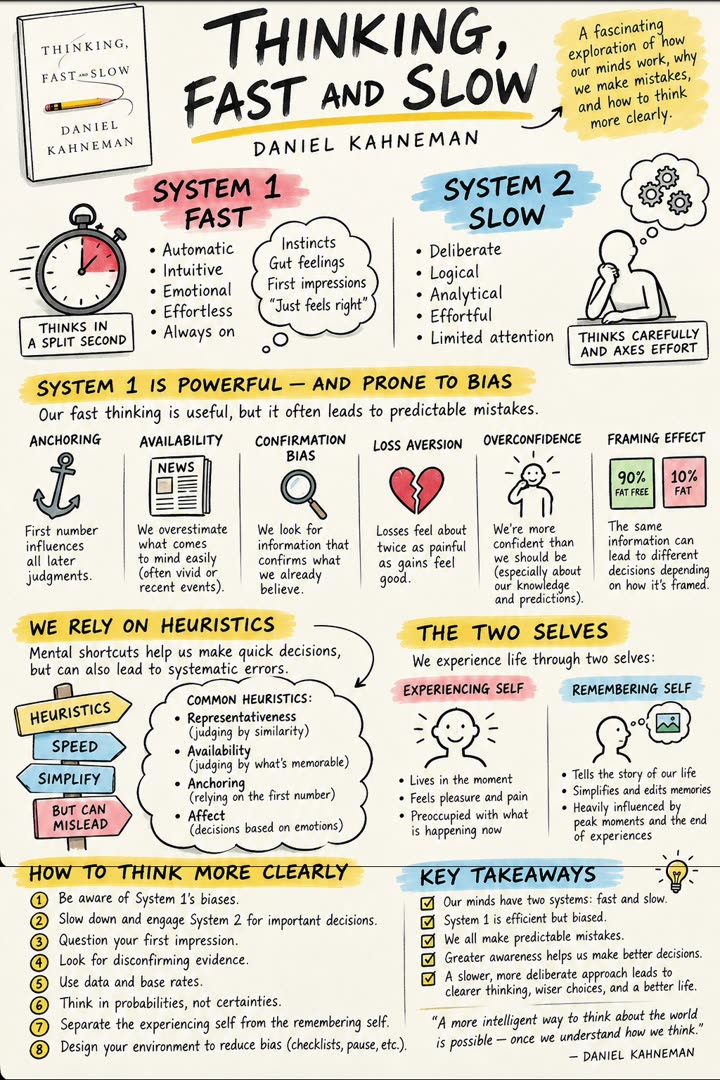
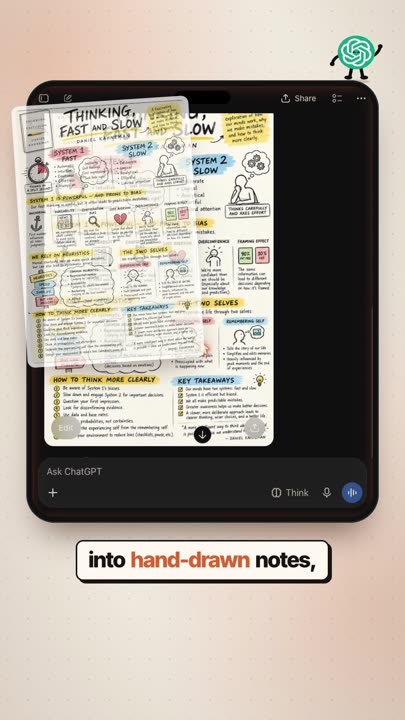
Hand-drawn sketchnotes ChatGPT made from a psychology book cover
/sketchnotesHand-drawn notes of the whole book
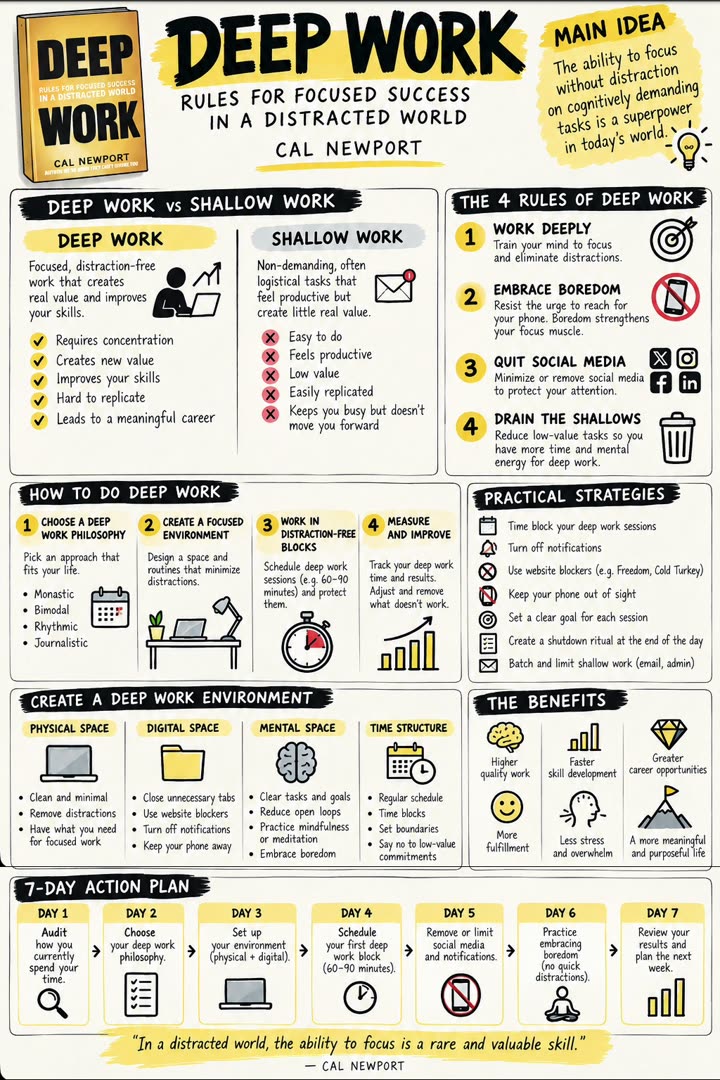
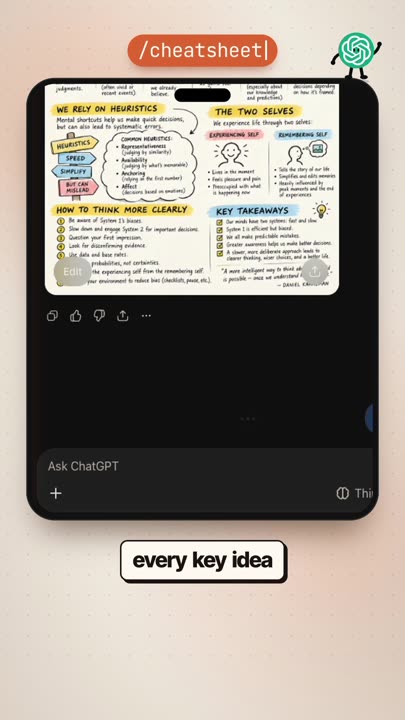
A one-page visual cheat sheet ChatGPT made from a productivity book
/cheatsheetEvery key idea on one page
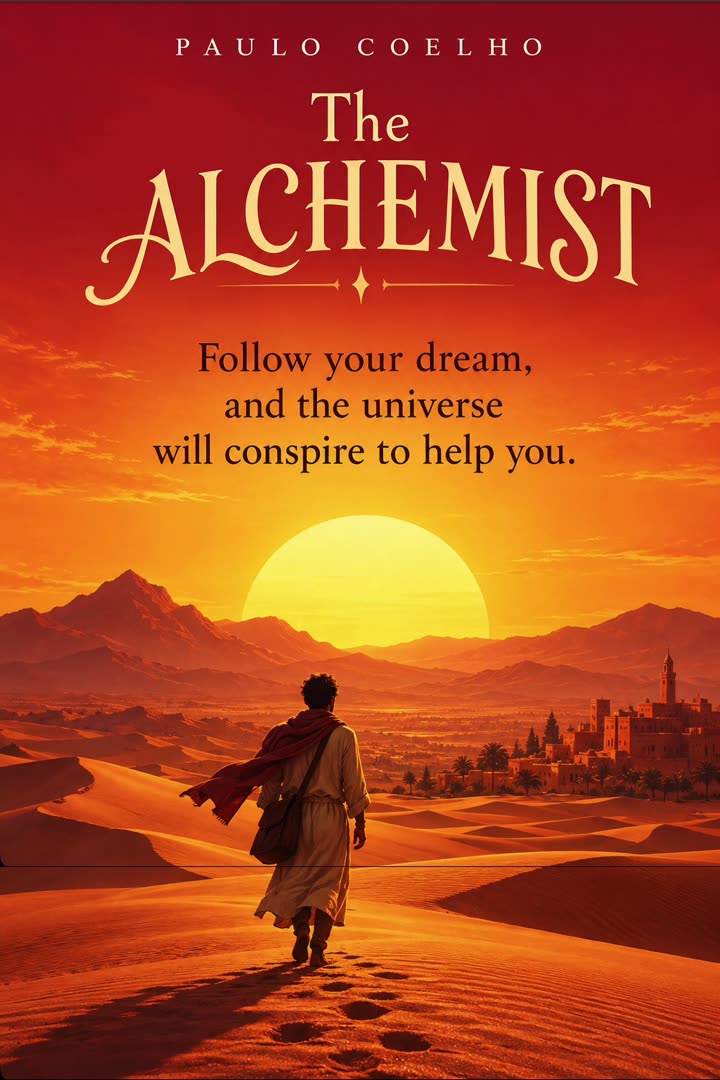
A minimalist poster ChatGPT made from a novel's core idea
/posterThe main message as a poster for your wall
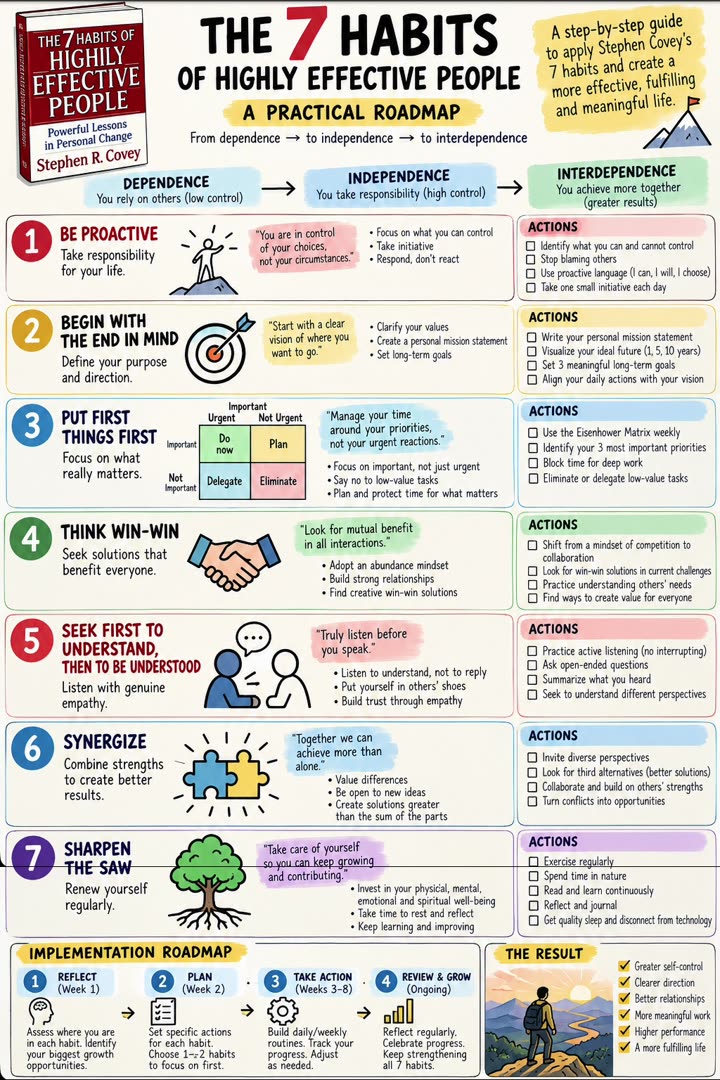
A step-by-step roadmap ChatGPT made from a self-help book
/roadmapSteps you can start today

Reel 2Mind map, sketchnotes, flashcards, comics

Four more books, recorded fresh in a new chat.
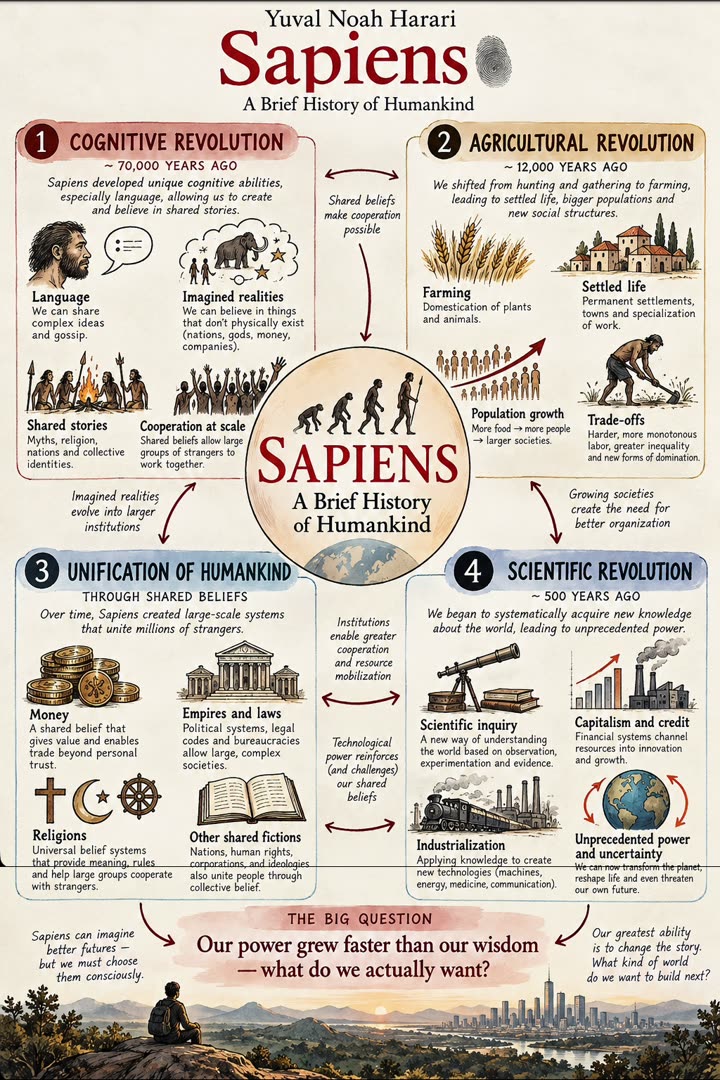
A mind map ChatGPT made from a history book
/mindmapEvery big idea and how they connect
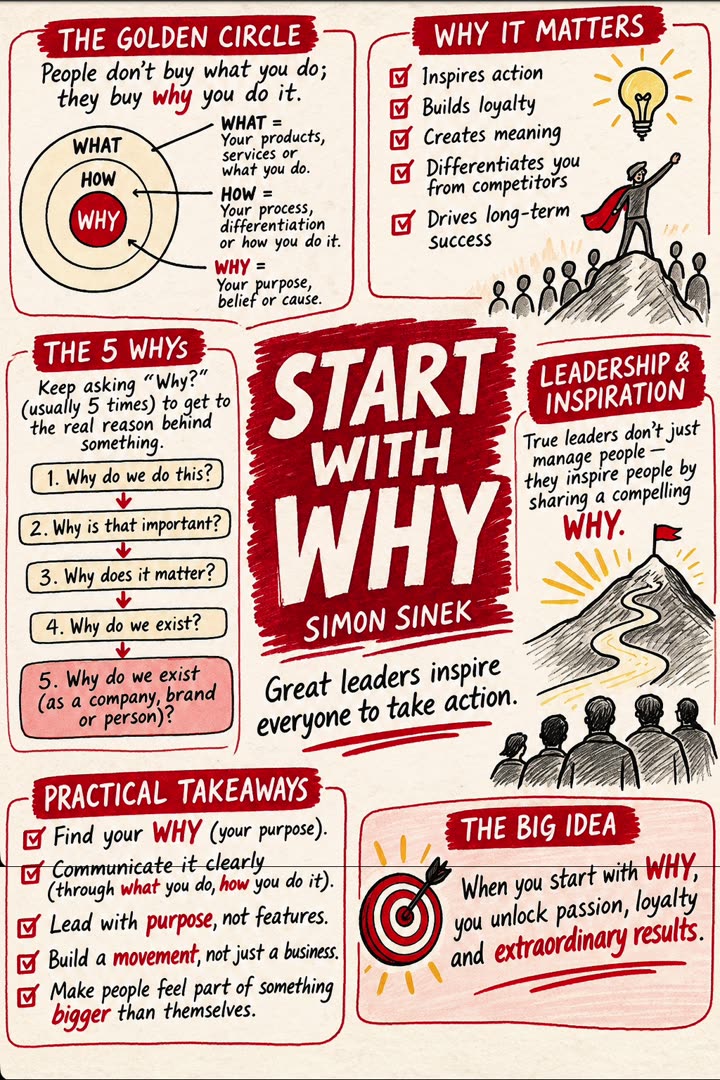
Sketchnotes ChatGPT made from a leadership book
/sketchnotesHand-drawn summary notes
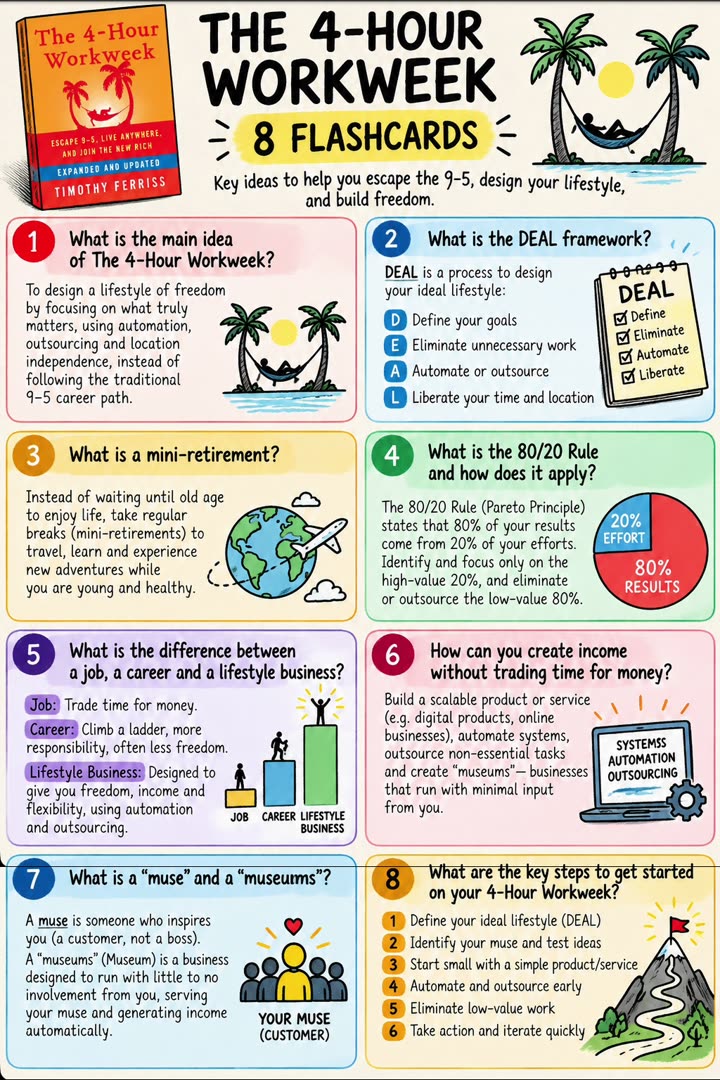
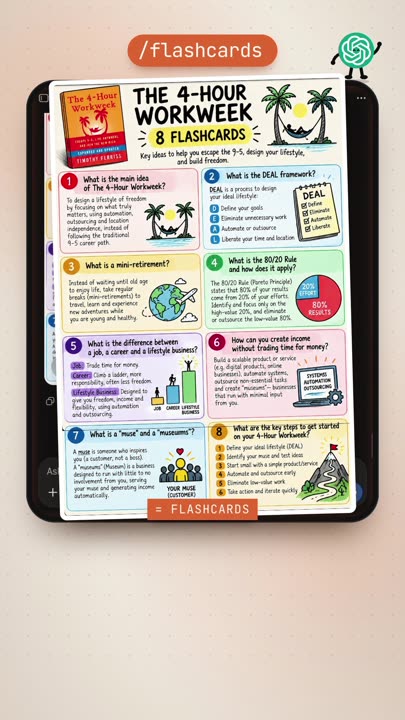
Eight flashcards ChatGPT made from a business book
/flashcardsSimple cards to memorize the key points
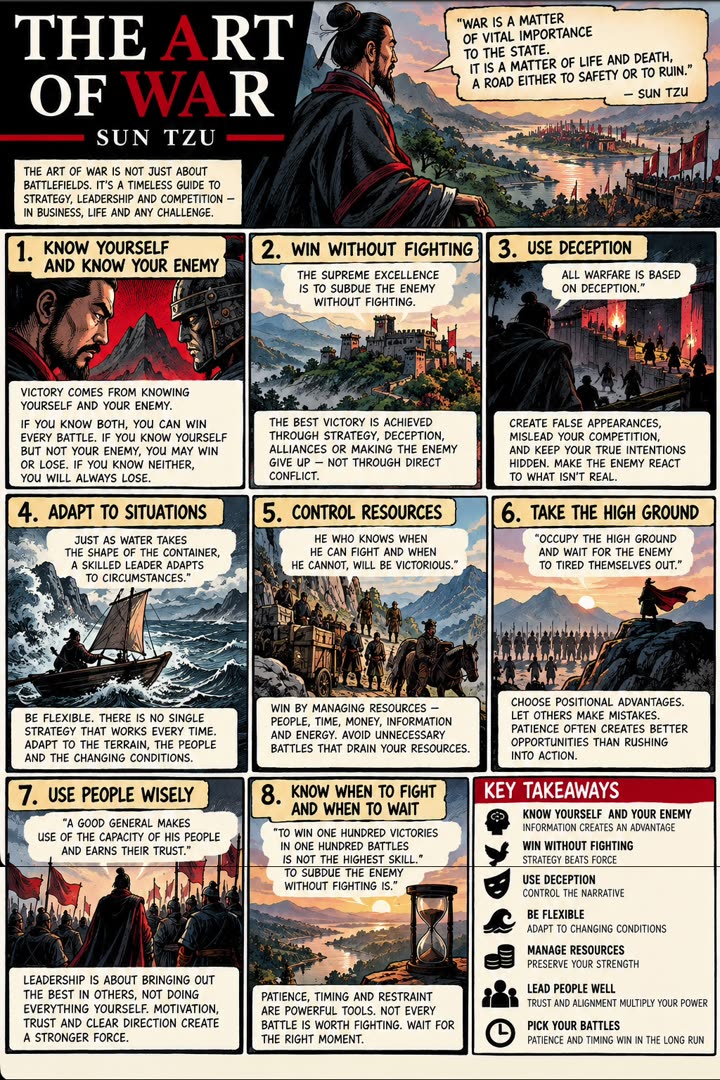
A comic page ChatGPT made from a strategy classic
/educationalcomicsThe main idea as a comic page

Reel 3The same four codes, four new books

Same codes, different books, so you can see how the results change.
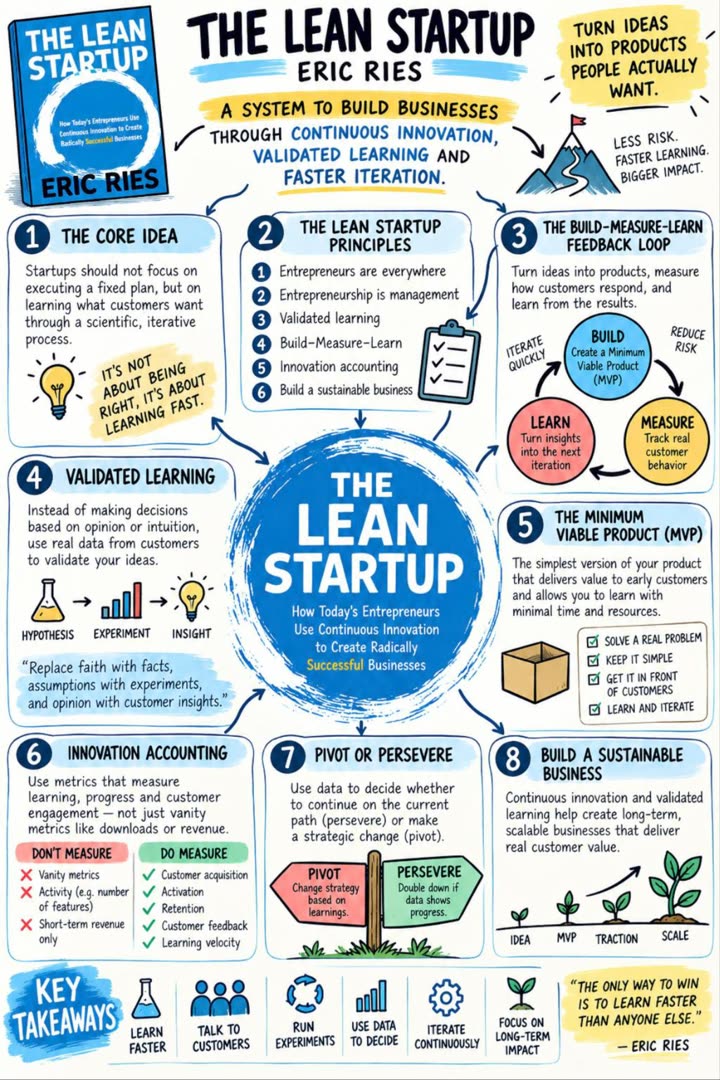
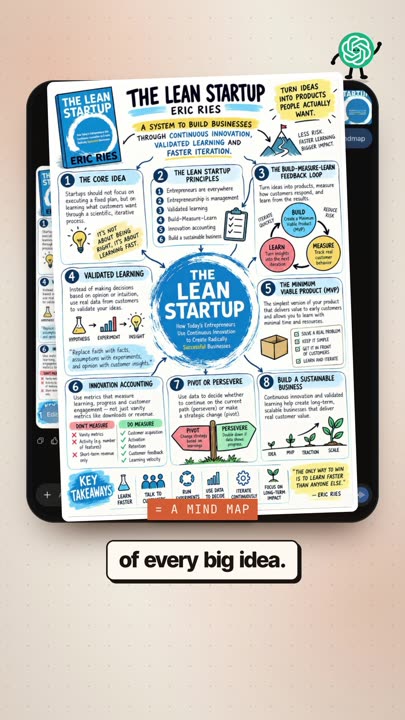
A mind map ChatGPT made from a startup book
/mindmapA mind map of every big idea
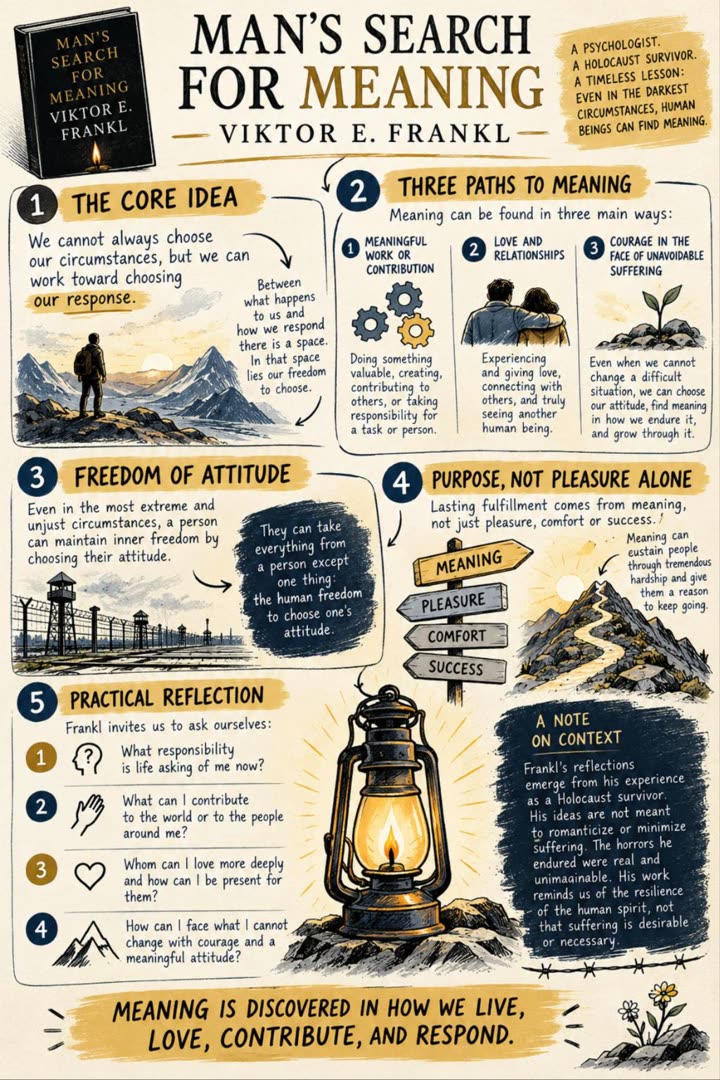
Sketchnotes ChatGPT made from a psychology memoir
/sketchnotesHand-drawn summary notes
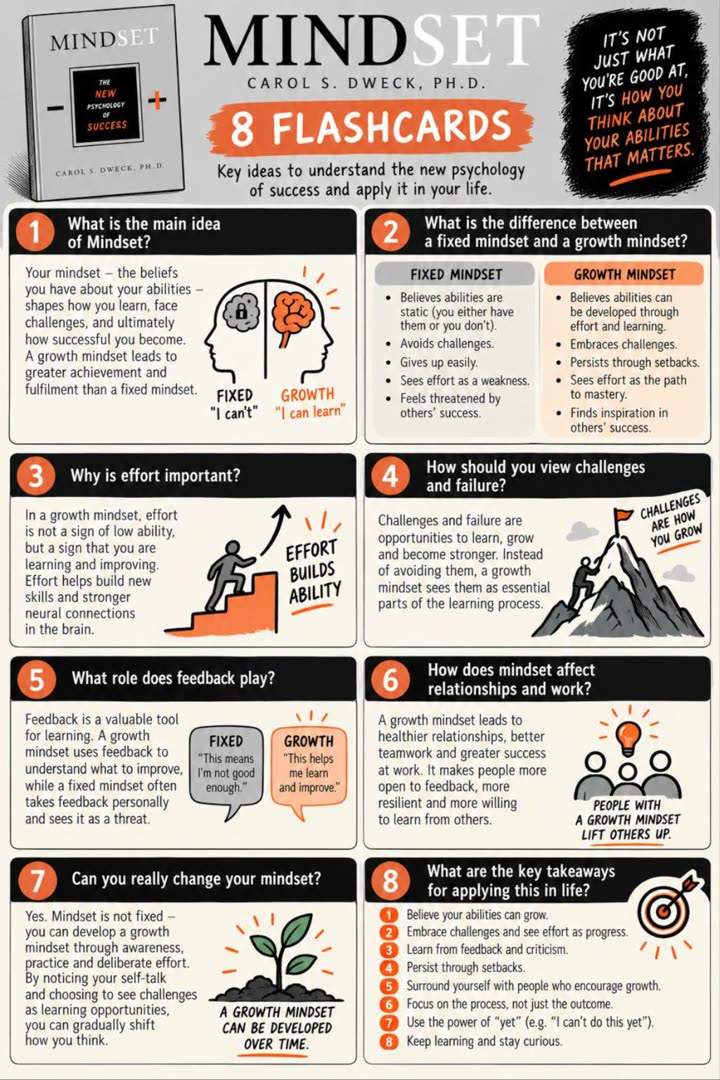
Flashcards ChatGPT made from a book about mindset
/flashcardsCards to memorize the key points
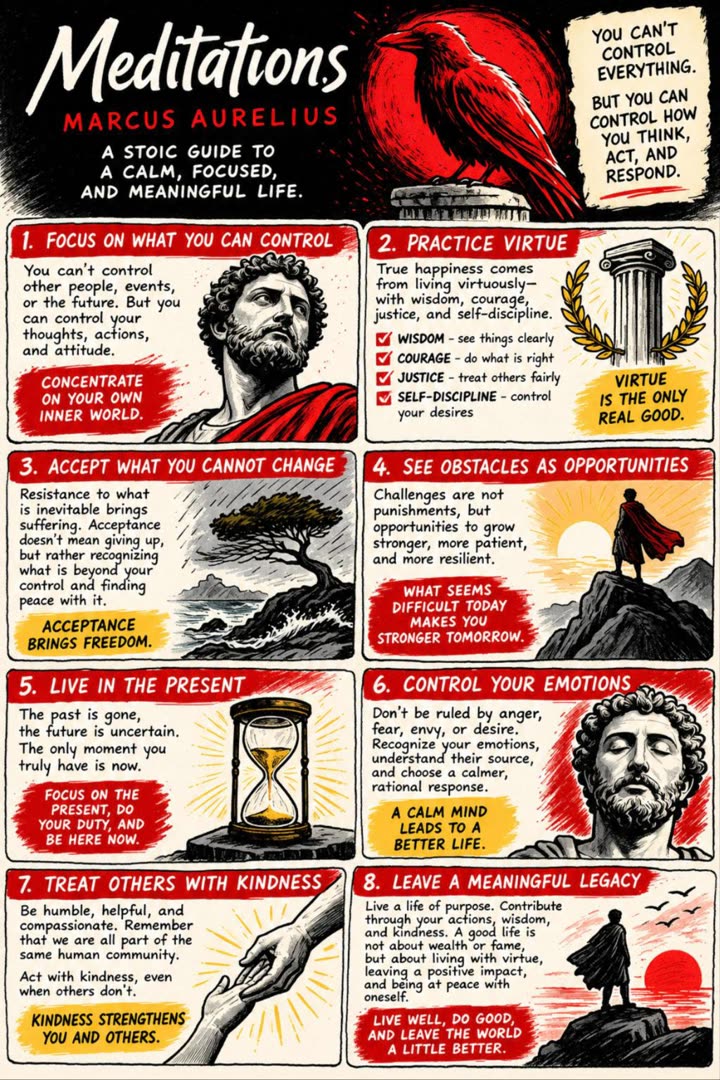
A comic page ChatGPT made from a philosophy classic
/educationalcomicsA comic page, great for visual learners

All 50 codes

Each one works after you've pasted the full setup message. Copy a code, upload a book, paste it. Visual codes make an image; the rest reply in text.

01/mindmapAn image of a mind map of the book's key ideas and how they connect
02/flashcardsAn image of 6 to 8 flashcards with a question on one side and the answer below
03/infographicA clean vertical infographic of the book's main ideas with icons and short labels
04/timelineAn image of a timeline of the book's key events or steps in order
05/flowchartAn image of a flowchart of the book's main method or decision process
06/comicA 6-panel comic page that explains the book's main idea
07/storyboardA 6-frame storyboard of the book's story or argument
08/vennA Venn diagram comparing the book's two or three central ideas
09/decisiontreeAn image of a decision tree that helps me apply the book to a real choice
10/quotecards3 square quote cards with the book's most memorable ideas, paraphrased
11/wallpaperA phone wallpaper (9:16) with the book's core idea as a short line and a visual
12/bookmarkA printable bookmark with the book's 5 key takeaways
13/moodboardA moodboard that captures the book's tone, themes and setting
14/charactersA character map showing the main people in the book and how they relate
15/chaptermapA visual map of every chapter with one line each
16/lifemapA visual map of how the book's ideas apply to work, health, money and relationships
17/visualnotesColourful visual notes with icons for each key idea
18/blueprintA blueprint-style diagram of the book's system or framework
19/recipecardA recipe-card style image: ingredients = key ideas, steps = how to apply them
20/bingoA 5x5 bingo card of habits or actions from the book
21/summaryA one-page text summary: the big idea, 5 key points and 3 actions
22/eli5Explain the book like I'm 5, in plain language with a simple example
23/keyideasThe 10 most important ideas, one sentence each
24/quizA 10-question multiple-choice quiz, one question at a time, waiting for my answer
25/examqs8 exam-style questions with model answers
26/cornellCornell-style notes: cues, notes and a short summary
27/mnemonicsMemory tricks to remember the book's key lists and frameworks
28/glossaryA glossary of the book's key terms with short definitions
29/frameworksEvery framework or model in the book, with when to use each
30/teachbackAsk me to explain the book's ideas back to you and correct my gaps
31/analogiesExplain each key idea with an everyday analogy
32/compareCompare this book with 2 similar books: what each gets right
33/critiqueThe strongest criticisms of the book and where its ideas don't hold up
34/debateArgue against the book's main idea, then let me defend it
35/mistakesThe most common mistakes people make when applying this book
36/lessons7 practical lessons with a real-life example for each
37/actionplanA step-by-step action plan to apply the book this month
38/7daysA 7-day plan with one small action per day
39/30daysA 30-day challenge based on the book, one task per day
40/habitplanTurn the book into 3 daily habits with cues, routines and rewards
41/checklistA printable checklist of everything the book tells me to do
42/journal10 journal prompts to reflect on the book's ideas
43/applytomeAsk me 3 questions about my life, then apply the book to my situation
44/casestudyA realistic case study showing the book's ideas in action
45/studyplanA study plan to learn the book in 5 short sessions
46/bookclub10 discussion questions for a book club
47/threadA 7-post social thread summarising the book
48/carouselA 7-slide carousel outline with a headline and one line per slide
49/podcastA 2-minute podcast script explaining the book to a friend
50/kidsversionRetell the book's main lesson as a short story for a 10-year-old

No code matches that. Try another word.

Showing 50 of 50

What to use them for

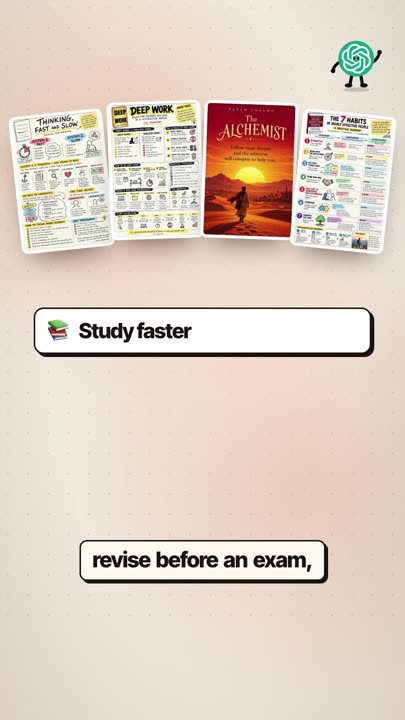
๐Ÿ“šStudy fasterStart with /mindmap or /sketchnotes to see the whole book at a glance, then read the chapters that matter to you.
๐Ÿ“Revise before an exam/flashcards, /quiz and /examqs turn a book into practice. /cheatsheet is your last look before you go in.
๐Ÿš€Act on what you read/roadmap, /7days and /habitplan turn ideas into steps. /poster puts the main one on your wall so you don't forget it.
๐ŸŽจLearn visually/educationalcomics, /infographic and /visualnotes are great if long text doesn't stick for you.

Good to know

๐Ÿ–ผImages need image generationThe visual codes only work if your ChatGPT plan includes image generation. What's included and how many images you can make depends on your plan and can change, so check your plan. The text codes work in any chat.
๐ŸŽฒResults varyThe same code gives a different result each time. ChatGPT can also get details wrong or misspell words in images, so check anything important against the book. If you don't like it, send the code again.
ยฉ๏ธKeep it for personal studyThese are notes and summaries to help you learn. They don't replace the book, and the ideas and the cover belong to the author and publisher. Don't sell or republish them.

If something looks off

ChatGPT doesn't know the codePaste the setup message again in that chat, then send the code.
It replies in text instead of an imageAdd "as an image" after the code, e.g. /mindmap as an image.
It asks which image you preferChatGPT sometimes shows two versions. Pick one and keep going.
Text in the image is hard to readAsk: "make the text bigger and use fewer words". Or use a text code like /summary.

This is what I do. Check out my work.

I make content, websites and AI tools for brands, with the same kind of AI tools you just saw.

See my portfolio โ†’
Got a project in mind? paulino@trigonagency.com
๐Ÿ™ŒInspired by @cindiezhu, who shared the original book-codes idea. ChatGPT is a product of OpenAI. Results shown are real outputs from the recordings in my reels.