Free guide ยท from the reel

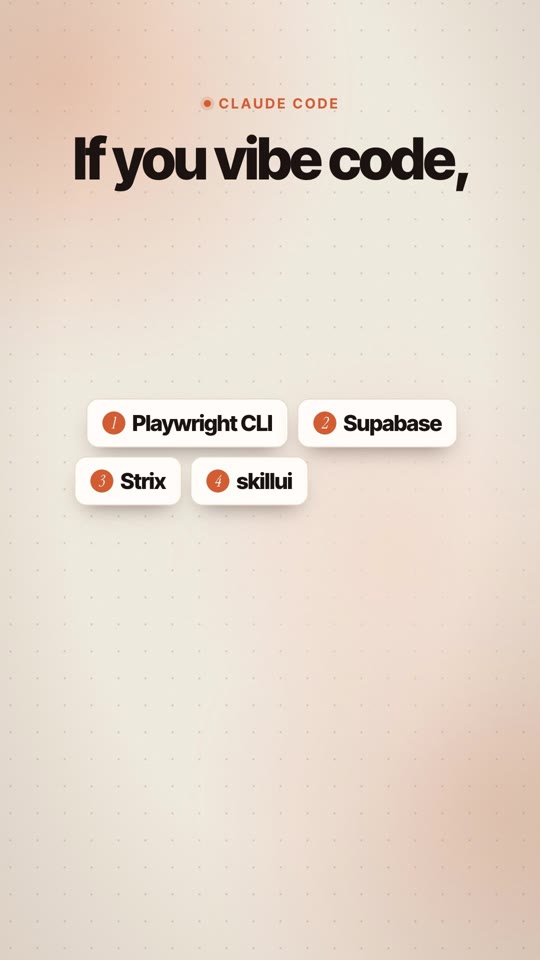
The 5 plugins I install on every Claude Code project.

What each one does, why it matters and the exact command to install it. Copy, paste, done.

โฑ About 10 minutes๐Ÿงฉ 5 plugins๐Ÿ’ธ Free to start

What you need

๐Ÿ’ปClaude CodeIn the Claude app (Code tab) or in a terminal: npm install -g @anthropic-ai/claude-code
๐ŸŸขNode.js 18 or newerFor the npm installs below. Get it at nodejs.org.
๐Ÿ“A project folderOpen your app's folder, then run the commands from there.

The 5 plugins

Install them once. Claude uses them on every project after that.

1

Playwright CLI

Claude tests in a real browser

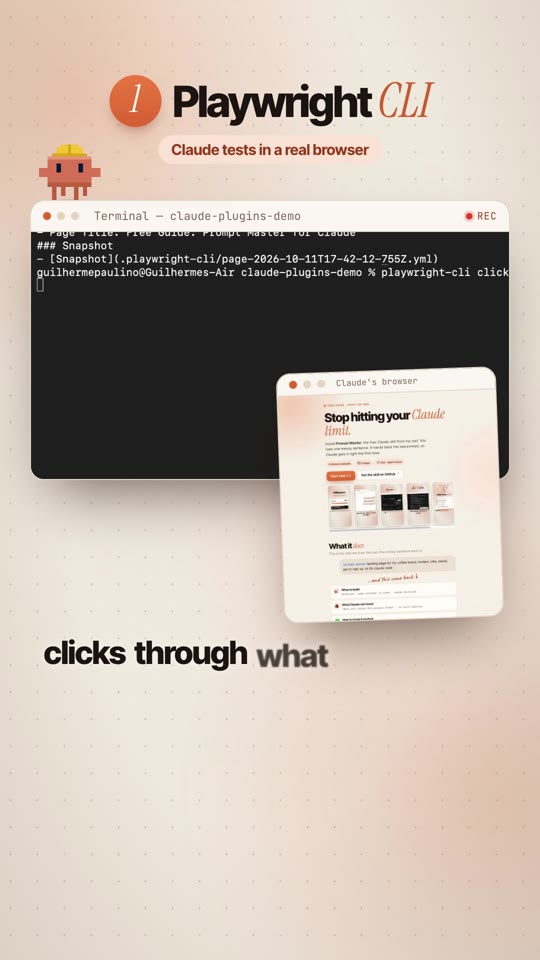
Claude opens a real browser, clicks through what it just built and saves screenshots, so it catches broken pages before you do. Made by Microsoft.
Installnpm install -g @playwright/cli@latest
Then tell ClaudeUse playwright-cli to open my site, click through the main buttons and screenshot every page. Tell me what looks broken.
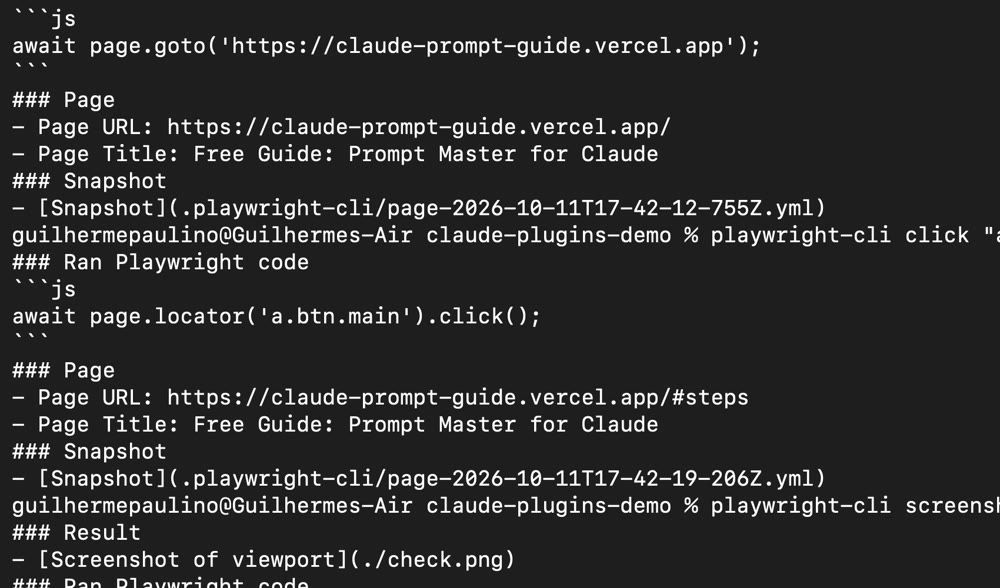
Terminal: playwright-cli goto, click and screenshot

The real run from the reel: open โ†’ click โ†’ screenshot saved as check.png. It even flagged a missing favicon on our own site.

2

Supabase

The official Claude Code plugin

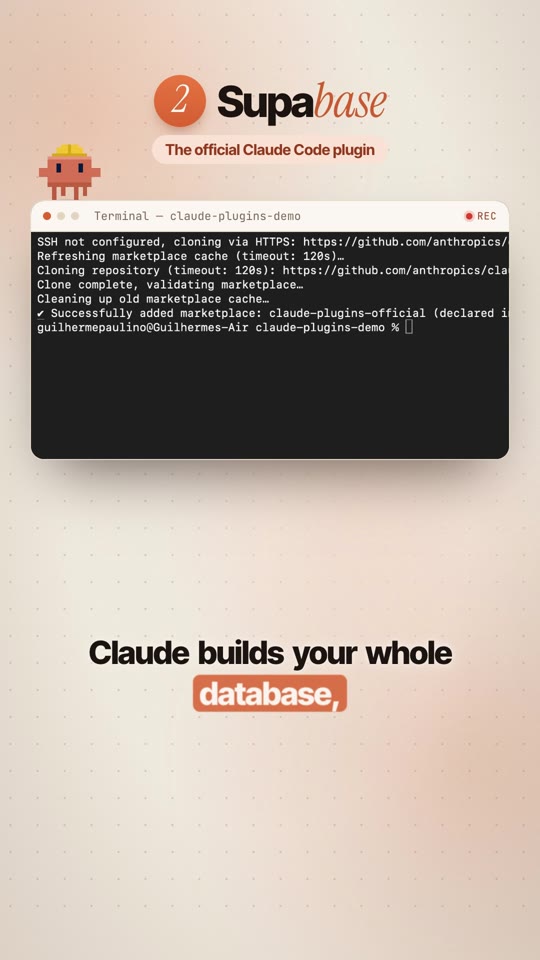
Claude builds and manages your whole database: tables, logins (auth), storage and edge functions, without you leaving the chat.
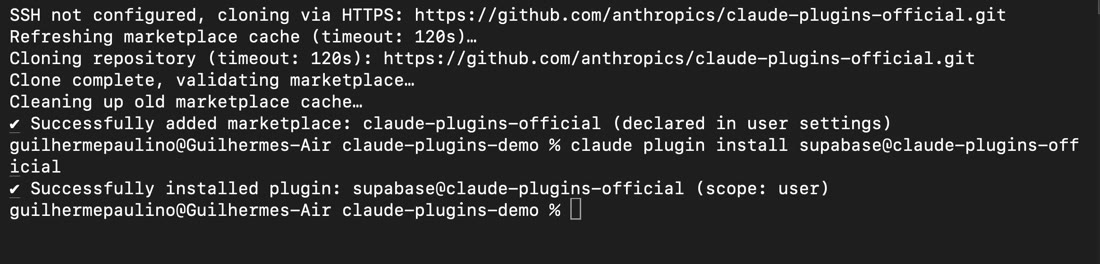
Install (2 commands)claude plugin marketplace add anthropics/claude-plugins-official claude plugin install supabase@claude-plugins-official
ThenType /reload-plugins in Claude Code. The first time you use it, it asks you to sign in to Supabase.
Terminal: Successfully installed plugin supabase
3

Strix

Open-source AI pentesters

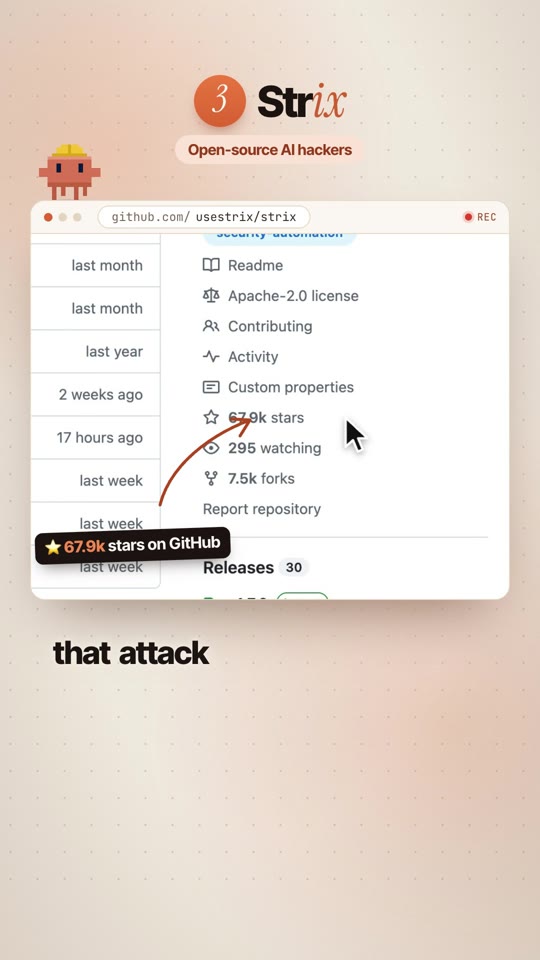
AI agents that attack your app like a real hacker and prove each security hole with a working exploit. 67.9k stars on GitHub, Apache-2.0.
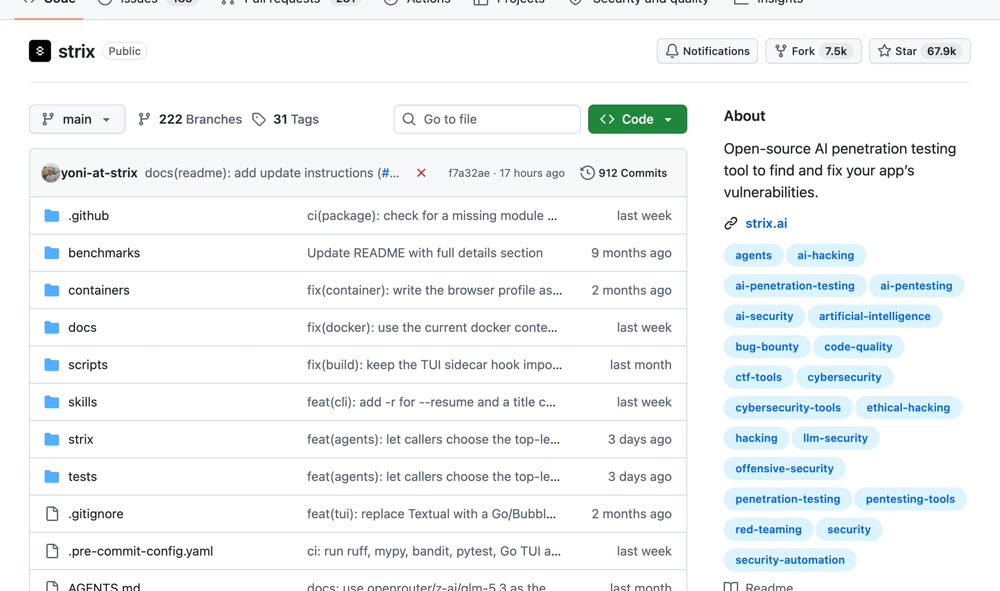
Installcurl -sSL https://strix.ai/install | bash
Run it on your own appstrix --target ./your-app
Strix on GitHub
โš ๏ธOnly on apps you own or have written permission to test. Strix needs Docker running and your own AI API key (it uses paid model calls).
4

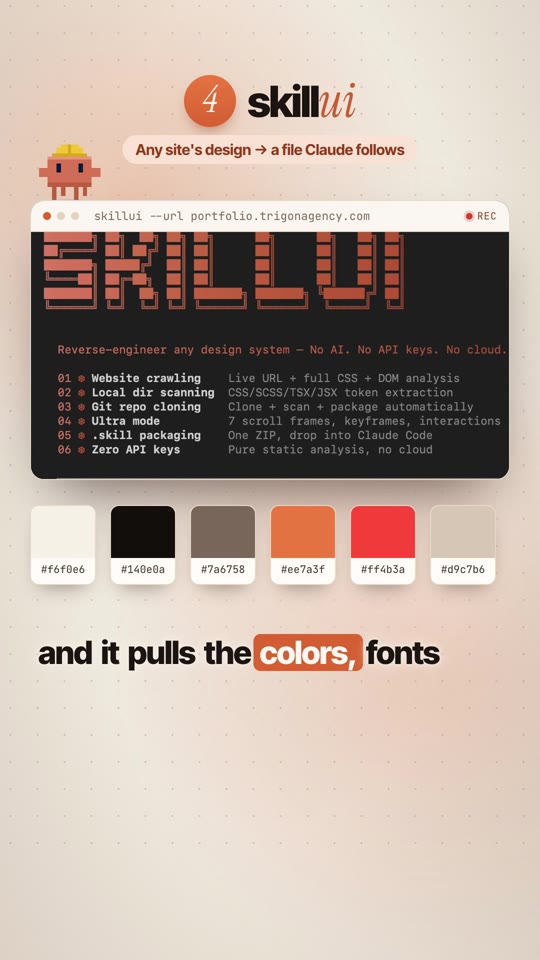
skillui

Any site's design โ†’ a file Claude follows

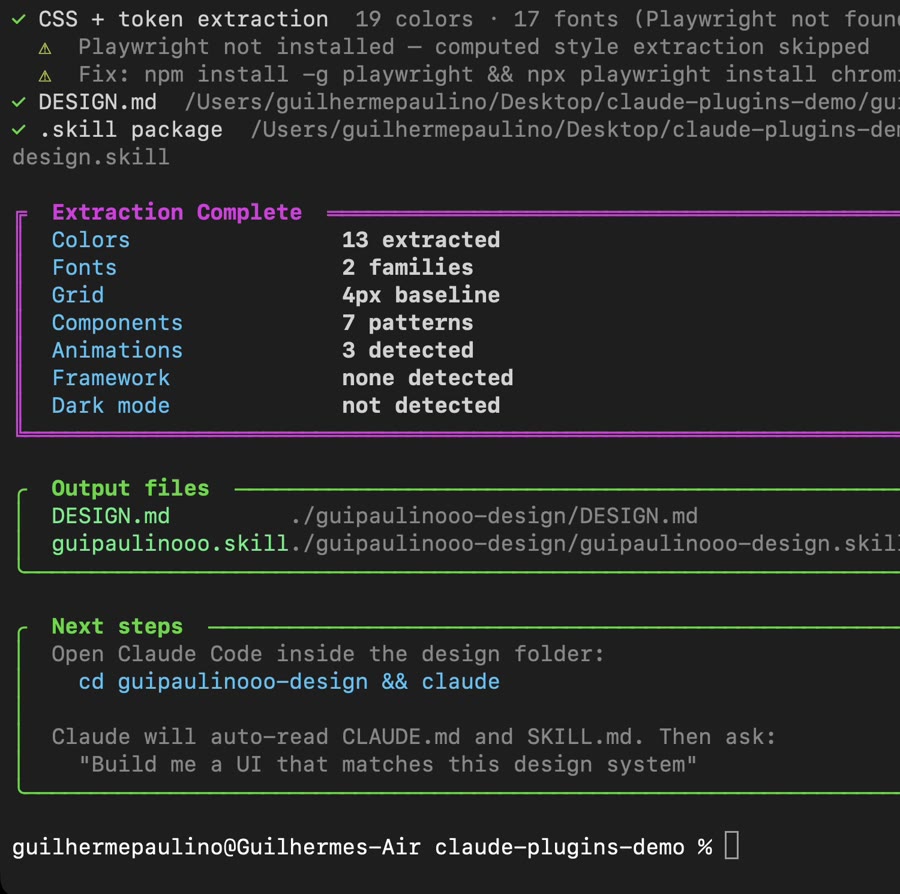
Point it at a website and it pulls the colors, fonts and spacing into DESIGN.md + SKILL.md files. Claude Code reads them and builds in that style. No AI, no API keys.
Installnpm install -g skillui
Runskillui --url https://your-site.com cd your-site-design && claude
skillui: Extraction Complete, 13 colors, 2 font families

We ran it on our own site: 13 colors, 2 fonts, 4px grid, written to DESIGN.md.

๐Ÿ’กUse it on your own brand or as inspiration. Don't copy someone else's identity into a commercial project.
5

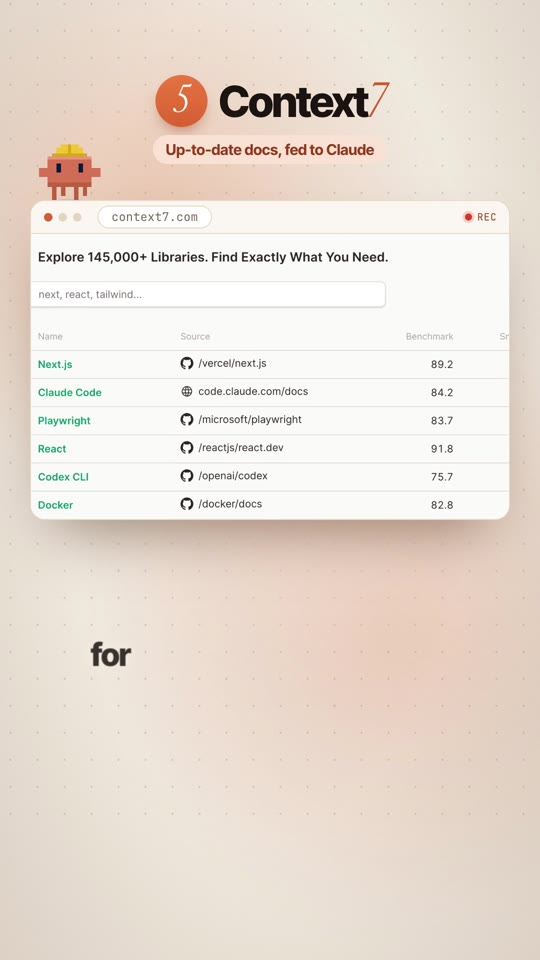
Context7

Up-to-date docs, fed to Claude

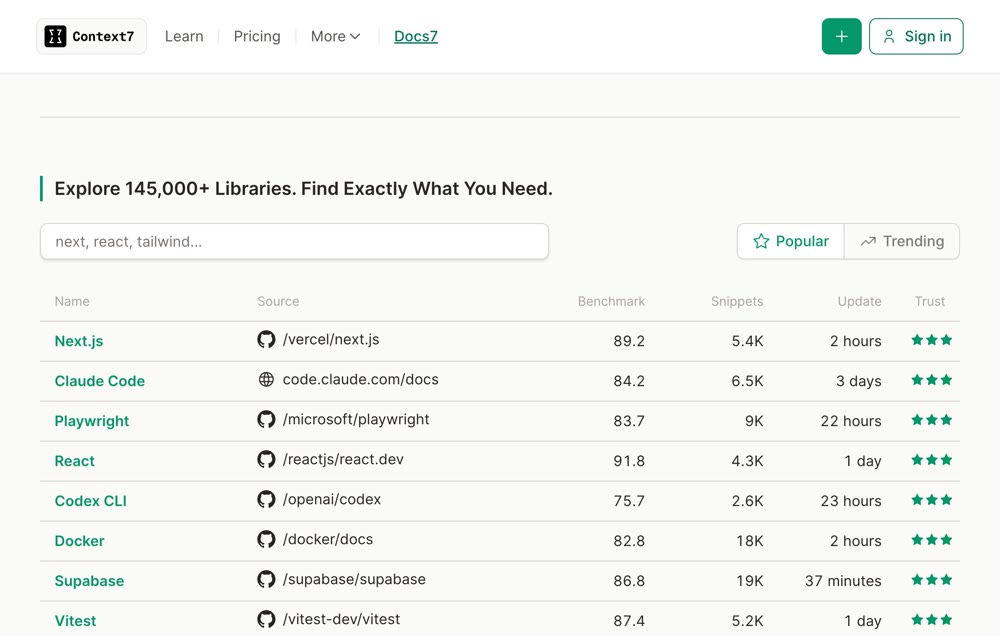
Gives Claude the current docs for the libraries you use, so it stops writing code against old versions. Free to start.

Installclaude mcp add --scope user context7 -- npx -y @upstash/context7-mcp
Then add to any promptuse context7
Context7 library list
claude mcp list: context7 Connected

If something looks off

"command not found"Close and reopen your terminal after the npm install, or check node -v is 18+.
Supabase tools don't show upType /reload-plugins in Claude Code, then sign in when it asks.
Context7 isn't usedAdd use context7 to your prompt.
Strix won't startStart Docker first and set your AI API key.
๐Ÿ™ŒCredit: Playwright CLI by Microsoft, the Supabase plugin by Supabase, Strix by usestrix, skillui by amaancoderx, Context7 by Upstash. All free or open source to start.