Free guide ยท from the reel

Turn any post you love into your brand.

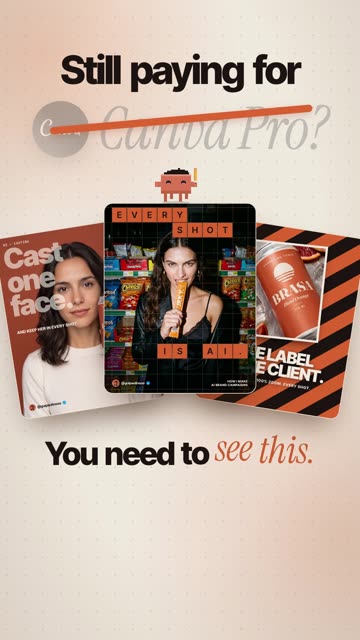
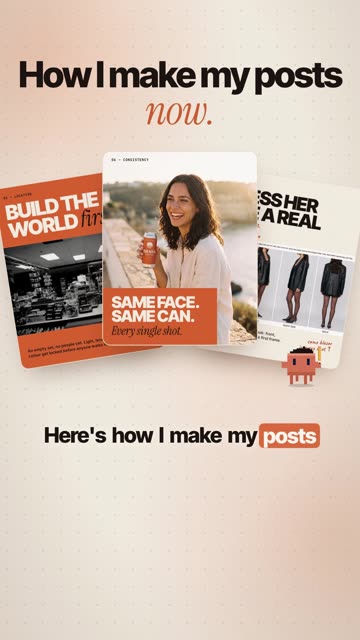
Find a design you like on Pinterest, Instagram or a Canva template. Give the screenshot to Claude Code with one line. It rebuilds the whole set with your colours, your fonts, your photos and your face.

๐Ÿ–ผ 1 screenshotโŒจ๏ธ 1 line in Claude Codeโœฆ 9 posts in about 4 minutes

Before โ†’ after

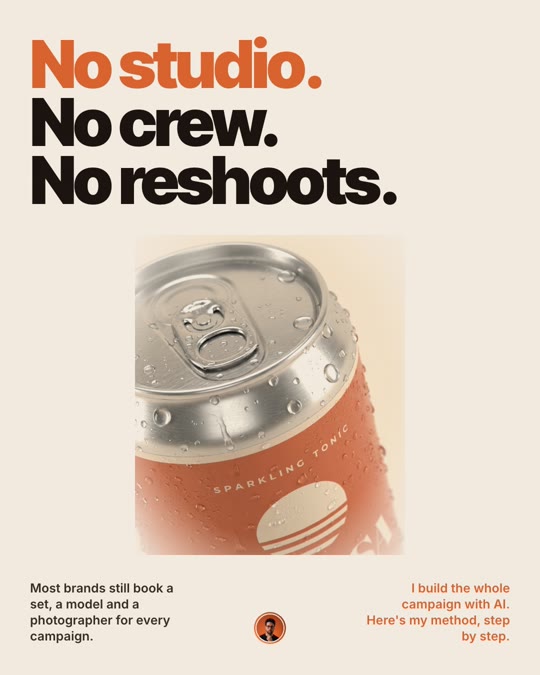
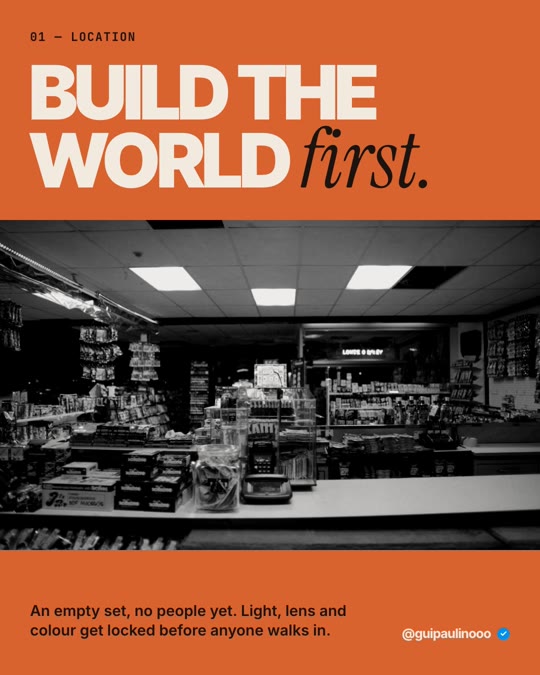
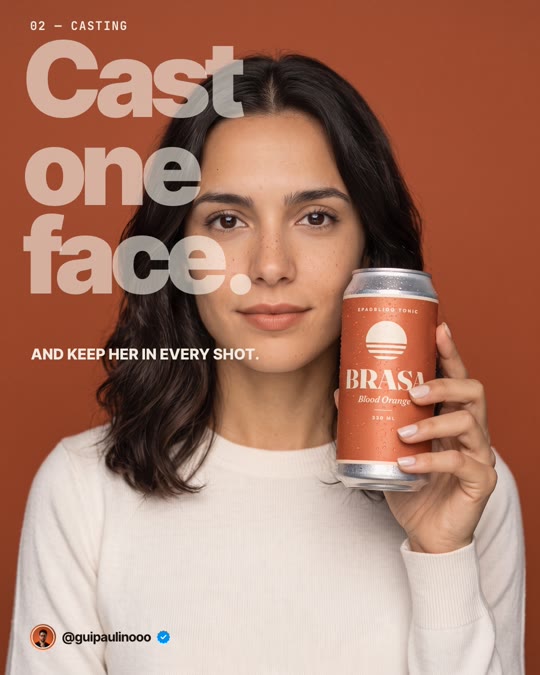
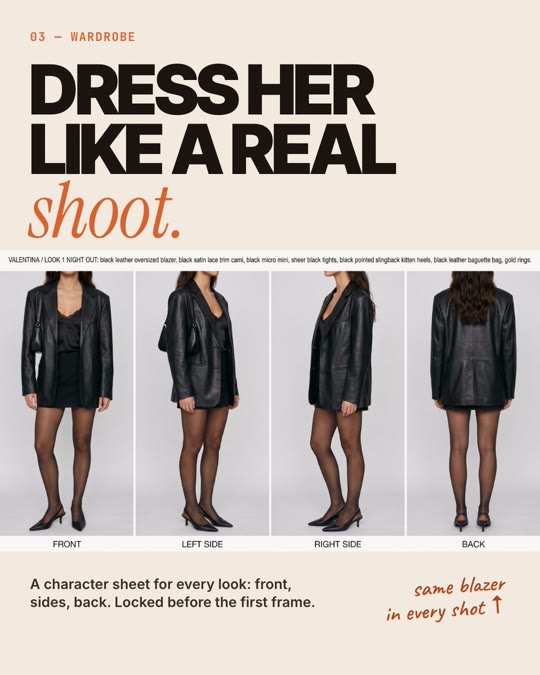
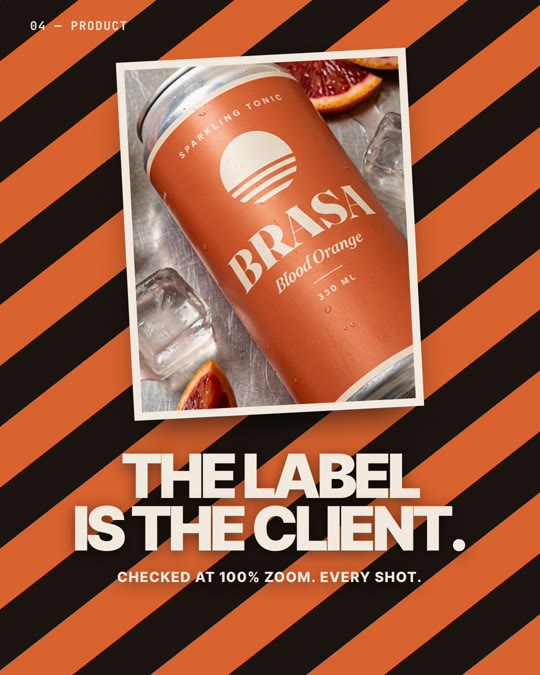
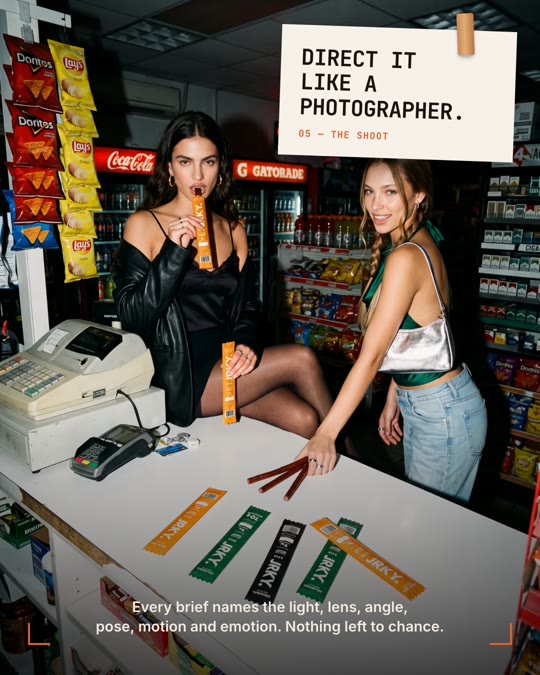
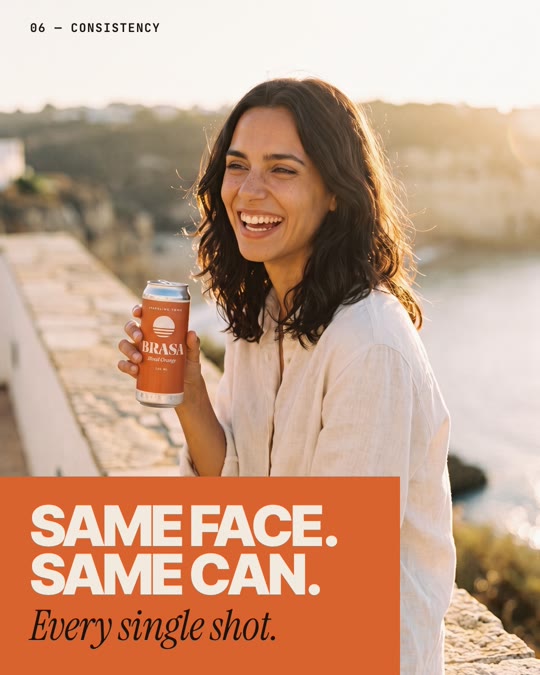
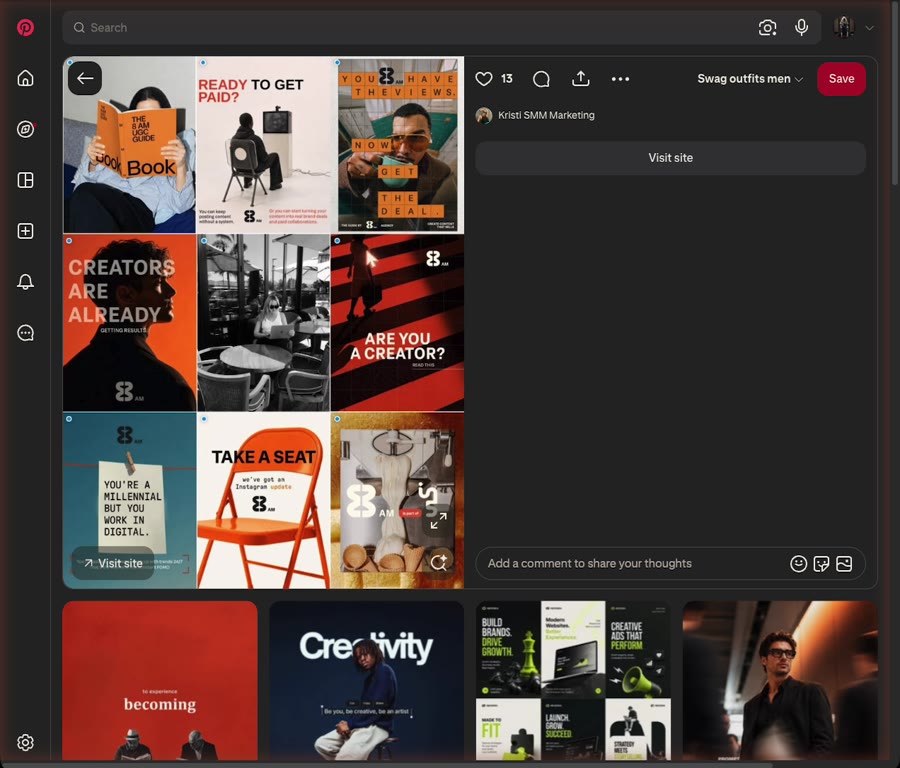
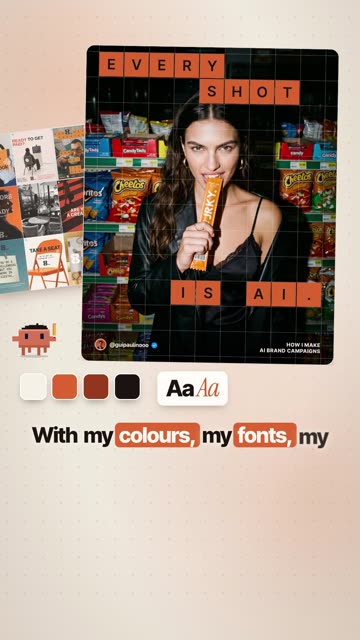
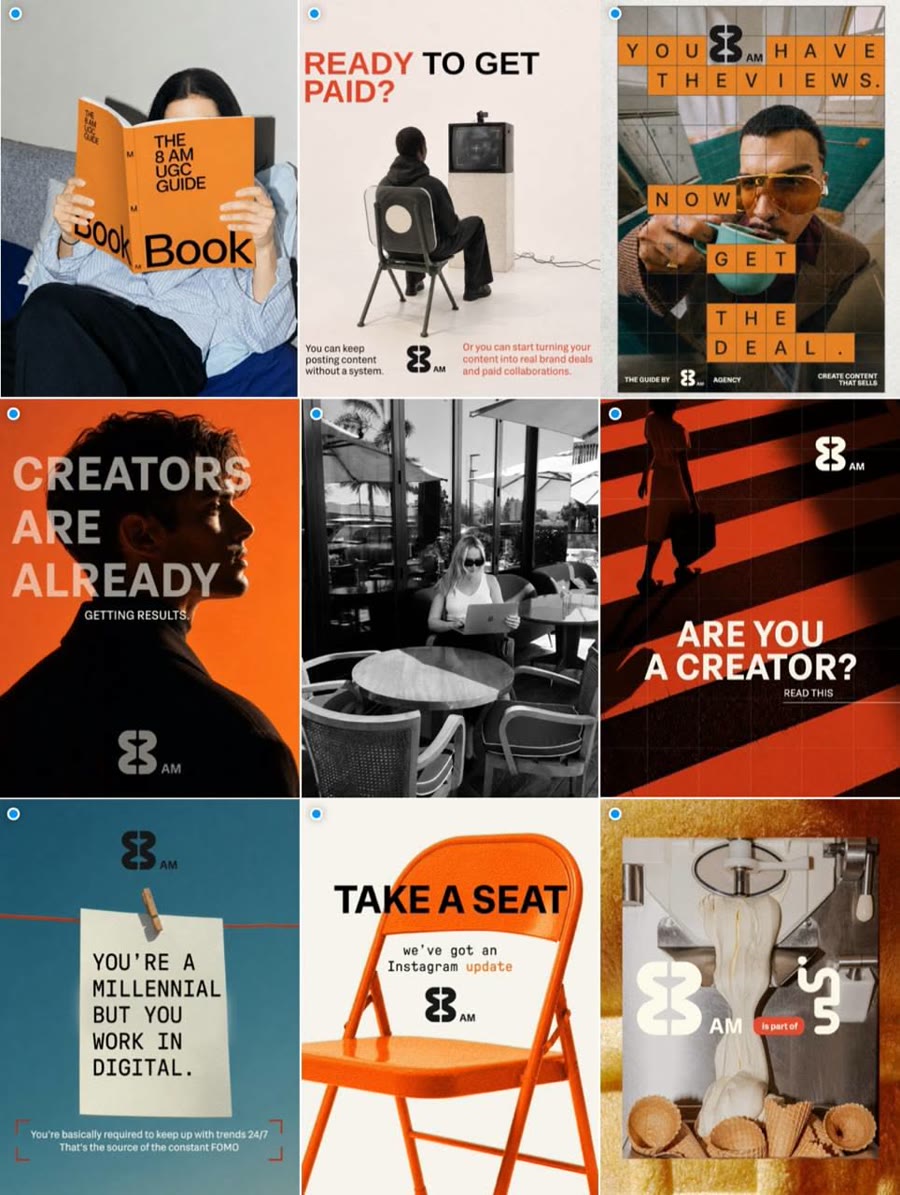
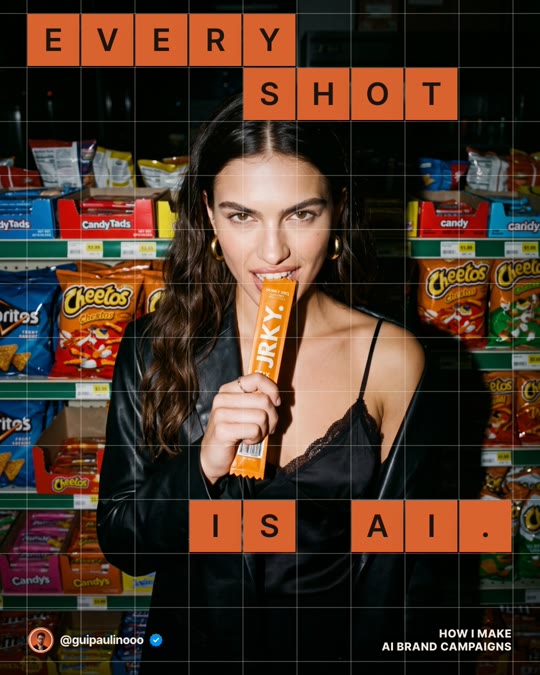
The real run from the reel. Left: a template I found on Pinterest. Right: what Claude Code made from it, using my own campaign photos.
The referencePinterest
The reference: a bold orange and black Instagram template found on Pinterest
Claude's rebuildMy brand

same structure ยท my colours, fonts, photos

What you need

๐Ÿ’ปClaude CodeIn the Claude desktop app (Code tab) or a terminal. It comes with paid Claude plans, or you can use API credits.
๐ŸŽจYour brand basicsYour colours (hex codes), 1 or 2 fonts, your logo or profile photo and your handle. You set these up once in step 1.
๐Ÿ“ธYour own photosProduct shots, team photos, campaign images. Claude places them; it doesn't invent them.
๐ŸŒGoogle ChromeClaude uses it in the background to export the slides as PNGs.

The workflow

Four steps. Step 1 you only do once. After that it's screenshot โ†’ one line โ†’ review.

1

Teach Claude your brand

Once ยท a brand skill

A skill is a small instruction file Claude reads before every post. This is why the result looks like your brand and not a generic template. Paste this into Claude Code and answer its questions:

Brand skillCreate a Claude Code skill for my brand at ~/.claude/skills/my-brand/SKILL.md. First ask me for: my name and handle, my brand colours (hex), my fonts, my logo or profile photo, my tone of voice and my call to action. Then write the skill so every post you design for me uses them: the same colours and fonts, a footer with my handle, and an end card with my call to action. Include an HTML slide template and a script that exports 1080ร—1350 PNGs with headless Chrome.
๐Ÿ’กName it in your prompts. If you call your skill "my-brand", say "in my brand" or "use my-brand" and Claude loads it, like Skill(guipaulinooo-brand) in the reel.
2

Find a post you love

Pinterest ยท Instagram ยท Canva templates

Look for structure: big type over full-bleed photos, step carousels, quote cards, grids. Screenshot it and put it in a new folder:

  • reference.jpg: your screenshot
  • photos/: your own photos for this set
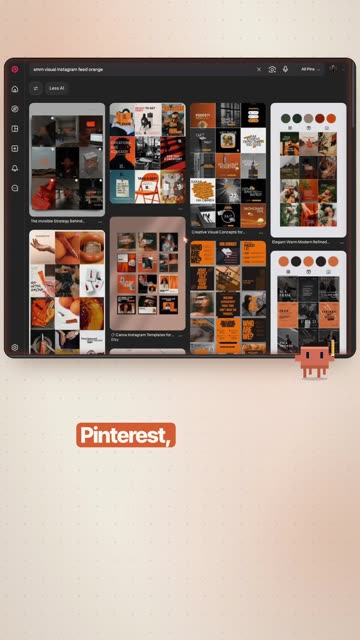
Pinterest search results full of bold orange Instagram templates

The search from the reel: "smm visual instagram feed orange".

3

One line in Claude Code

The exact prompt from the reel

Open Claude Code in that folder and paste this. Swap the style words and the topic for yours:
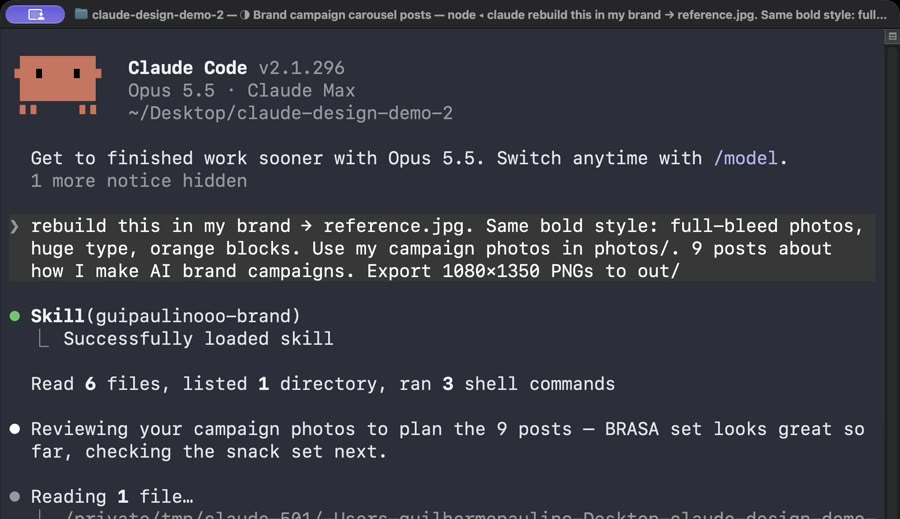
The exact promptrebuild this in my brand โ†’ reference.jpg. Same bold style: full-bleed photos, huge type, orange blocks. Use my campaign photos in photos/. 9 posts about how I make AI brand campaigns. Export 1080ร—1350 PNGs to out/
Fill-in versionrebuild this in my brand โ†’ reference.jpg. Same layout and style as the reference: [describe what you like, e.g. step cards with hand-drawn arrows]. Use my photos in photos/. [number] posts about [your topic]. Export 1080ร—1350 PNGs to out/
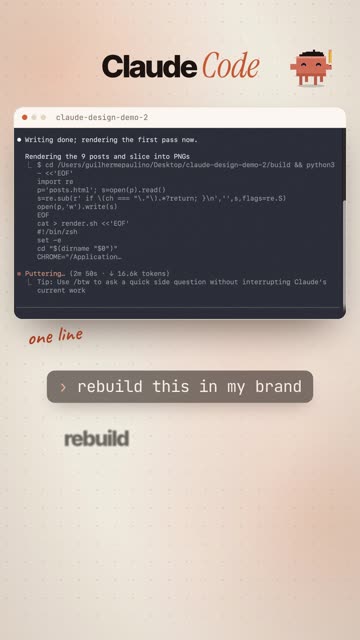
Claude Code loading the brand skill after the prompt

It loads the brand skill, reads the reference and your photos, builds every post as HTML, renders, checks its own work and fixes overlaps. 3 minutes 39 seconds in the reel.

4

Review in plain English

Then keep going

Look at every slide at full size and ask for changes like you'd brief a designer. Then turn the same set into everything else:

FixPost 3: the headline covers her face. Move the text block to the bottom and make the photo bigger. Re-render only that post.
10-slide carouselTurn these posts into one 10-slide Instagram carousel: a scroll-stopping cover, one idea per slide, and my end card with the comment keyword on slide 10.
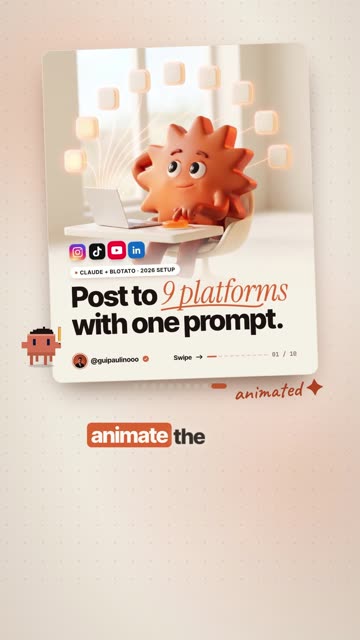
Animate the coverAnimate slide 1 as a 6-second MP4 (1080ร—1350): the headline types in word by word, the photo slowly zooms, and the elements land one by one. Keep my fonts and colours.
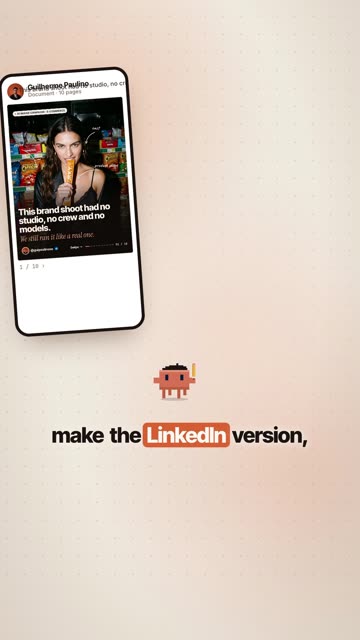
LinkedIn + websiteMake a LinkedIn PDF version of this carousel, then a one-page website in the same style that tells the same story, ready to deploy.

What it made for me

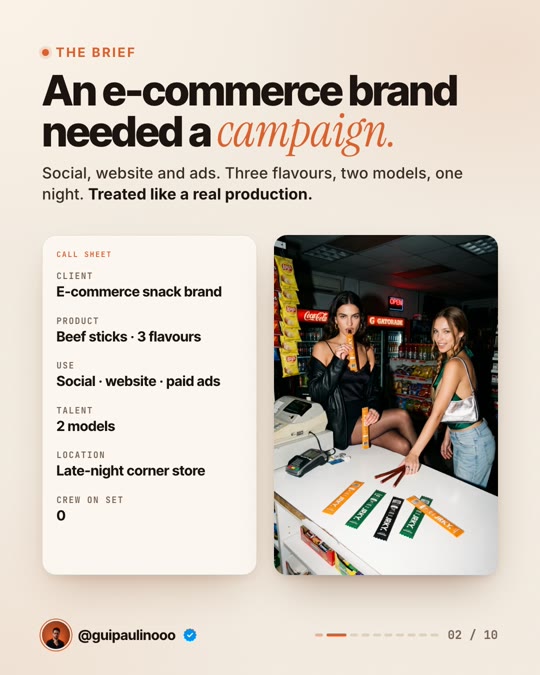
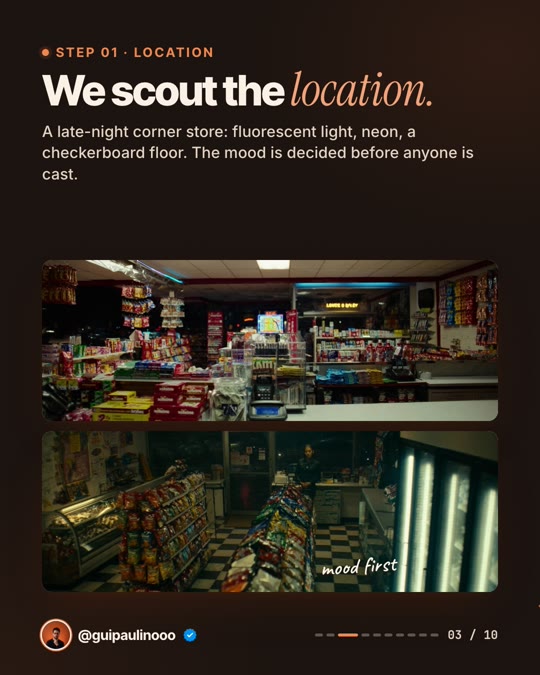
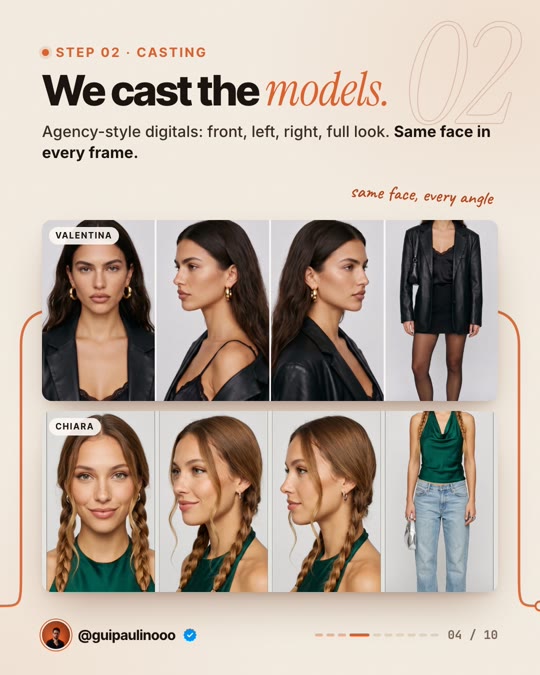
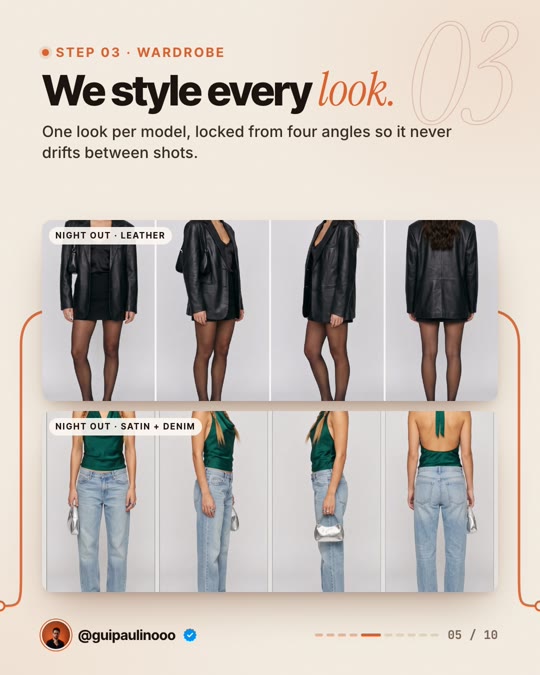
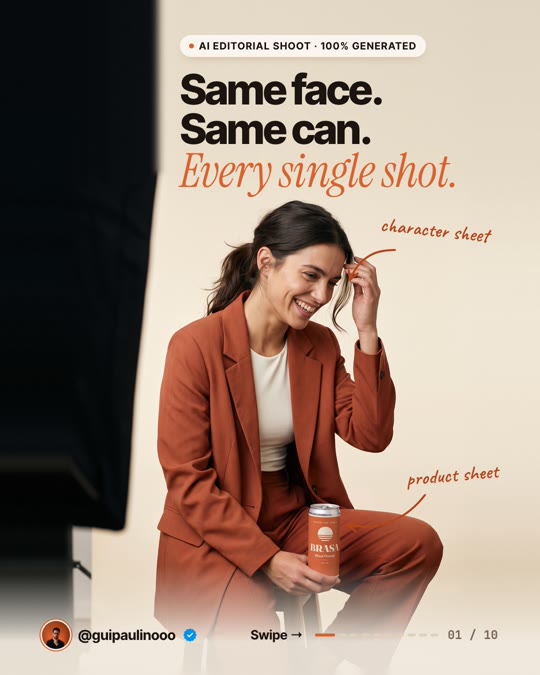
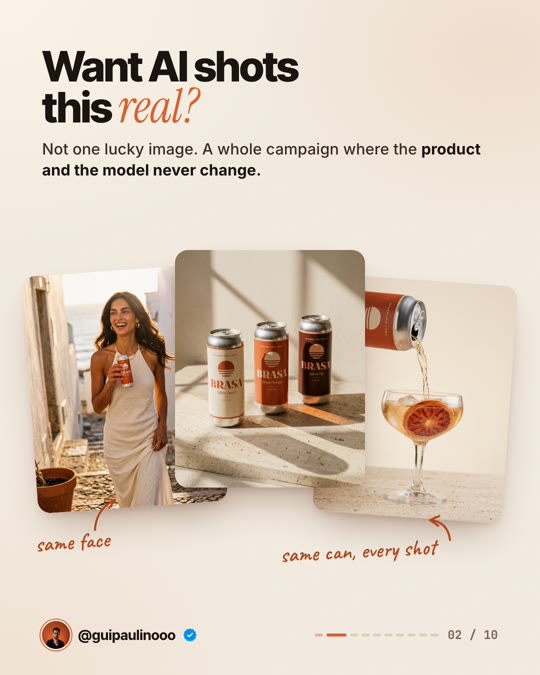
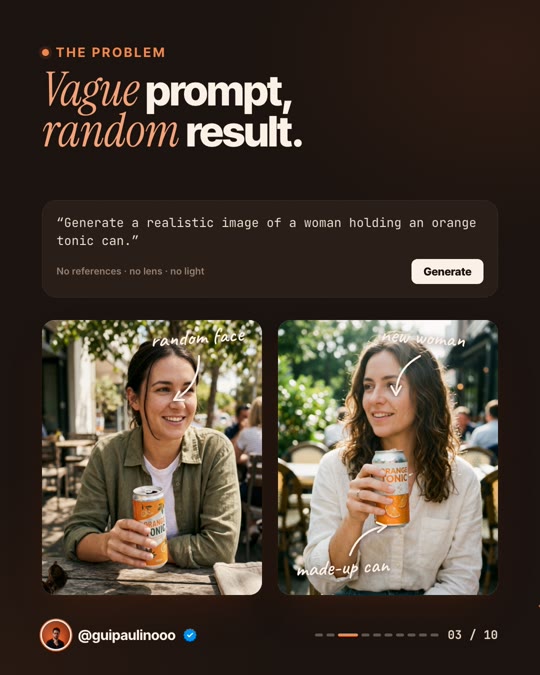
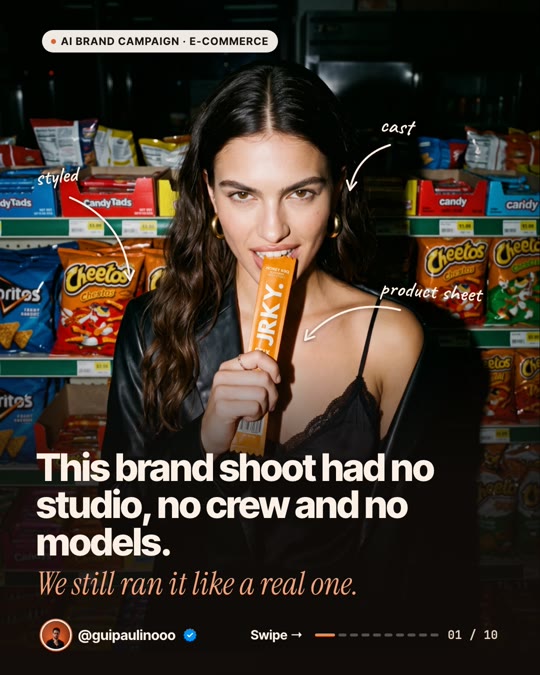
Same brand system, two real campaigns. Swipe.
The rules

๐ŸงญTake the structure, not the postUse references for layout, rhythm and type scale. Never reuse someone else's photos, logo or words.
๐Ÿ“ทYour photos make it yoursThe better your images, the better the set. Low-resolution photos look soft at 1080ร—1350, and Claude will tell you which ones.
๐Ÿ”Check every slide at 100%Look for text on faces, cut-off words and labels. Ask for fixes one post at a time.
๐Ÿ”คUse fonts you're allowed to useGoogle Fonts are free for commercial use. For anything else, check the licence.

If something looks off

It doesn't look like my brandSay "use my-brand" in the prompt, or check the colours and fonts in your SKILL.md.
Text overlaps the photoName the post number and what's wrong. Claude re-renders just that one.
No PNGs in out/Make sure Google Chrome is installed, then ask Claude to "run the export again and show me any errors".

This is what I do. Check out my work.

I make content, websites and AI tools for brands, with the same kind of AI tools you just saw.

See my portfolio โ†’
Got a project in mind? paulino@trigonagency.com
๐Ÿ™ŒClaude and Claude Code by Anthropic. Reference template found on Pinterest, shown only as the "before". Pinterest, Instagram and Canva are trademarks of their owners.