What it did on my profile
Everything in the reel is a real run on my own LinkedIn. No mock-ups.
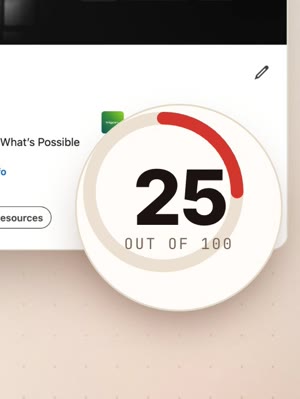
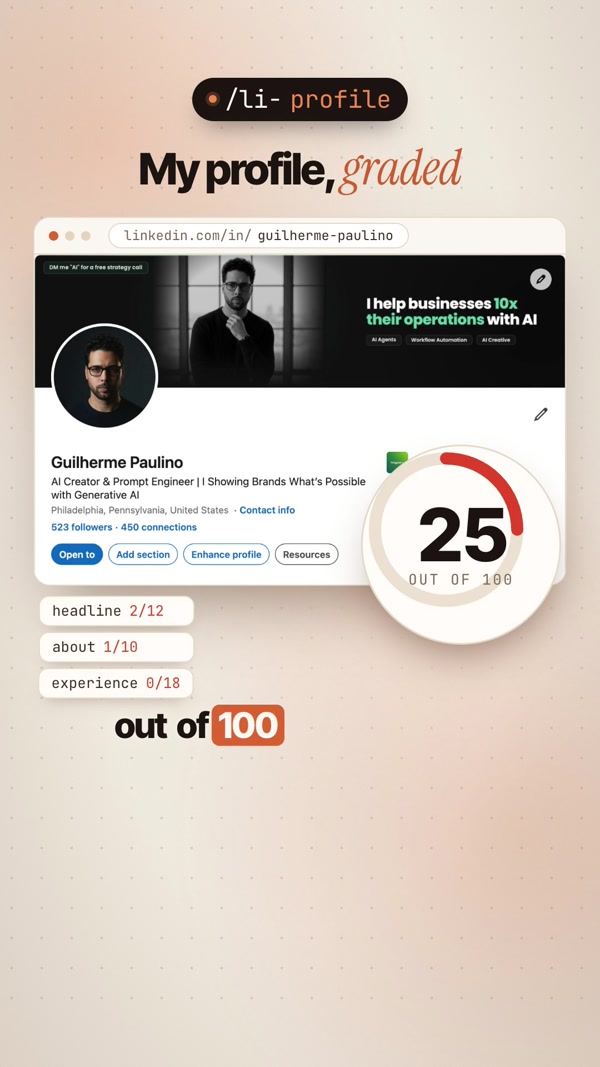
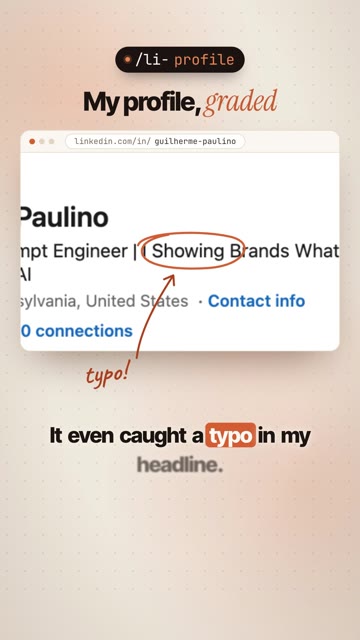
/li-profile25 / 100 → 74 / 100It scored my profile against a 12-part rubric, then rewrote the parts that lost points. It also caught a typo in my headline: “I Showing Brands”.
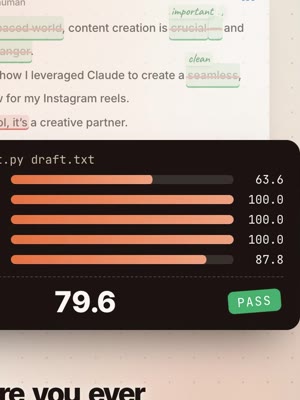
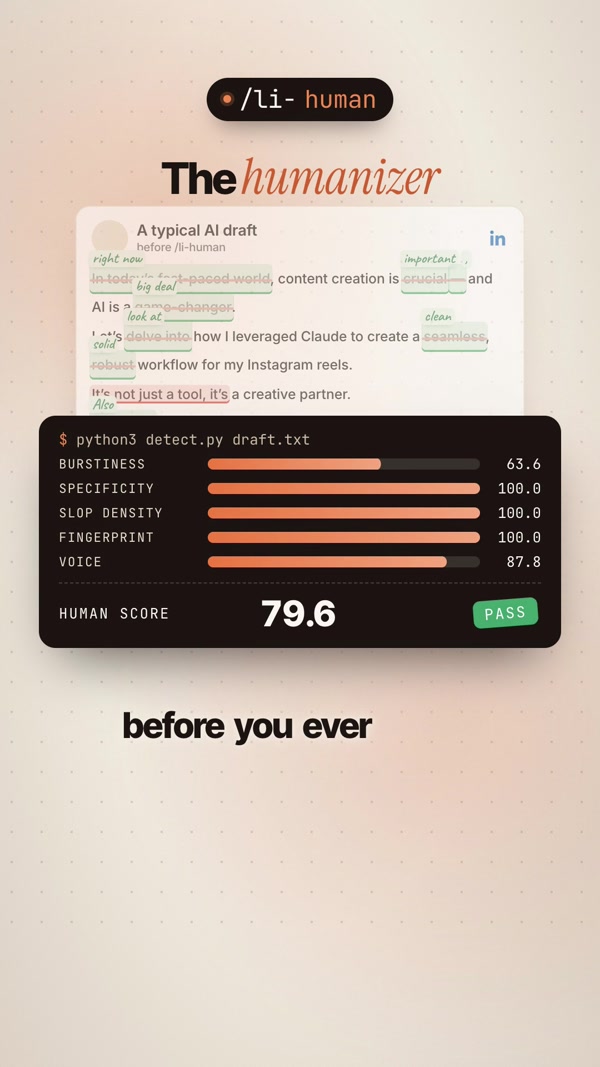
/li-human21.3 flagged → 79.6 passA typical AI draft, before and after: em dashes, “delve”, hidden zero-width characters gone, then scored on five checks.
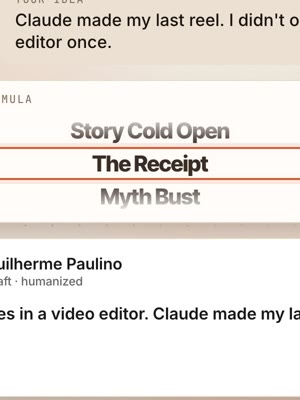
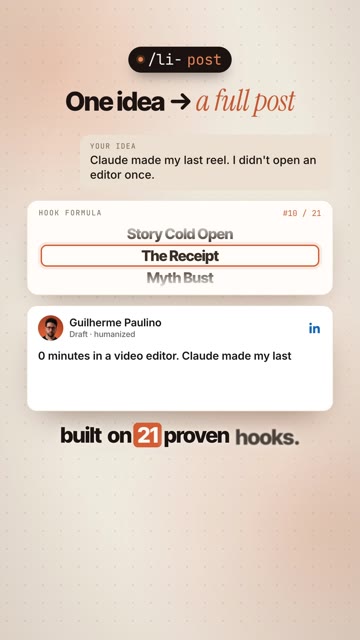
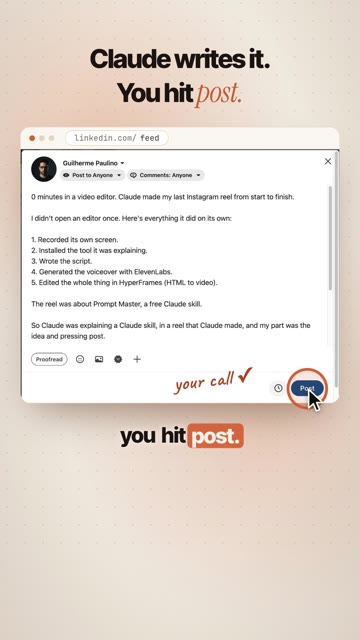
/li-postOne idea → a full postIt gave me three hooks from its 21 formulas, picked “The Receipt”, and wrote the full post in my voice.
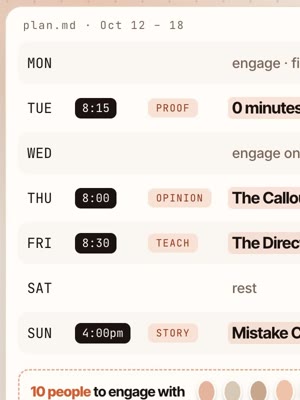
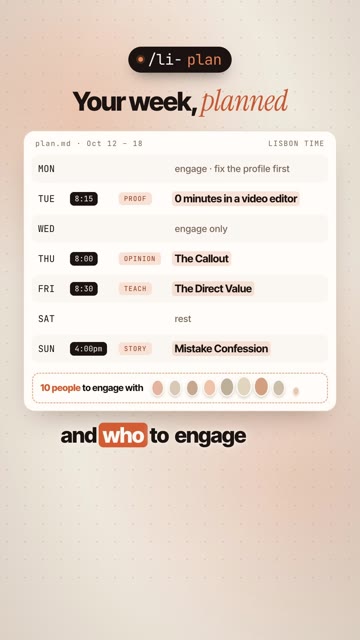
/li-planA whole week, planned4 posts with times, engage-only days, and the 10 kinds of people to engage with.
The 11 skills
Type the command in Claude, then give it what it asks for.
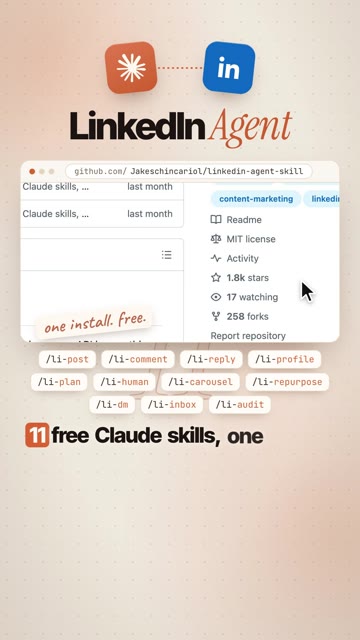
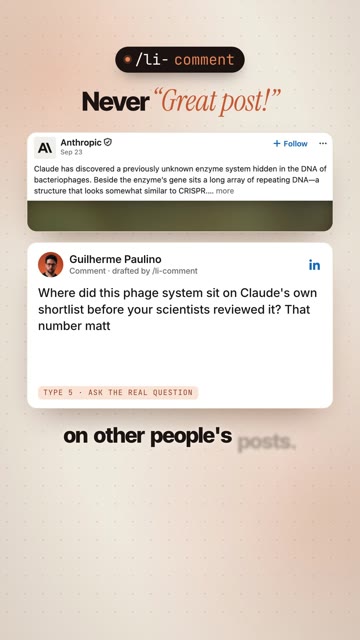
/li-postOne idea into a full post. 3 hook options from 21 formulas, then the draft./li-humanThe humanizer. Strips AI tells and scores your draft on 5 checks./li-profileScores your profile out of 100, then rewrites what lost points./li-commentReal comments on other people's posts. Never “Great post!”./li-replySorts the comments under your post (lead, substance, peer…) and drafts replies./li-planYour week: what to post, when, and who to engage with./li-carouselDocument posts: slide-by-slide copy and the cover./li-repurposeOne video, newsletter or transcript into a week of posts./li-dmThe invite note, the first message, and two follow-ups./li-inboxTriages your inbox: lead, recruiter, peer, ask or spam./li-auditRanks what you already posted by engagement rate, not impressions.Set it up
Pick the Claude you use. Both take about 3 minutes.
Paste this, that's it
Open the Claude app, go to the Code tab (or run claude in your terminal), and paste:
Claude downloads the 11 skills and installs them. When it says /li-post works, you're done.
Upload the skills
- Download the skills. Each one is a ready-to-upload ZIP. Start with the three stars:
- In Claude, open Settings → Capabilities and turn on Code execution and file creation. Skills need it.
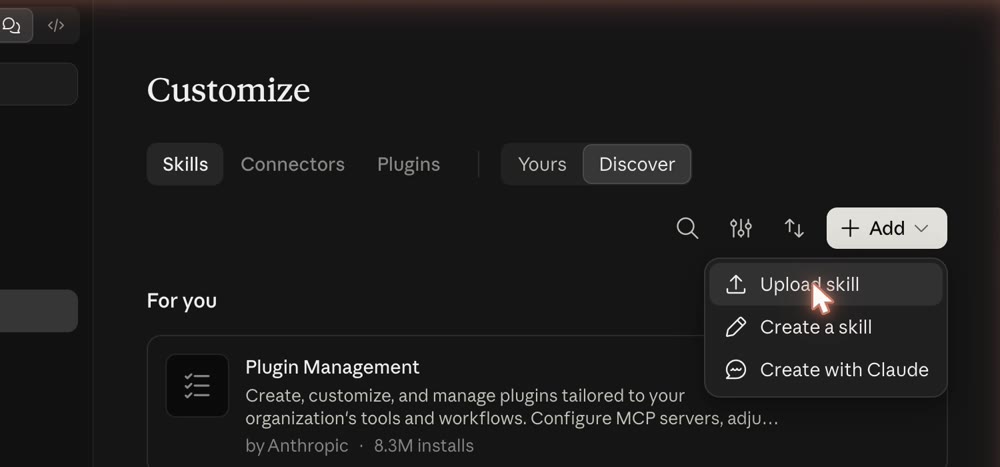
- Go to Customize → Skills.
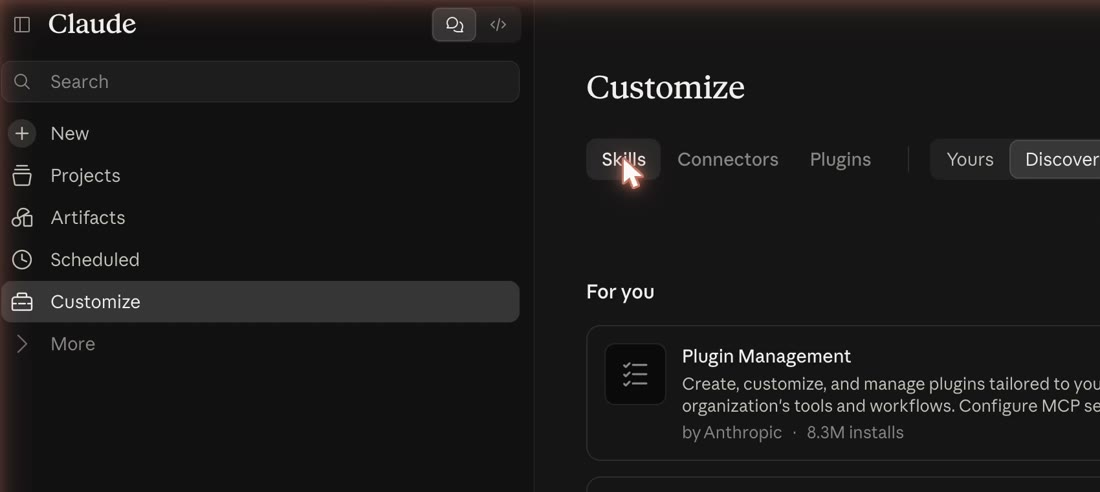
- Click + Add → Upload skill and pick one ZIP. Repeat for each skill you want.
Teach it your voice
Every skill reads a short voice profile, so drafts sound like you, not like everyone else. Paste three of your own posts into Claude and say:
In Claude Code, add: “save it to ~/.claude/linkedin/voice.md”. In the chat, keep it in your project or paste it at the top when you use the skills.
Try these first
Start the message with the command so Claude uses the skill.
Good to know
{{your number}}. Fill it in or cut the line.