Free guide ยท from the reel

Make motion graphics with Claude. No After Effects.

This is the exact setup behind my reel. You describe the video in plain words. Claude plans it, animates every frame and hands you an MP4.

โฑ About 20 minutes๐Ÿ‘ฃ 5 steps๐Ÿ’ธ The motion skills are free

Made with this setup

Every frame of these scenes was written and animated by Claude with these exact steps. Swipe โ†’

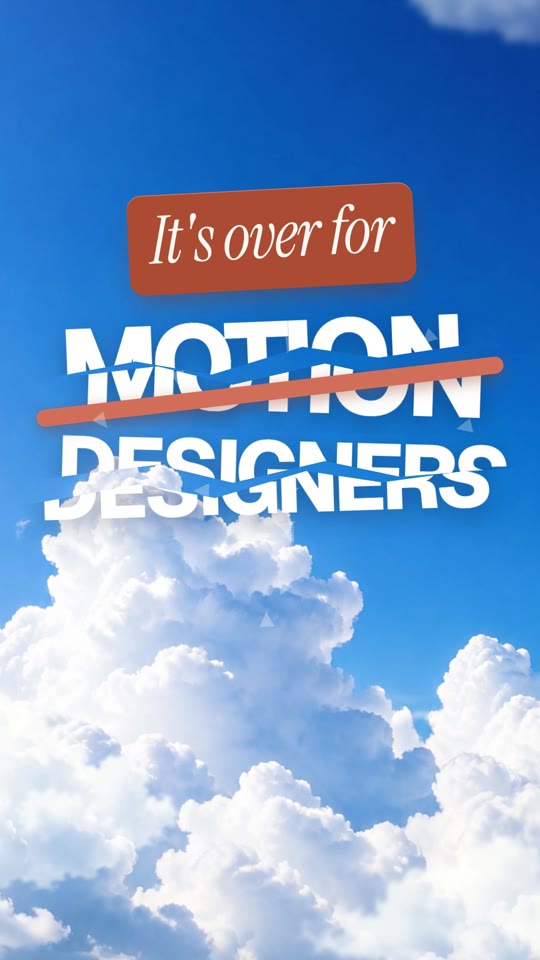
Hook scene: It's over for motion designers
The hook
Claude made it scene
Kinetic text
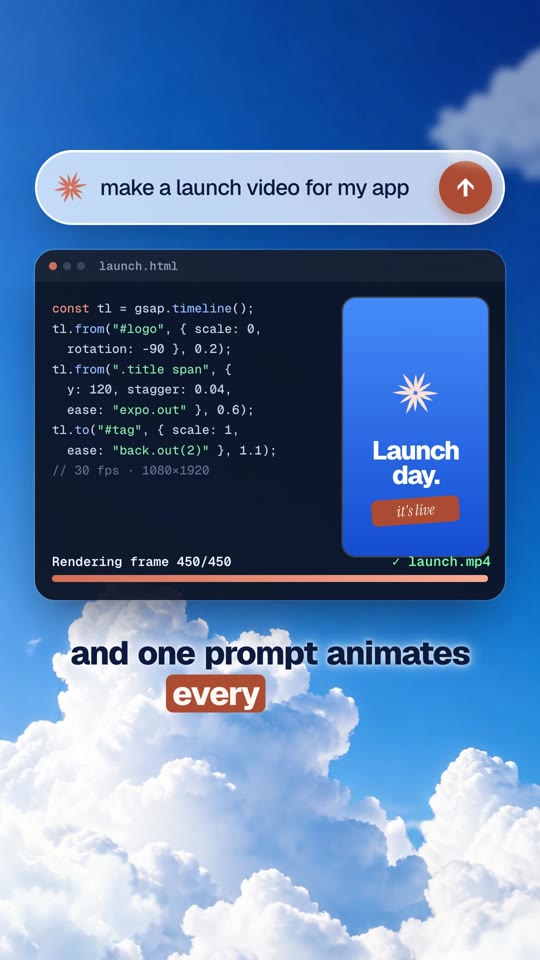
Prompt, code and render scene
Prompt โ†’ code โ†’ render
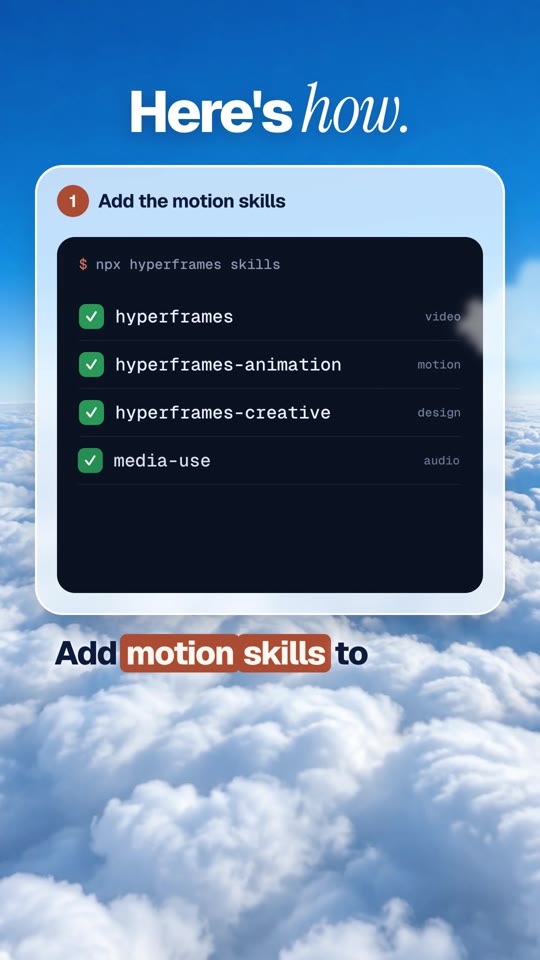
Step-by-step card scene
Explainer cards
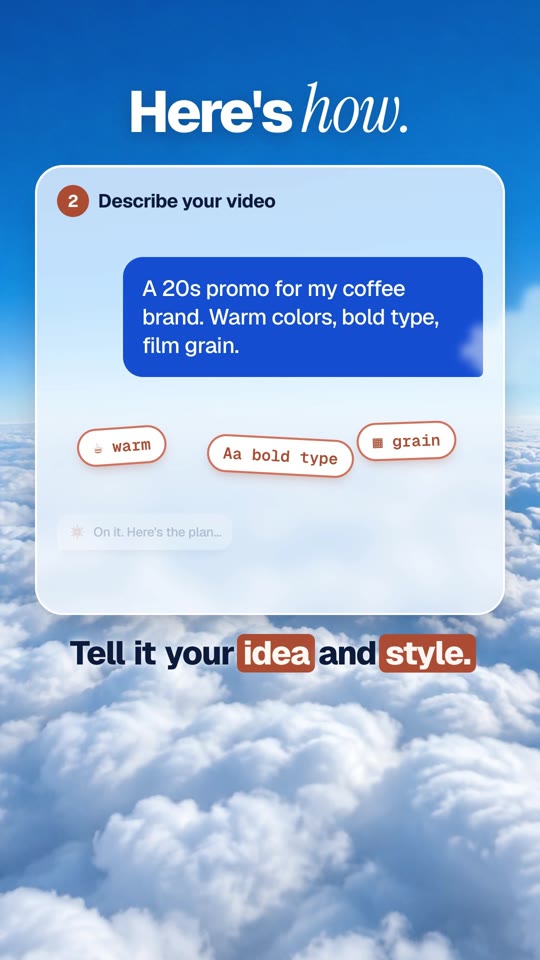
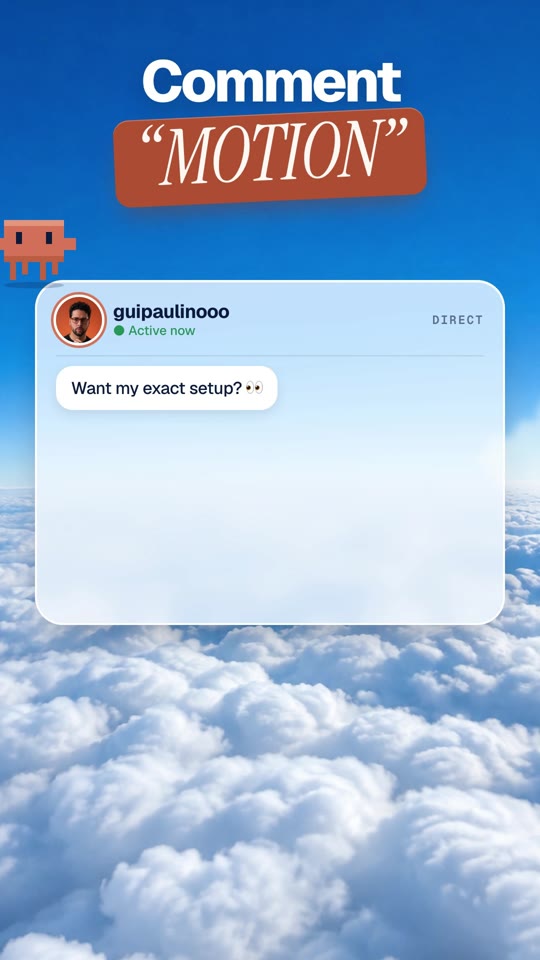
Chat bubble scene
UI animation
DM call to action scene
Call to action
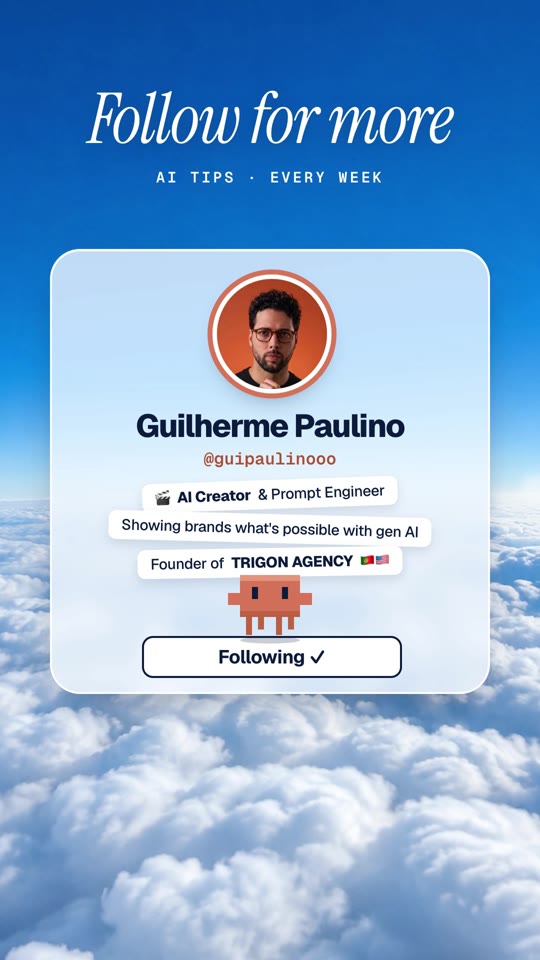
Follow card scene
The ending

What you need

๐Ÿ’ฌA Claude Pro plan (or higher)The free plan doesn't include Claude Code. Plans are at claude.ai.
๐Ÿ’ปA Mac or Windows computerClaude does the setup for you. No coding.
๐Ÿ’กAn idea for a videoA topic and a few things you want on screen.

The 5 steps

Do them in order. You only do steps 1 and 2 once.

1

Get the Claude app and open Code

  1. Download the Claude app from claude.ai/download and sign in.
  2. Make a new empty folder on your Desktop called my-video.
  3. In the app, click the Code tab at the top, then pick your my-video folder.
Download the Claude app โ†—
๐Ÿ’กAlready use the terminal? Open your folder there and type claude. Same thing.
2

Let Claude install the motion skills

The motion skills are called HyperFrames. They're free and open source. Copy this and send it to Claude:

setup.txt
Set up HyperFrames on this computer so you can make videos for me. 1. Check that Node.js (version 22 or newer) and FFmpeg are installed. If one is missing, install it for me. 2. Install the HyperFrames skills for Claude Code. The command is: npx skills add heygen-com/hyperframes If it asks questions, pick Claude Code. 3. When it's done, tell me in one sentence that you're ready, and remind me to start a new chat.

Claude will ask before it runs anything. Click Allow each time.

Add the motion skills step
๐Ÿ’กThen start a new chat. The skills load when a chat starts.
3

Describe your video

  1. Copy my prompt below and paste it into the new chat.
  2. Fill in the parts in [brackets].
  3. Press send.
Describe your video step
๐Ÿ’กStuck on the look? Grab a line from style ideas and paste it after "Look:".
4

Check the storyboard and the preview

Claude first sends a short plan, one line per scene. Say OK, or change anything. Then it builds the video and opens a preview where you can press play.
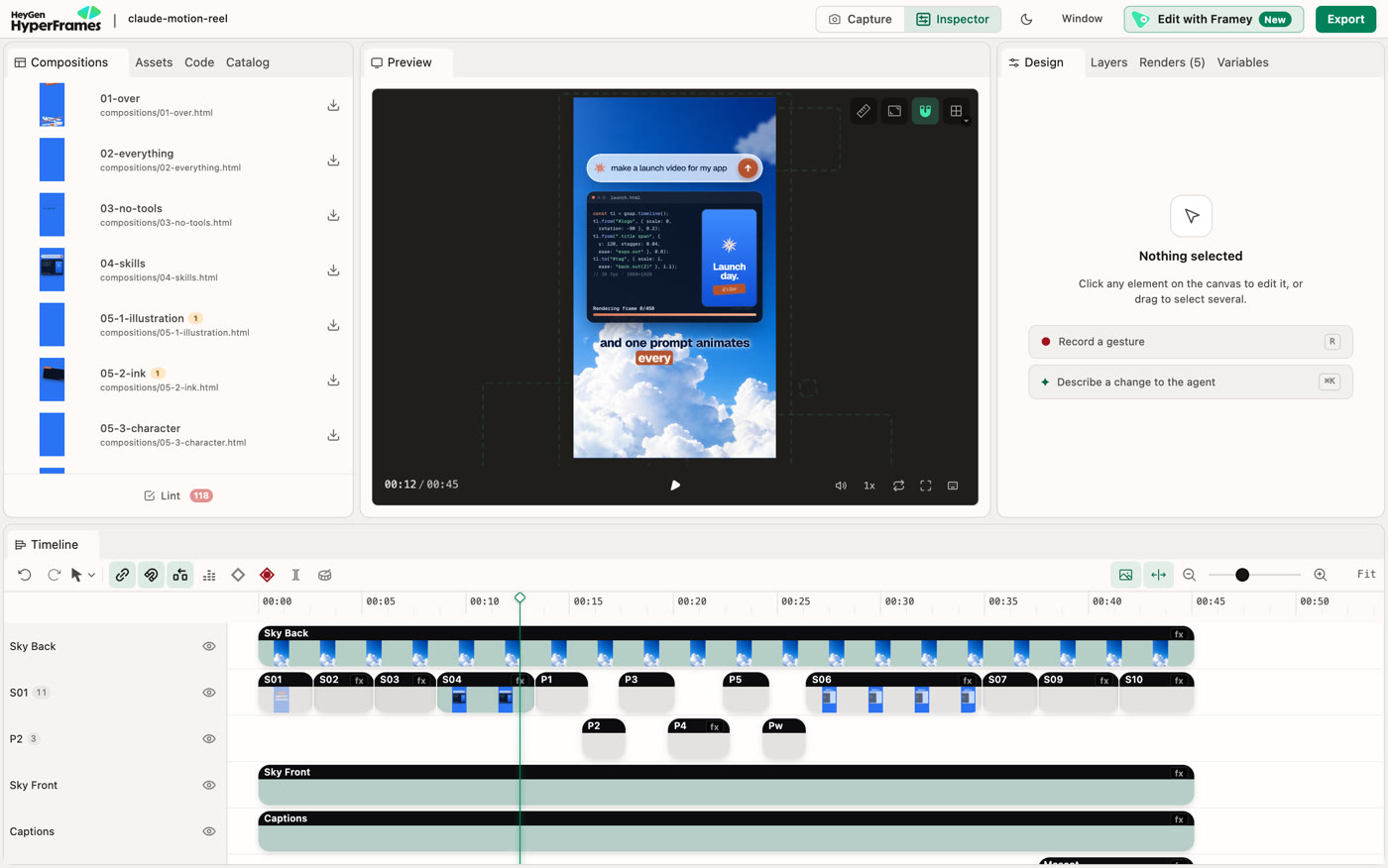
The HyperFrames preview with the video and its timeline

The preview: the video in the middle, every scene on the timeline below.

Ask for changes in normal words, one at a time:

  • "Make the text bigger."
  • "Make it faster. Less time between scenes."
  • "Change the orange to green."
  • "Use my logo in the last scene." (attach it)
5

Get your MP4

When you like it, say: "Render it as an MP4." The video is saved in your my-video folder, ready to post.

Claude writes the animation and renders the MP4
๐ŸŽ™๏ธWant a voiceover? Make one in ElevenLabs, drop the MP3 into the chat and say: "Here's my voiceover. Line up the scenes and add captions."

My exact prompt

Copy it, fill in the [brackets], send it.

motion-prompt.txt
Make me a [length, for example 30-second] vertical video (1080ร—1920) for Instagram Reels using HyperFrames. Topic: [what the video is about, in one sentence] Look: [the style, for example: bold type, sky blue and orange, clean and premium] Scenes: [3 to 6 moments, for example: 1. big hook text 2. show the product 3. three quick benefits 4. call to action] Text on screen: [the exact words, or "write it for me"] Ending: a card that says "[your call to action]" First show me a short storyboard, one line per scene, and wait for my OK. Then build it, show me a preview, and render it to MP4 when I say it looks good. Keep the motion fast and smooth.

Download the prompt + style ideas as a file

Style ideas

Paste one after "Look:" in the prompt, or ask for it as its own scene.

Kinetic typeBold words slam onto the screen one by one, big and heavy, with a quick camera shake.
Paper illustrationFlat illustration on cream paper with grain: shapes pop in, coins drop and bounce, a clock spins.
Ink and paperBlack ink brush strokes draw themselves on rice paper, a red sun rises, then a title fades in.
Editorial explainerSimple icons and big numbers explain one idea step by step, like a magazine graphic.
3D product spinA phone spins in 3D under a soft spotlight, then settles facing us as a light sweeps across it.
Charts that buildA bar chart grows from zero, a line draws across it, and the total counts up.
Logo revealA ring draws itself, a dot orbits it, then the logo and name rise into place.
Map routeA dotted route draws from New York to Lisbon with a little plane following the line.

If something looks off

Claude says it can't find HyperFramesStart a new chat, then say: Use the HyperFrames skills.
The setup stopped halfwaySay: Continue the setup.
I don't see a previewSay: Open the preview for me.
It feels slowSay: Make it faster and cut the empty moments.
Text runs off the screenSay: Keep all text inside the frame on a phone.
โš–๏ธOne rule: use your own brand, photos and music, or ones you have the rights to. Claude makes the motion. What goes in it should be yours.