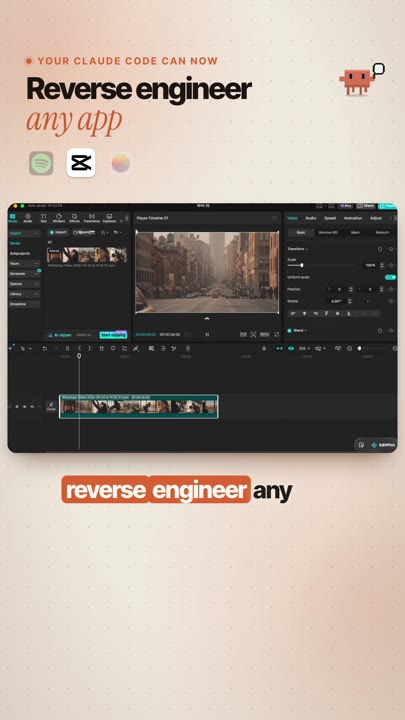
REA is a free tool you add to Claude Code. Point it at an app on your computer, your phone or a website, and Claude figures out how it works, feature by feature. Then it helps you build your own version, instead of paying for it every month.
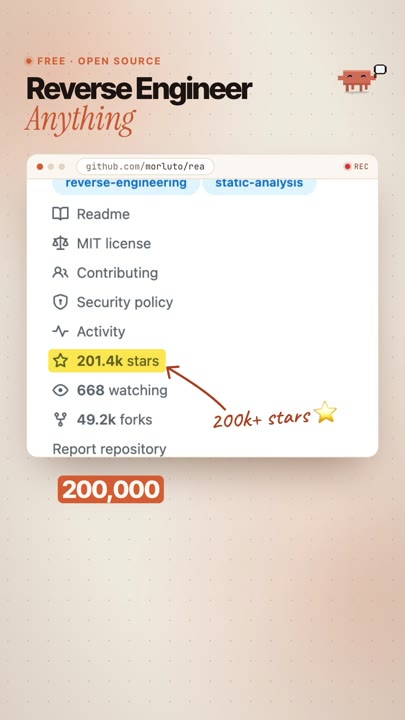
✦ Free · open source (MIT)⭐ 200k+ stars on GitHub⌨️ 1 setup line
You don't need to read code. You ask in plain English, Claude does the digging.
1.You point at an appA website, a desktop app on your computer, or a mobile app file.
2.Claude looks insideREA gives Claude the tools to inspect the app and trace a feature from the click to the result, with evidence.
3.You build your ownClaude turns what it learned into a plan, then writes your own version from scratch.
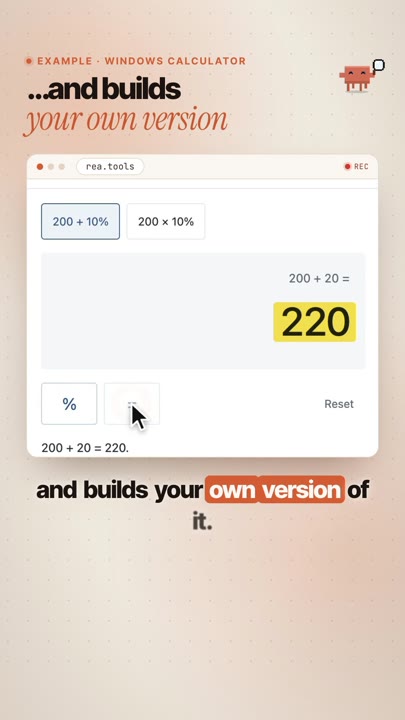
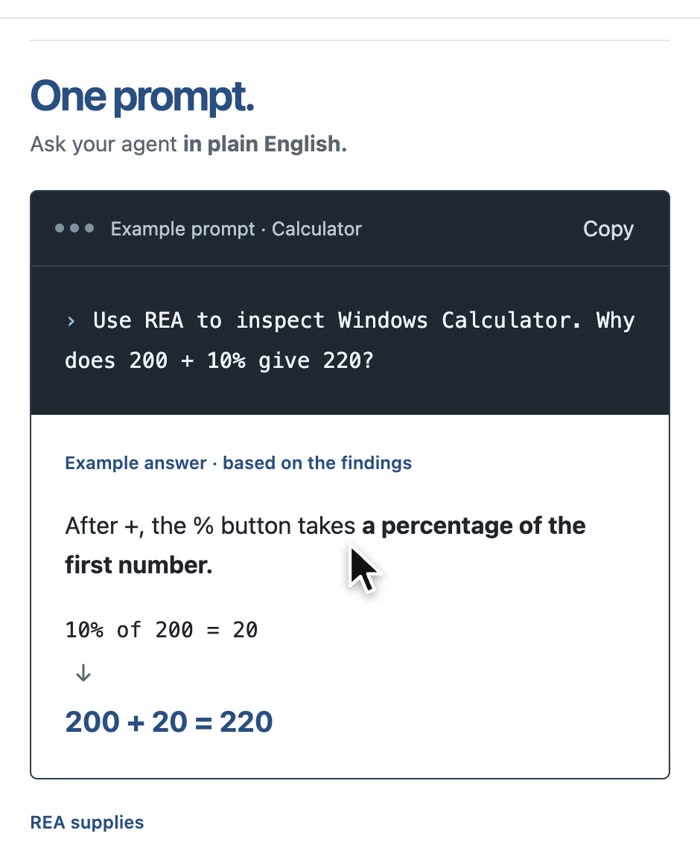
An example from rea.tools: one plain-English question, and an answer based on what REA found inside the app.
What you need
💻Claude Code paid planIn the Claude desktop app (Code tab) or a terminal. It comes with paid Claude plans. claude.com
🟩Node.js freeNeeded for the npx setup command. REA needs Node.js 22 or newer. nodejs.org
🔍REA free · MIT"Reverse Engineer Anything" by morluto. Setup installs it for you in step 1. GitHub
🧩Ghidra freeOnly for native desktop apps (not websites or Electron apps). Open source, from the NSA. Needs Java (JDK 21). ghidra-sre.org
The steps
Step 1 you only do once. After that it's: point at an app → ask → build.
1
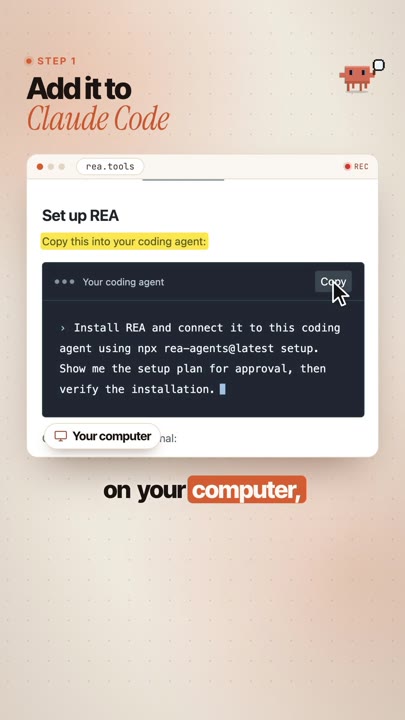
Add REA to Claude Code
Once · in your terminal
Open a terminal (on Mac: the Terminal app) and paste this. Pick Claude Code when it asks which agents, review the changes and approve them.
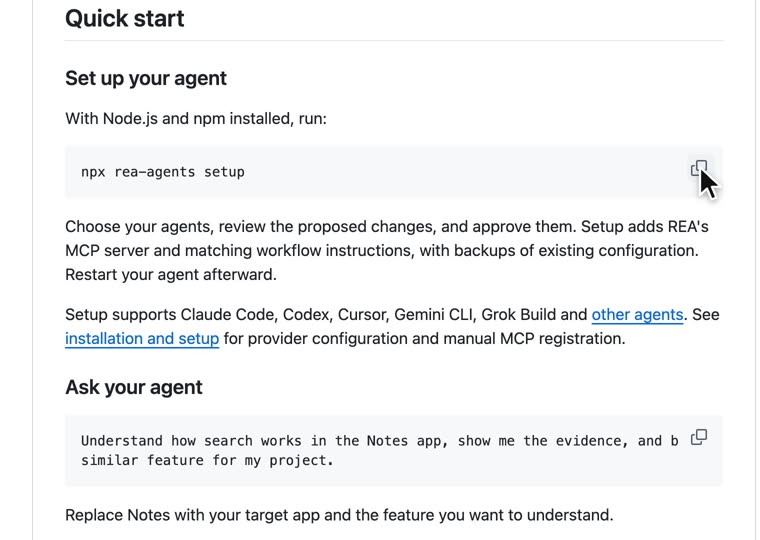
Installnpx rea-agents setup
The quick start on github.com/morluto/rea.
💡Restart Claude Code afterwards. The REA tools only show up in a new session.
2
Point it at an app
Website · desktop app · mobile app
Open Claude Code and ask in plain English. Pick the prompt that matches your app and fill in the brackets:
A websiteUse REA to look at how [feature, e.g. the search with live filters] works on [website URL]. Only look at what a normal visitor's browser can see. Explain it in simple words, feature by feature, and show me the evidence.
A desktop app (Electron)Use REA to inspect the [App name] app installed on my computer at [path, e.g. /Applications/App.app]. Check if it's an Electron app. Trace how [feature] works, from the click to the result, and explain it in simple words with the evidence.
A native desktop app (needs Ghidra)Use REA with Ghidra to inspect [App name] at [path]. I only want to understand how [feature] works. Tell me first if anything is missing in my setup, then explain the feature in simple words with the evidence.
A mobile appUse REA to inspect the app file at [path to the .apk or .ipa]. List its main screens and features and explain how [feature] works. Tell me first what extra tools you need for this file type.
💡Mobile apps: Android APKs get the deepest look (REA uses JADX and a Java JDK). For iPhone .ipa files REA lists what's inside the app package. You can also start with the app's website version.
3
Build your own version
Your code · your design · your name
Now turn what Claude learned into your own app. This prompt keeps it yours:
Build your own versionBased on what you found, write a short plan for my own version with only these features: [list the 3–5 features you actually use]. Then build it from scratch as a [web app / Mac app] in a new folder called my-version. Write your own code and use your own design, name and icons. Don't copy any of the original app's code, images, text or branding. Start with the smallest version that works, then tell me how to open it.
💡Start small. Rebuild the one or two features you pay for, not the whole app. Add more once the first version works.
4
More prompts
Copy, paste, fill the brackets
The example from the REA READMEUnderstand how search works in the Notes app, show me the evidence, and build a similar feature for my project.
Feature list firstBefore building anything, use REA to make a simple list of every feature you can find in [App name], grouped by screen. Mark which ones look hard to build and which are easy.
Explain it like I'm not a coderExplain what you found in [App name] like I've never written code: what happens when I click [button], step by step, in five sentences or less.
Make it better than the originalMy version works. Now add [the feature I always wished the original had], keep the design simple, and test it before you tell me it's done.
What people have built
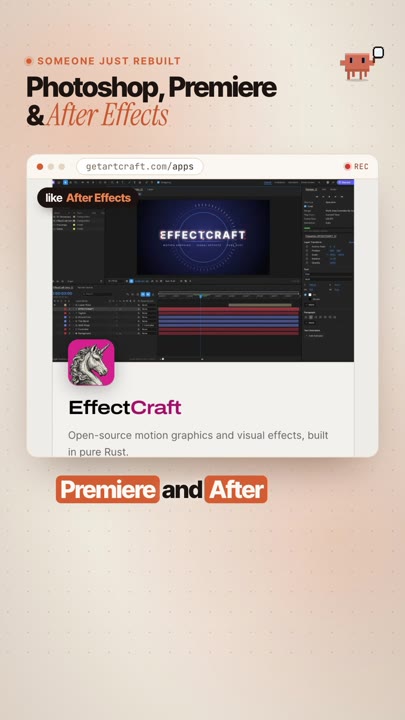
The example from the reel. It shows the "build your own version" idea at full scale.
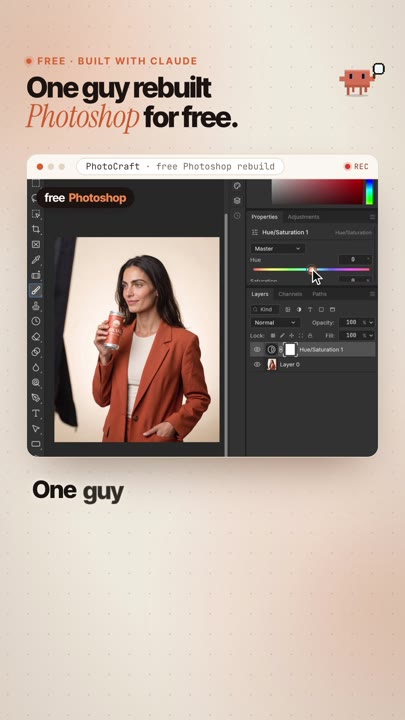
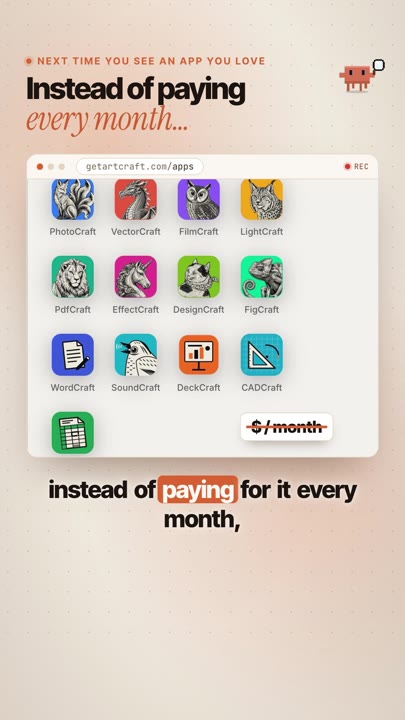
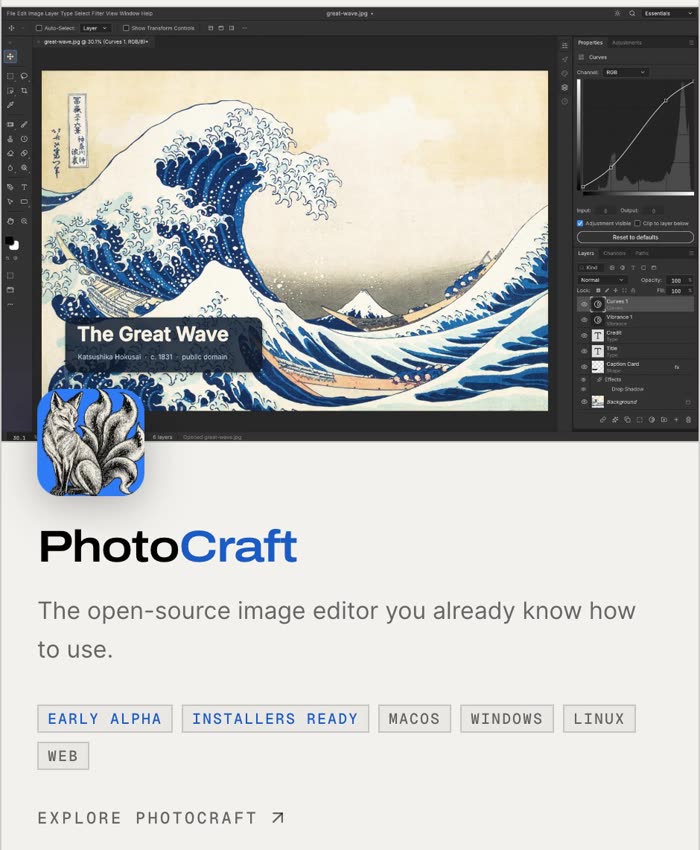
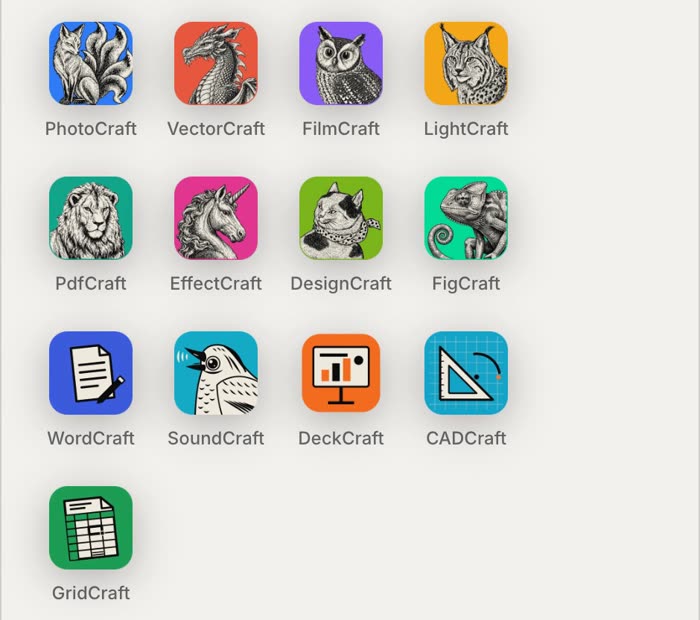
The ArtCraft project (storytold on GitHub) is building free, open-source apps that work like the creative tools people pay for every month. Tom's Hardware reported it as a solo developer rebuilding Adobe's suite in Rust using Claude, and releasing it free to all:
PhotoCraftlike Photoshop, rebuilt in Rust
FilmCraftlike Premiere Pro
EffectCraftlike After Effects
Clean-room means they're built from public specs and observed behaviour only, with no proprietary code. They're free (MIT / Apache-2.0) and still in early alpha: in the team's own words, "not yet a Photoshop replacement for daily professional work".
To be clear: ArtCraft doesn't say it used REA. It's here as proof of the idea, not as an REA result.
✅Only inspect apps you're allowed toYour own apps, open-source apps, or apps whose licence and terms allow it. Many paid apps forbid reverse engineering in their terms, so check first.
🛠Build your own version, not a copyLearn how a feature works, then write it from scratch. Never reuse the original's code, images, icons, text or name.
🔒Don't break locksNo bypassing logins, paywalls, licence checks or copy protection. That's not what this is for.
💼Selling it? Ask a lawyerRules on reverse engineering differ by country. For anything you'll sell, get proper advice. This guide isn't legal advice.
If something goes wrong
Claude doesn't see REA
Restart Claude Code. Still missing? Run npx rea-agents@latest doctor --json and paste the result to Claude.
"npx: command not found" or a Node error
Install Node.js 22 or newer from nodejs.org, open a new terminal and run the setup again.
Native app: no engine found
Native apps need Ghidra (free) plus Java JDK 21. Ask Claude: "help me install Ghidra for REA and check it with doctor".
Mac Electron app stops with "artifact_integrity_mismatch"
Ask Claude to run the analysis again with --integrity-policy record-and-continue.
Something else broke
Update first: npx rea-agents@latest setup, then restart Claude Code and try again.
This is what I do. Check out my work.
I make content, websites and AI tools for brands, with the same kind of AI tools you just saw.
🙌REA by morluto (MIT). ArtCraft by storytold. Ghidra by the NSA (open source). Claude and Claude Code by Anthropic. Photoshop, Premiere Pro and After Effects are trademarks of Adobe.