Free guide · from the reel

Make a kids' story video with Claude, all in code.

Every scene, character and frame of "The Paper Rocket" was written as code by Claude: felt-texture SVG, story words that pop in as they're spoken, and a score synthesized from scratch. Here's the exact workflow, the prompts and the script.

⏱ An afternoon🧩 Free, open-source tools🎬 40-second 16:9 film

What you need

💻Claude CodeIn the Claude desktop app (Code tab) or in a terminal: npm install -g @anthropic-ai/claude-code
🎞HyperFramesFree and open source (Apache-2.0) by HeyGen. It turns HTML into video. Needs Node.js and FFmpeg; npx hyperframes doctor tells you what's missing.
🎙An ElevenLabs accountFor the narrator's voice. The free plan (10,000 credits a month) is fine for testing. To publish the video, the Starter plan adds a commercial license.

The workflow

The trick: record the voice first, then let Claude build every scene to the exact timing of the words.

1

Set up the project

2 commands · in an empty folder

This creates a HyperFrames project and installs its skills, so Claude Code knows how to write video compositions.

Createnpx hyperframes init my-story cd my-story npx hyperframes skills
💡Check your machine first: run npx hyperframes doctor. It lists anything missing (FFmpeg, Chrome, the transcription engine) and the command to install it.
2

Write the story

Claude Code · one prompt

Open Claude Code in the project folder and ask for the script. Keep it short and fast: lots of quick scenes.

Story promptWrite a 40-second kids' story for a video. A simple adventure with one hero, a goal, a big exciting moment and a happy ending. Give me: 1) the narration (max 90 words, starting with "Once upon a time…"), 2) a scene list of 14–16 scenes, 1.5–3 seconds each: what's on screen and what moves. Keep it bright, fast and fun. Save it as script.md.

Want to start from mine? The full Paper Rocket script is further down.

3

Record the voice first

ElevenLabs · then word timings

In ElevenLabs, paste the narration with a direction at the start so the reading has energy, then download the MP3 into the project's assets folder as voice.mp3.

Paste into ElevenLabs[bright, playful, excited storyteller, lively pace] Once upon a time… (your narration here)

Then get the timing of every word. Every scene is cut to these timings.

Word timingsnpx hyperframes transcribe assets/voice.mp3
💡Generate 2 takes and pick the better one. If it's too fast for your scenes, generate a new take rather than speeding up or cutting the audio. It sounds far more natural.
4

Build it in code

The main prompt

This is the prompt that gets the felt-and-paper look, the words popping in on time and the constant movement. Swap in your keyword and call to action at the end.

Build promptBuild my story from script.md as a 16:9 video in this HyperFrames project, 100% in code (HTML + inline SVG + GSAP). The narration is assets/voice.mp3 and the word timings are in the transcript you just made. LOOK — felt and paper craft: - First build a small SVG kit: a "felt" filter (feTurbulence + feDisplacementMap for fuzzy edges, feDiffuseLighting fibre texture multiplied onto the colour, a soft drop shadow), a smoother "paper" filter for backgrounds, dashed cream "stitch" lines inset on felt pieces, and bead eyes with a white highlight. - Build each character from simple felt shapes in separate groups so the head, ears, tail and arms can move. - Bright palette: sky blue, sunshine yellow, coral, teal, grass green; navy for night scenes. TIMING AND MOTION: - One scene per narration phrase. Each scene starts 0.15 s before its first word. - The story words appear inside each scene in a storybook serif (Fraunces), each word popping in exactly when it's spoken. Colour the key words. - Keep everything moving: a slow camera push in every scene, bounces, wobbles, squash and stretch, particles (puffs, confetti, stars), paper scallop wipes between scenes, and a screen shake on the big moment. ENDING: - A paper card on threads that drops in: "Everything you just saw was made by Claude." - Then felt letters spelling YOUR-KEYWORD drop in one by one on threads, and a paper strip slides up with: "and I'll send you … (your call to action)". RULES: one paused GSAP timeline; seeded random only; write every clip's data-start and data-duration in the HTML (don't set them from JavaScript); start pop-ins at scale 0.001 (not 0) and add smoothOrigin: false wherever you use svgOrigin. Then run npx hyperframes check and npx hyperframes snapshot at 15 moments, look at every frame, and fix overlaps and anything off-screen before you render.
5

Music, render, record

The finishing touch

I had Claude compose the music in code too, so there's nothing to license:

Music promptWrite a Python script that synthesizes an original upbeat 120 bpm marimba groove (no samples) that fits the video's length: drop it out for any countdown, hit a crash on the big moment, and add a chime for each keyword letter. Then mix it under assets/voice.mp3 with gentle ducking into assets/mix.wav and use that as the video's audio.
Preview, then rendernpx hyperframes preview npx hyperframes render -o my-story.mp4

For the reel: play the video full-screen on your laptop in a dark room and film the screen with your phone, like in mine.

The script

The Paper Rocket, exactly as narrated, plus the scene list Claude built from.

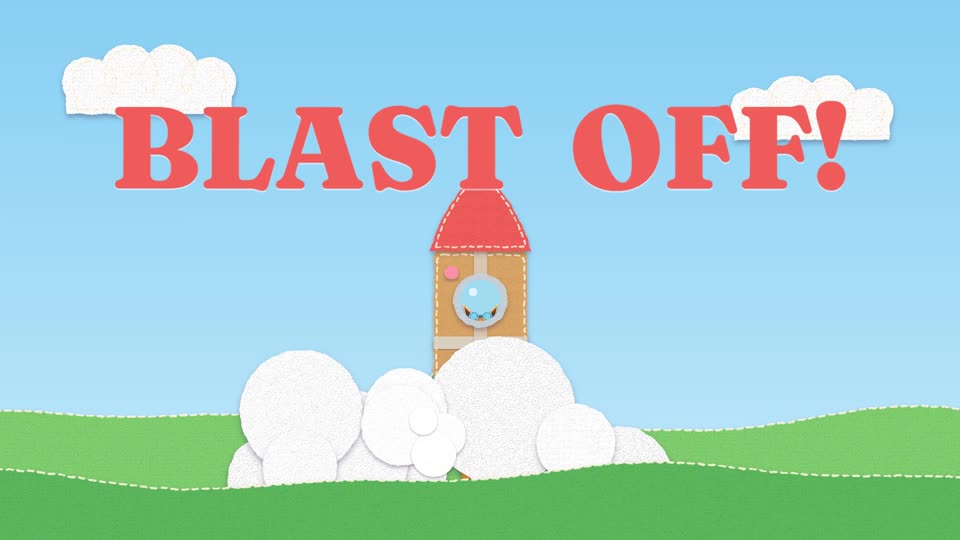
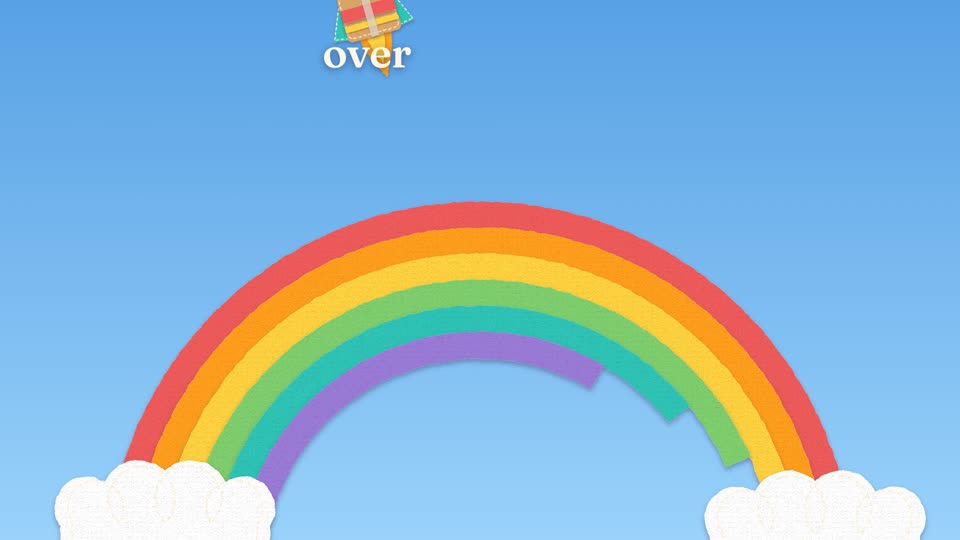
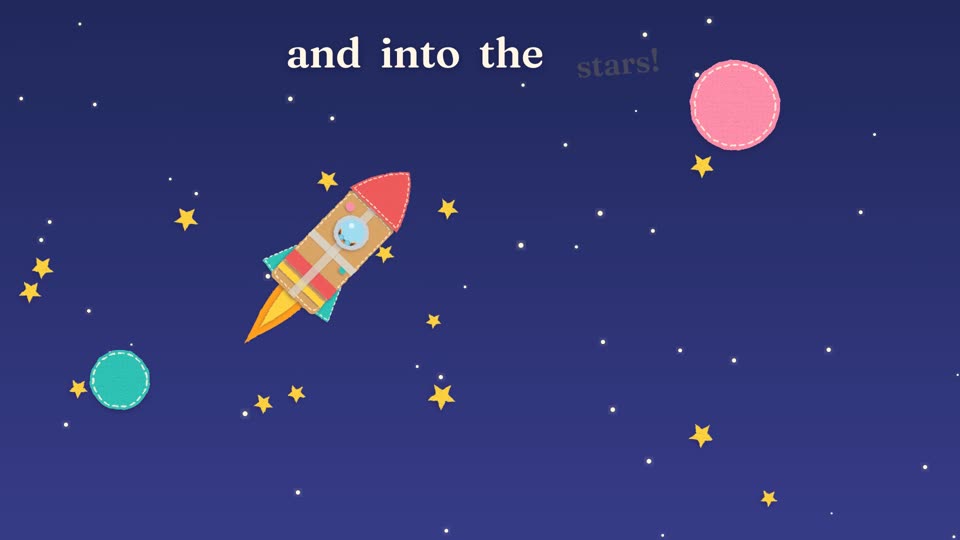
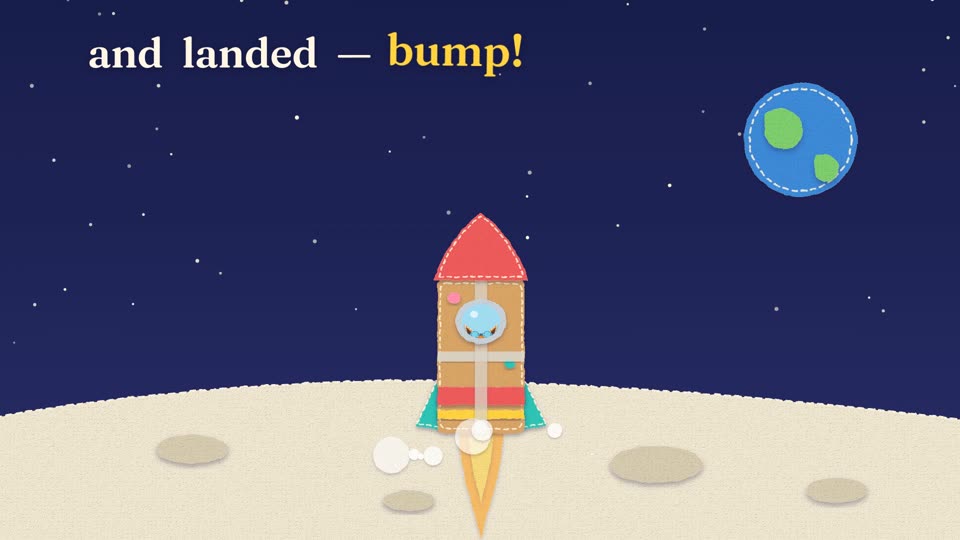
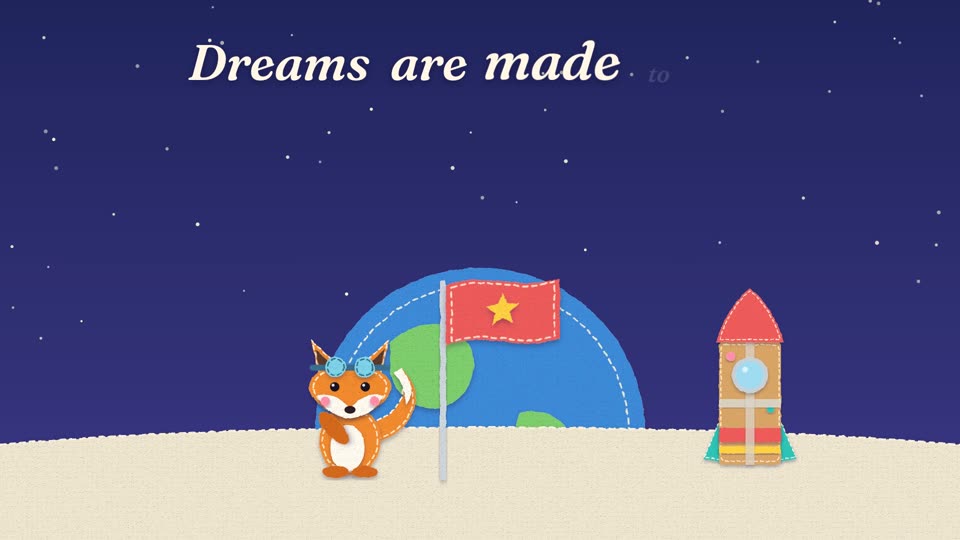
Narration[bright, playful, excited storyteller, lively pace] Once upon a time… a little fox named Pip dreamed of touching the moon. So Pip built a rocket — out of boxes, tape and paint! [building suspense] Three… two… one… [shouting with joy] BLAST OFF! [fast, thrilled] Up past the clouds, through a flock of birds, over a rainbow… and into the stars! [delighted] Pip waved at Saturn… and landed — [playful] bump! — on the moon. [warm, proud] Dreams are made to fly. [friendly, smiling] Everything you just saw was made by Claude. Comment "story", and I'll send you the script, the guide, and how to do this yourself.
The 16 scenes
  1. Title: a felt sun rises, clouds slide in · "Once upon a time…"
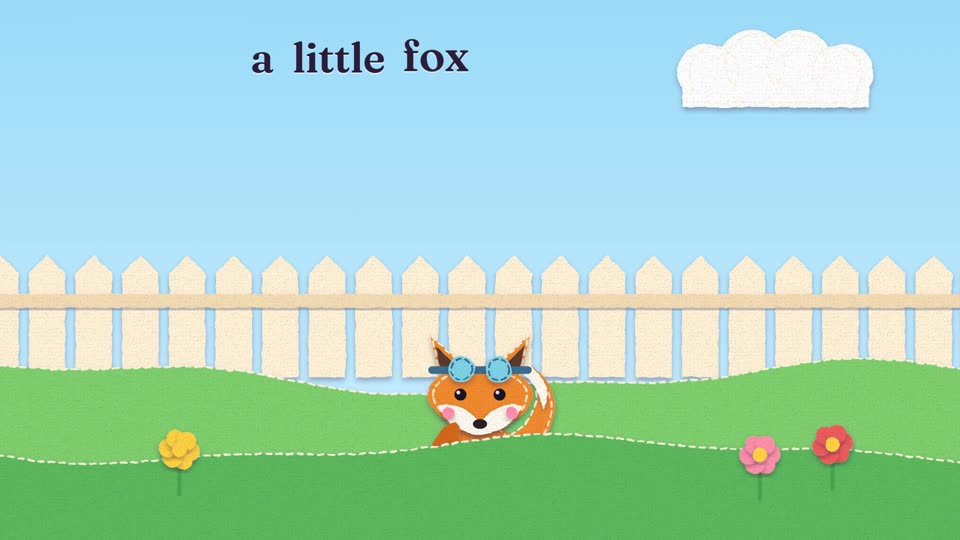
  2. Backyard: Pip pops up behind the fence, tail wagging
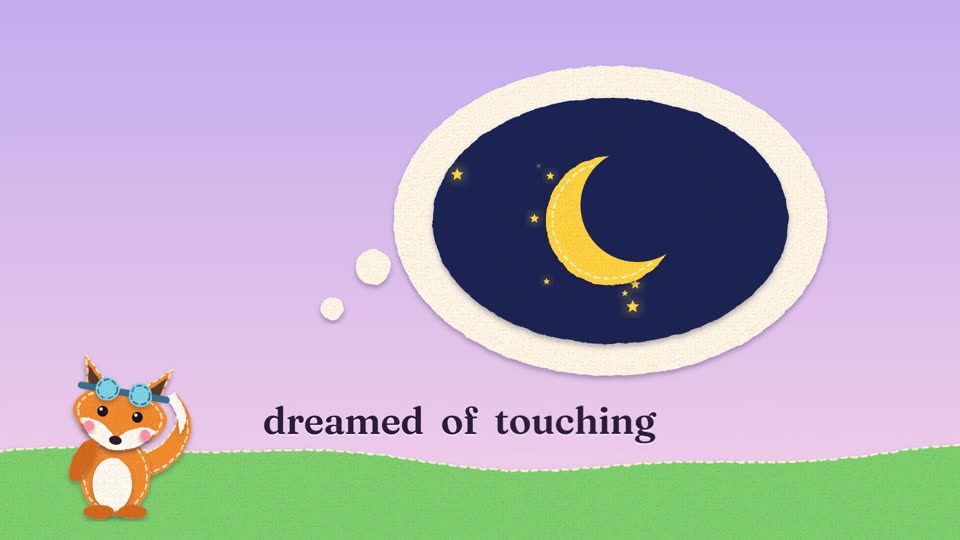
  3. Dream: a thought bubble inflates with the moon inside
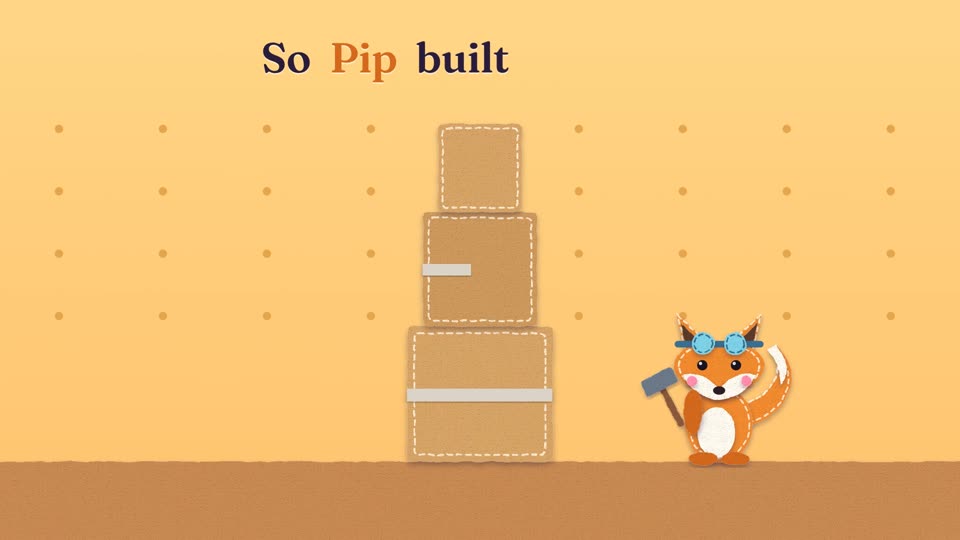
  4. Workshop: boxes fly in and stack, tape zips across
  5. Paint: paint splats pop, the nose cone drops on
  6. Countdown: giant felt 3 · 2 · 1 slam in on red, teal and yellow
  7. BLAST OFF: the rocket launches, smoke puffs billow, the screen shakes
  8. Clouds: clouds rush past, speed lines
  9. Birds: a flock of felt birds flaps by
  10. Rainbow: the arcs draw on, the rocket swoops over
  11. Space: an iris opens to the stars
  12. Saturn: the planet tilts, Pip waves from the porthole
  13. Moon: the rocket lands with a bump, squash and dust
  14. Flag: Pip plants a star flag while Earth rises behind
  15. Card: "Everything you just saw was made by Claude."
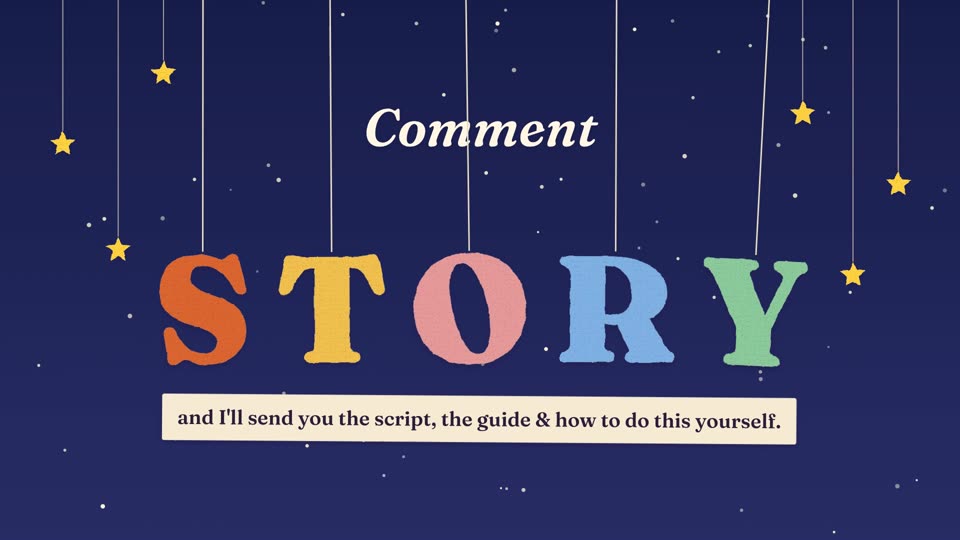
  16. Call to action: felt S-T-O-R-Y letters drop in one by one

If something looks off

A group lands hundreds of pixels away from where it shouldThat's GSAP's origin smoothing. Start the tween at scale: 0.001 instead of 0 and add smoothOrigin: false.
Words cover a characterAsk Claude to snapshot that moment and move the words or the character.
The render is slowNormal: the felt filters are heavy. 40 seconds took about 15 minutes on a MacBook. Use npx hyperframes preview while you iterate.
Scenes drift off the voiceMake sure the scene times come from the transcript. After any new voice take, re-run the transcription and ask Claude to update the scene times.
🙌Credit: HyperFrames by HeyGen (open source, Apache-2.0), animation with GSAP, voice by ElevenLabs, type in Fraunces (SIL Open Font License). Claude by Anthropic.
New storyPrickles: an illustrated bedtime story, drawn from one character sheet and brought to life in code →

This is what I do. Check out my work.

I make content, websites and AI tools for brands, with the same kind of AI tools you just saw.

See my portfolio →
Got a project in mind? paulino@trigonagency.com