What you need
💻Claude CodeIn the Claude app (Code tab) or in a terminal:
npm install -g @anthropic-ai/claude-code🟢Node.jsFor the
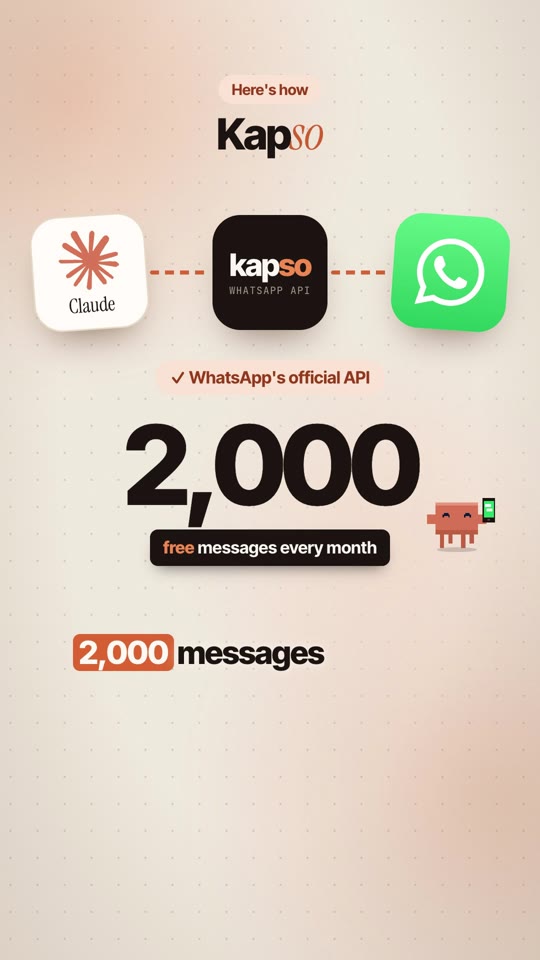
npx command below. Get it at nodejs.org.📱A free Kapso accountAt kapso.com. The free plan includes 2,000 messages a month and 1 connected number.
The setup
Three steps, same as the reel. Test in the sandbox first, then go live.
1
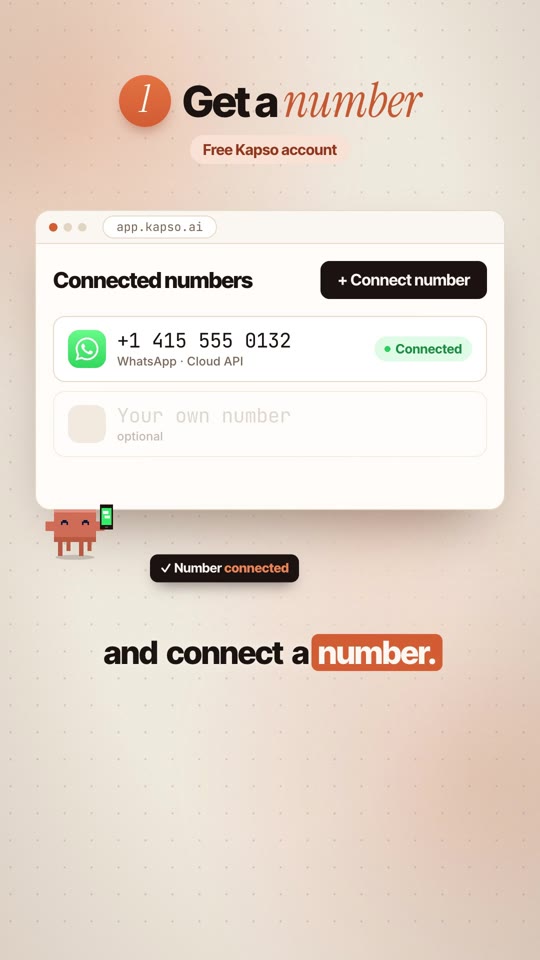
Get a number
Free Kapso account
Sign up, then connect a WhatsApp number from Connected numbers. You can test everything in Kapso's sandbox before you connect a real number.
Open app.kapso.ai ↗- Create an API key in your Kapso dashboard. You need it in step 2.
- The free plan comes with a pre-verified US number you can use to receive the WhatsApp verification code during setup.
2
Add the skills
In Claude Code · one command
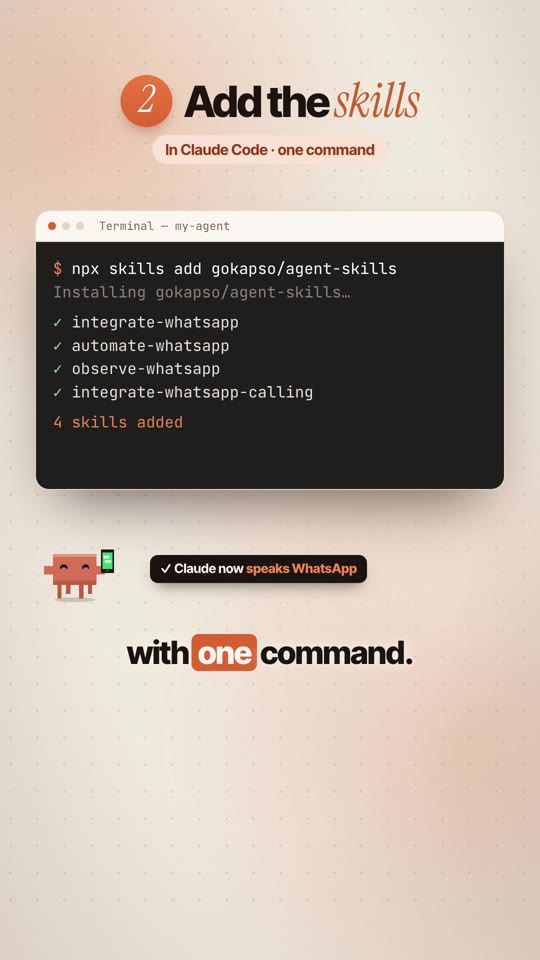
Run this in your project folder. It adds Kapso's WhatsApp skills, so Claude knows how to set it all up for you.
Installnpx skills add gokapso/agent-skills
integrate-whatsappConnect, webhooks, send messages and templates
automate-whatsappWorkflows, agents and functions
observe-whatsappLogs, delivery and error checks
integrate-whatsapp-callingVoice agents and calls
Then add your key (paste your own key where it says so):
Environmentexport KAPSO_API_BASE_URL=https://api.kapso.ai
export KAPSO_API_KEY=paste_your_key_here
💡Keep your key private. Put it in a
.env file and never share it in a screenshot or commit it to GitHub.3
Just ask
Tell Claude what to build
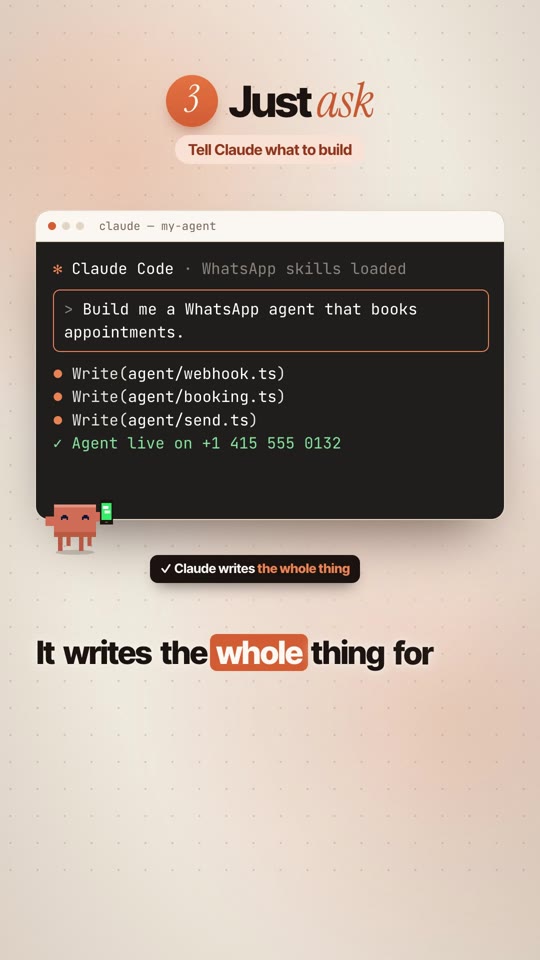
Open Claude Code in the same folder and paste this. Claude asks for your details, then writes the whole thing.
The promptUsing the Kapso WhatsApp skills, build me a WhatsApp agent for my business that answers questions and books appointments. First ask me for my services, prices, opening hours and booking rules. Then set up the webhook, test it in the Kapso sandbox, and show me how to go live on my number.
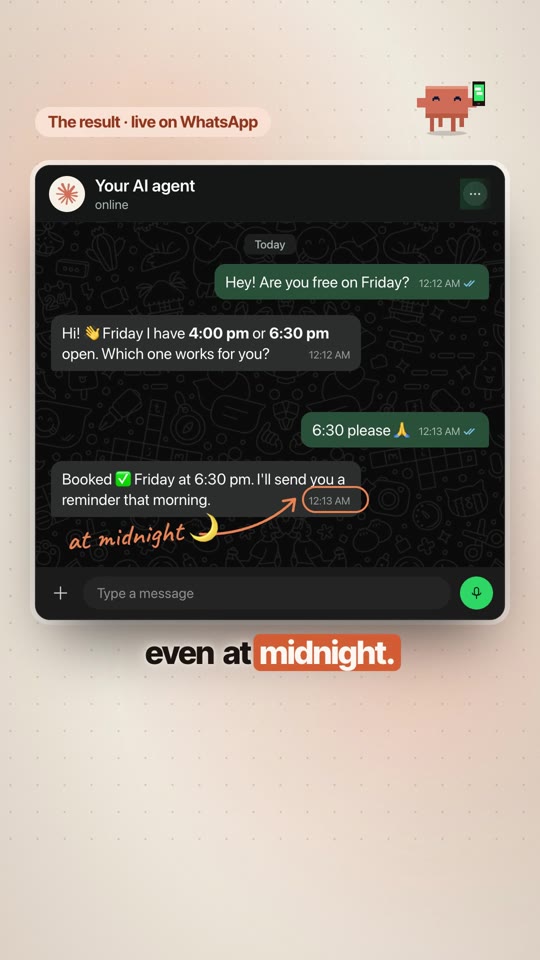
From the reel: someone asks for Friday, the agent offers the open slots and books them in, even at midnight.
More prompts to try
FAQ agentBuild a WhatsApp agent that answers questions about my business from this info: [paste your FAQ]. If it doesn't know the answer, it should say so and pass the chat to me.
Lead captureBuild a WhatsApp flow that asks new contacts for their name, what they need and their budget, then sends me a summary of each lead.
DebugUse the observe-whatsapp skill to check my last 20 messages. Did any fail to deliver? Tell me why and how to fix it.
The rules
Read these before you message anyone.
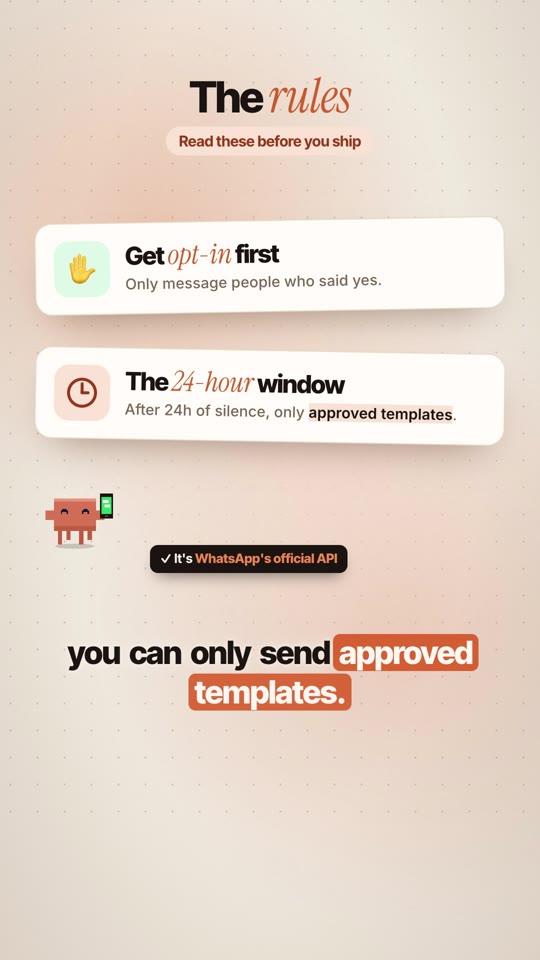
✋Get opt-in firstOnly message people who agreed to hear from you on WhatsApp.
⏱The 24-hour windowYou can reply freely within 24 hours of the customer's last message. After that, you can only send approved message templates.
💸Two kinds of costKapso's free plan counts every message, incoming and outgoing, toward the 2,000. Meta bills template messages separately.
🧪The skills are newKapso marks them as alpha. Test in the sandbox before you go live.
If something looks off
| Claude doesn't use the skills | Run Claude Code from the folder where you ran npx skills add, or mention "the Kapso WhatsApp skills" in your prompt. |
| 401 / unauthorized | Check that KAPSO_API_KEY is set in the same terminal you start Claude from. |
| Messages don't arrive | Ask Claude to run the observe-whatsapp checks. Outside the 24-hour window, only templates go through. |
🙌Credit: Kapso and the agent skills by gokapso (github.com/gokapso/agent-skills). Claude by Anthropic. WhatsApp is a trademark of Meta.